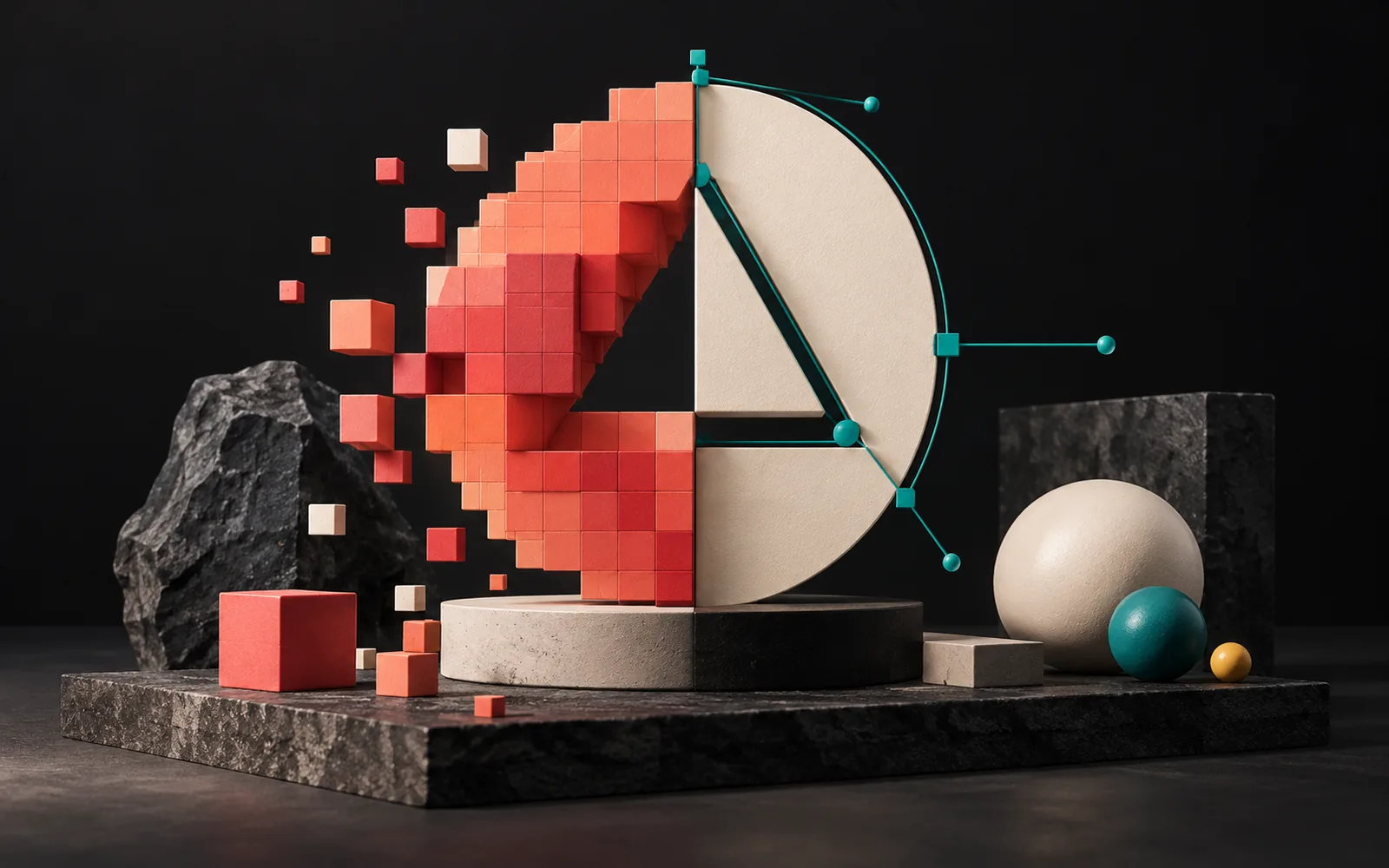
Here is the difference between vector and raster images in short: raster images consist of tiny colored dots (pixels) and get blurry as you enlarge them. Vector images, by contrast, use mathematical lines and curves, so you can scale them to any size without losing quality. Photos should be raster; logos should be vector. That's because the same logo ends up on a business card one day and on a vehicle wrap or a trade show booth the next.
In short
- A raster (bitmap) image is made of pixels: JPEG, PNG, GIF, TIFF, PSD.
- A vector image is made of lines and curves: SVG, AI, EPS. A PDF can be either, depending on what's inside.
- Raster suits photos; vector suits logos, icons and designs that contain text.
- If you don't have a vector master file of your logo, every new print job will cause problems.
- "Opening a JPEG in Illustrator and saving it" does not turn it into a vector.
What are vector and raster images?
A raster image (also called a bitmap) is made of thousands of small squares in a grid, called pixels. Each pixel has one color. For example, every photo you take with your phone is raster. The number of pixels it contains limits its quality. As Adobe puts it, a raster image looks blurry or pixelated when you enlarge it.
A vector image contains no pixels. Instead, the file stores points and the lines and curves that connect those points, in other words mathematical definitions. When you enlarge the image, the computer redraws those definitions at the new size. As a result, the edges stay sharp at any size.
How does it work? A simple analogy
Think of a raster image as a mosaic. From a distance you see the picture; up close the individual tiles appear. If you want a bigger mosaic, you have to make the tiles bigger too, and the picture starts to look coarse.
A vector image, on the other hand, is more like a recipe: "Start at this point, follow this curve to that point, fill it with navy." With that recipe you can draw something the size of a postage stamp or the size of a building facade, and the result is just as sharp.

Which file types are vector and raster images?
| Raster | Vector | |
|---|---|---|
| What it's made of | Pixels | Points, lines and curves |
| Common file types | JPEG (.jpg), PNG, GIF, TIFF, PSD | SVG, AI, EPS |
| When enlarged | Gets blurry and pixelated | No loss of quality |
| Best used for | Photos, textures, detailed shading | Logos, icons, illustrations, graphics with text |
| Editing | Photo editing software | Vector drawing software |
| File size | Grows with resolution | Usually small |
Two important notes:
- PDF is a container; it can hold vector content, raster content or both. As Adobe points out, when you save a PDF from a photo editing program, it comes out as raster. So "I sent you a PDF" does not mean "I sent you a vector."
- SVG, meanwhile, is the vector format for the web. MDN defines SVG as an XML-based markup language for describing two-dimensional vector graphics, developed by the W3C since 1999. When you use SVG on your website, your logo looks crisp on high-resolution screens too.
What it means for your business: why your logo should be a vector
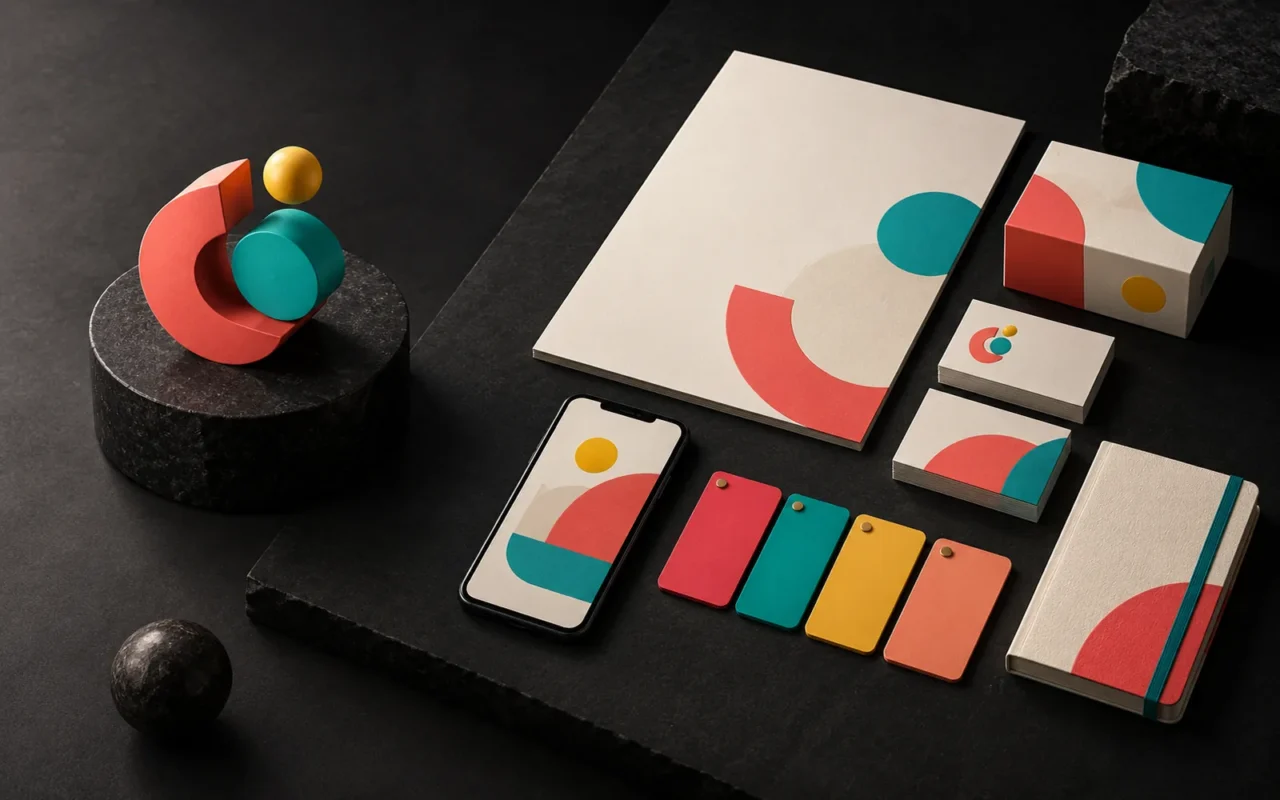
Your logo is the one image your business uses everywhere. The same logo shows up on:
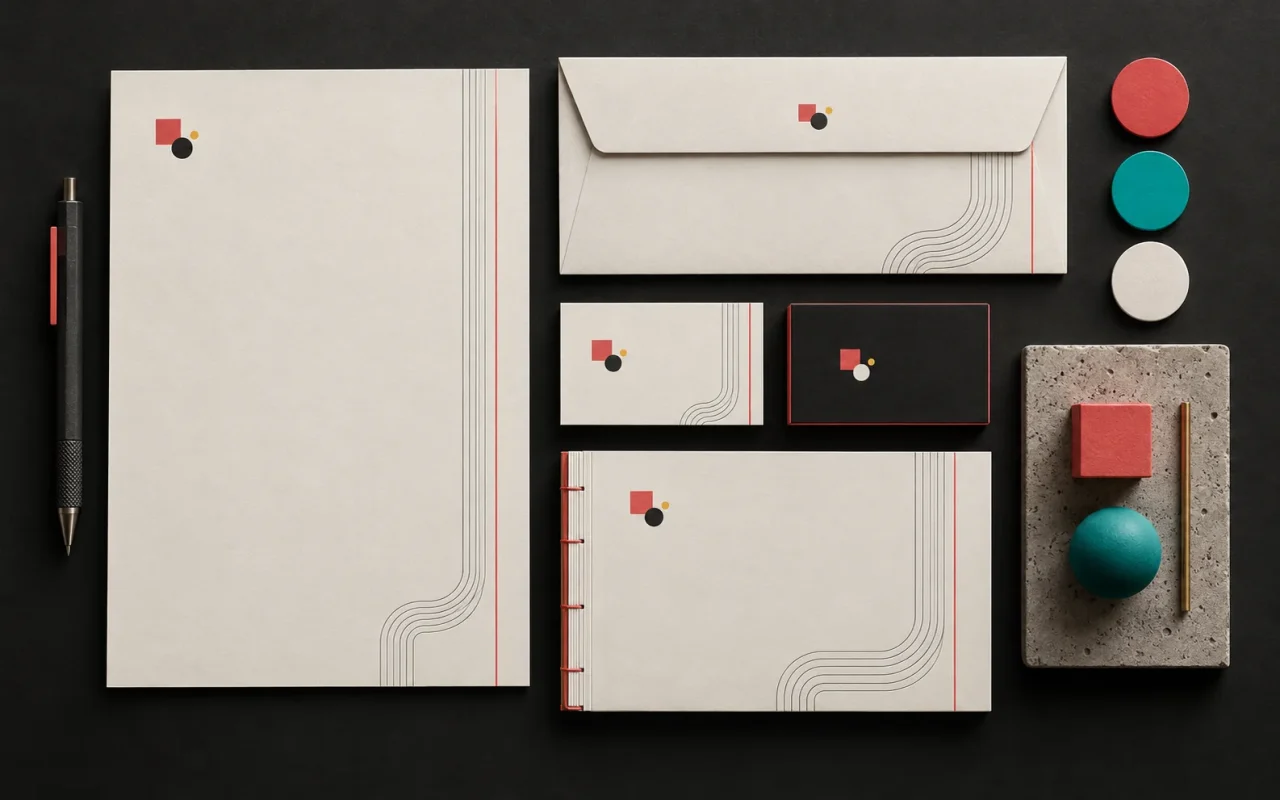
- Business cards, letterhead and envelopes
- Your website, social media profiles and email signature
- Packaging, labels and product catalogs
- Signage, vehicle wraps and trade show booths
- Embroidered workwear and promotional products
Different suppliers produce most of these: the print shop, the sign maker, the embroidery workshop, the laser cutter. Many of them need a vector file for production. In jobs like vinyl cutting or laser cutting, for instance, the machine follows a line; an image made of pixels doesn't give it a cutting path directly.
If all you have is a small PNG of your logo, one of these scenarios plays out with every new job:
- The supplier accepts the file, and the result comes out blurry with jagged edges.
- The supplier "redraws" the logo. Since every company makes its own interpretation, different versions of your logo start circulating over time.
- You pay a designer to redraw it every time, paying again for the same work.
The second scenario is the most insidious for brand consistency. As we explained in our article on corporate identity design essentials, an identity draws its strength from consistency.
When is raster the right choice?
Vector isn't the answer to everything. Artists create photos, natural textures, soft-blended digital paintings and realistic product images as raster, and they should stay that way. In fact, trying to convert a photo to vector usually loses detail.
What matters is that a raster image has enough resolution for the size it will be used at. For example, a photo that is fine for a small news image on the web may fall short in a brochure or on a poster. In short:
- Logos, icons, pictograms, maps, diagrams, graphics with text → vector
- Photos, textures, realistic images → raster at sufficient resolution
- Brochures, catalogs, packaging → usually a combination of vector and raster images
Common mistakes
- Opening a JPEG in a vector program and saving it as AI or EPS. The file extension changes, but the image inside is still pixels.
- Downloading the logo from your website and using that. After all, the image on the site is usually a small raster file.
- Using an automatic vectorization (trace) result without checking it. Automatic tools round off corners and can distort letters; especially with logos that contain text, a designer needs to fix the result.
- Sending files without converting the fonts. If the other party's computer doesn't have the same font, the text in the logo may look different. That's why the designer should convert text to outlines in the delivery file.
- Having only one color version. You need separate versions for dark and light backgrounds, plus one for single-color printing.
What should you ask for when you receive your logo?
When a designer creates your logo, the delivery package should include at least:
- A vector master file (AI, EPS or vector PDF) and an SVG for the web
- PNG versions (with transparent background) for the web and social media
- Full-color, single-color (black) and reversed (light) versions
- Color codes (separately for print and screen) and the typefaces used
This package lets you use your logo at the same quality no matter which supplier you work with in the future. If you're curious how a logo relates to an identity system, take a look at our article on why brand identity matters. To learn how to hand over logos and images for your website, our article on what to check before having a corporate website built can also help.
Our experience
In our brand and identity projects, we draw the logo as a vector from the start, and the delivery package includes the vector master file, an SVG for the web, and full-color, single-color and reversed versions for different backgrounds. However, if a client only has a low-resolution logo, we prefer to redraw it by hand rather than auto-trace it, and to compare the result with the original together with the client. On the digital drawing and illustration side, we work in raster when a job needs photographic realism and in vector when it needs to scale.
Frequently asked questions
Can I convert my JPEG logo to vector?
Technically, automatic tools can convert it, but the result is usually not clean: corners get rounded and letters get distorted. For professional use, the most reliable approach is to have a designer redraw the logo as a vector.
What is the difference between PNG and SVG?
PNG is a raster format; it supports transparent backgrounds but has a fixed pixel size. SVG is vector and looks sharp at any size. For logos and icons on your website, SVG is the right choice; for photos, raster formats such as JPEG or PNG are.
Why does my print shop ask me for a vector file?
A vector file is the safest option for getting sharp-edged elements like logos and text to print cleanly. In addition, print shops prepare some finishes, such as die cutting, embossing and foil stamping, directly from vector lines.
What software do I need to open a vector file?
Browsers can open SVG files. To edit files like AI and EPS, you need vector drawing software. If you won't be editing your logo yourself, it's enough to store the files somewhere safe and pass them on to your suppliers.
Conclusion
In the end, vector and raster images aren't rivals; they're two tools designed for different jobs. Your photos should be raster, and your logo should be vector. Having a vector master file of your logo saves time, money and brand consistency on every new print and production job.
If you're not sure whether your logo or identity files are complete, take a look at our brand and corporate identity and packaging and print design services, or write to us.
Learn more on Grafik Sanat (in Turkish): Visual explanations and quizzes on this topic → grafiksanat.com.tr/terim/vektor-raster
Sources3
- Adobe — Raster vs. vector adobe.com
- MDN Web Docs — SVG: Scalable Vector Graphics developer.mozilla.org
- Wikipedia — Logo (notes on scaling and simplicity) en.wikipedia.org