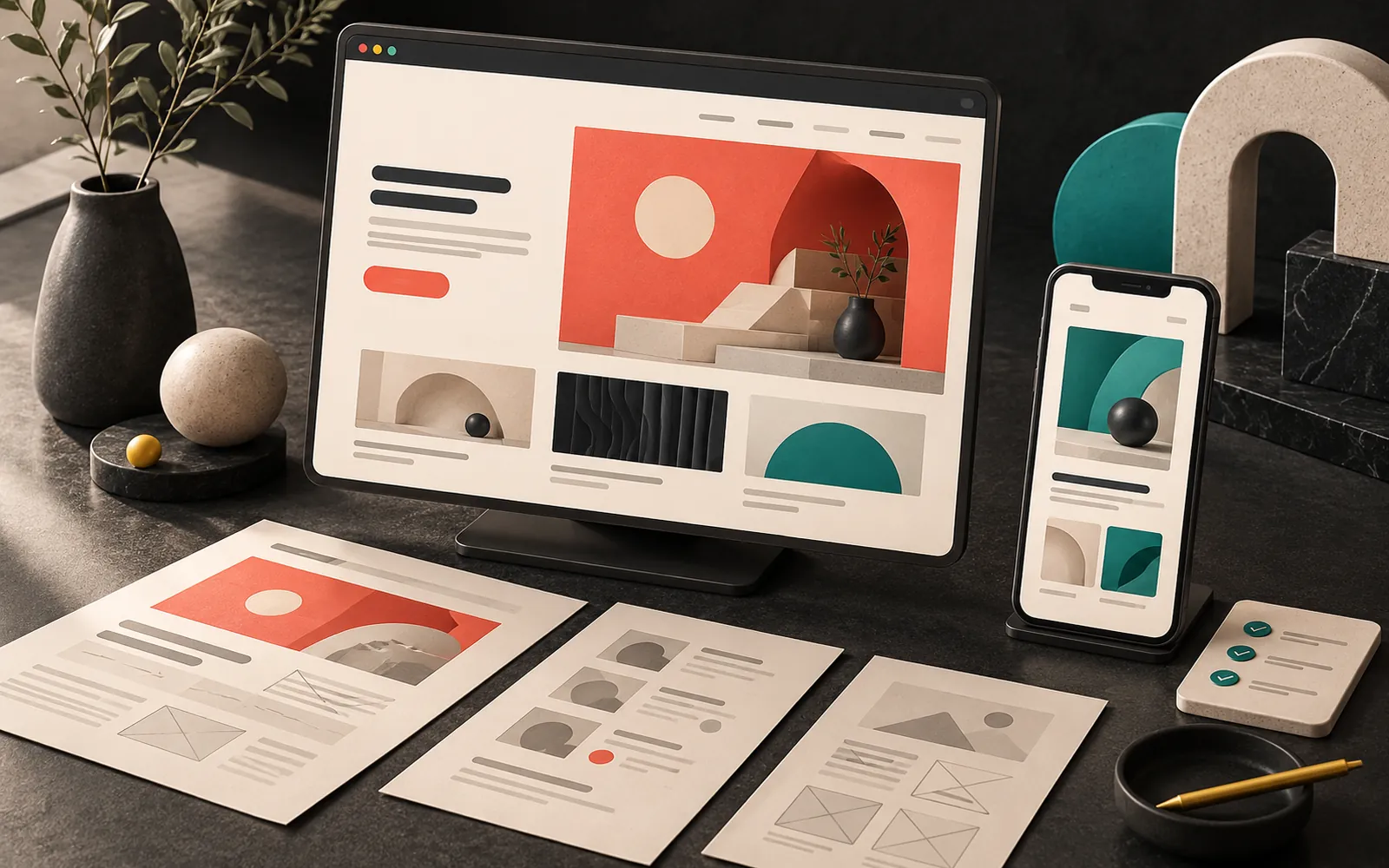
The most important thing to settle before you commission a corporate website is what the site is for: should it bring in phone calls, get people to fill in a quote form, or give your dealers product information? Once that answer is clear, you need to work through content, domain and account ownership, mobile speed, SEO, legal obligations and maintenance, in that order, before you ask for quotes. Below, we explain one by one the questions a business owner should ask an agency before having a corporate website built.
In short
- Start by defining the site's purpose and a measurable goal (calls, form submissions, quote requests).
- The domain, hosting and admin accounts should be in your company's name and under your control.
- Google evaluates sites primarily by their mobile version; plan speed and mobile usability from the start.
- The privacy notice and cookie consent required under Turkey's data protection law are part of the project, not a detail to add later.
- Compare quotes on scope, ownership and post-launch maintenance, not on price alone.
1. What is the site for? Write down the goal first
"We should have a website" is not a goal. A corporate site's contribution to your business can only be measured against a clear purpose. Before you ask for quotes, answer these questions with your own team:
- What should visitors do when they arrive? Call you, message you on WhatsApp, fill in a quote form, download a catalog, find your store?
- Who are you building it for? End consumers, corporate buyers, dealers, investors and job applicants are not looking for the same information.
- Which questions should it answer? Write down the five questions your customers ask most often on the phone. A good corporate site answers them at first glance.
These goals shape every decision, from page structure to where the buttons go. They also let the agency prepare a more accurate scope and quote.
2. Who will prepare the content?
The most common cause of delay in web projects is not design or development but content: copy, product information, photos, client lists, certificates. Discuss the following before you sign:
- Sitemap: Which pages will there be (home, about, services, a separate page for each service, projects, contact)?
- Copywriting: Will you supply the copy, or will the agency write it? If the agency writes it, is that included in the scope or billed separately?
- Images: Do you have product and team photos? If not, will there be a photo shoot, or will stock images be used? Who is responsible for the license terms of stock images?
- Languages: If you need a second language, who will translate it, and who will keep the translations up to date?
A separate page for each service helps visitors find what they are looking for quickly and helps search engines match your pages to the right topic.
3. Whose name are the domain, hosting and accounts in?
This section looks technical, but it is really about ownership. Losing access to your own site when a business relationship ends is one of the most expensive problems you can run into.
- The domain name should be registered in your company's name. Domains ending in
.tr, such as.com.tr, are allocated through Turkey's .tr domain registry (TRABİS) via accredited registrars. You can check the registration details on TRABİS's lookup page. - The hosting account should be opened in your name, or at the very least the login details should be handed over to you.
- Admin accounts: You should hold owner permissions on accounts such as the content management system, Google Search Console and Google Analytics. The agency can work with a separate user assigned to it.
- Source files: The terms for handing over the logo, design files and any custom-developed code should be written into the contract.

4. Platform: ready-made template, WordPress or custom software
The platform determines who can update your site after launch, and how easily. Broadly, there are three routes:
| Option | When it fits | What to watch for |
|---|---|---|
| Hosted site builder (subscription platforms) | Very small sites that need to go live quickly | Platform lock-in; migration and customization may be limited |
| Content management system (e.g. WordPress) | Most corporate sites, sites where content is added regularly | Plugin and theme updates must be done regularly |
| Custom software | When the site needs its own business processes, a panel or integrations | Development and maintenance cost; the code must be documented |
Whichever route you take, ask the agency: "After launch, will I be able to change a piece of text or a photo myself, and how?" If the answer is vague, you will depend on someone else for every small change.
5. Plan mobile usability and speed from the start
A large share of your visitors will reach your site from a phone. Google takes this into account: according to Google Search Central, Google uses the mobile version of a site for indexing and ranking (mobile-first indexing).
To measure speed, look at Google's three metrics known as Core Web Vitals:
- LCP (Largest Contentful Paint): How long it takes for the largest piece of content on the page to appear.
- INP (Interaction to Next Paint): How quickly the page responds when you tap a button. INP replaced the older FID metric on 12 March 2024.
- CLS (Cumulative Layout Shift): How much the content shifts around while the page loads.
Huge background videos, dozens of fonts and unnecessary animations may look good at the design stage, but a site that is slow on a phone can make visitors leave before they find what they came for. When you are collecting quotes, ask the agency, "What do you do for mobile speed?" and expect a concrete answer.
6. SEO isn't added later; it's built into the structure
Search engine optimization (SEO) is often treated as "something to do once the site is finished." In fact, the key decisions are made at the design stage:
- Each service should have its own descriptive address (URL). Google's starter guide also recommends using words in URLs that are meaningful to users.
- Each page should have its own clear title and description.
- Images should be reduced in file size and have alternative text (alt) written for them.
- If you have an existing site, plan redirects from the old addresses to the new ones (301 redirects); otherwise the visibility you have built up may be lost.
A word of caution: Google's own guide says there is no guarantee that any site will be indexed, and that changes can take anywhere from a few hours to several months to have an effect. Be wary of promises like "We'll get you to the top spot in a month."
7. Legal obligations: data protection, privacy notice and cookies
Any site with a contact form, or one that uses analytics or advertising tools, processes personal data. Under Turkey's Personal Data Protection Law (PDPL, Law No. 6698), the following should therefore be planned:
- Privacy notice: A text explaining the purposes for which data collected through the form is processed.
- Cookie management: The Guide on Cookie Practices published in 2022 by the Personal Data Protection Authority (KVKK) explains that, for cookies other than strictly necessary ones, explicit consent should in most cases be the legal basis. This means analytics and advertising cookies should not run before the visitor gives consent.
- What the texts say: The privacy and cookie texts should reflect your business's actual data processing. We recommend getting support from a lawyer for these texts; the agency's job is to implement them on the site correctly and in working order.
8. Accessibility: can everyone use it?
Accessibility means that users with visual, hearing or motor impairments can also use your site. The international reference is W3C's WCAG guidelines; the latest version, WCAG 2.2, was published on 5 October 2023. A few simple but effective examples:
- The contrast ratio between normal text and its background should be at least 4.5:1 (3:1 for large text).
- Images should have alternative text that conveys their meaning.
- Form fields should have clear labels, and the site should be navigable with a keyboard.
These rules also make life easier for anyone looking at a phone in daylight.
9. Security, backups and maintenance: what happens after launch?
The work isn't over when the website goes live. Questions to ask:
- Will an SSL certificate (the padlock in the address bar,
https://) be installed, and who will renew it? - Who will handle software, theme and plugin updates, and how often?
- Where are the backups kept, and has a restore been tested?
- When something goes wrong, whom do you contact, and through which channel?
If maintenance does not appear as a separate line item in the quote, be sure to ask about it. A "build it and hand it over" model can leave you, a few years later, with a site that has never been updated and has security holes.
10. How should you compare quotes?
If two quotes describing the same job differ greatly in price, the scope is usually different. You can use this table when comparing quotes:
| Question | Why it matters |
|---|---|
| How many pages, and which ones, are in scope? | "Corporate site" means something different to everyone |
| Is copy and image production included? | Content is the item that causes the most delays |
| Is the design custom or a ready-made theme? | Fit with your brand identity and originality |
| Whose name are the domain, hosting and accounts in? | Access to your site if the relationship ends |
| Are mobile speed and SEO basics in scope? | Fixing them later costs more |
| How will the privacy texts and cookie consent be handled? | Legal obligation |
| How many rounds of revisions are included? | Control over time and budget |
| Is there post-launch maintenance and support? | Security and continuity |
Also look at sites the agency has built that are still live, on your phone: Do they load quickly? Can you easily find what you are looking for?
Corporate websites and brand identity
Your website is often the first point of contact with your brand. If your logo, colors and typefaces are not settled, the web design has to make those decisions too, and the process takes longer. If you don't have an identity system yet, you may want to read our articles on why brand identity matters and what to consider in corporate identity design first.
Our experience
In our web projects, we write down the goal, the target audience and the page structure together with the client before we start designing. We plan a separate page for each service and keep direct contact actions such as phone and WhatsApp visible on the first screen on mobile. As standard practice, we make sure the domain, hosting and admin accounts are in the client's name and that all access is handed over to the client at delivery. We use WordPress for most corporate sites because content management is easy; when a project needs something different, we recommend custom software.
Frequently asked questions
How long does it take to build a corporate website?
It depends on the number of pages, whether the content is ready, whether custom design or development is needed, and the number of revisions. The biggest factor is often whether the content is delivered on time. Ask the agency for a step-by-step schedule when you request a quote.
Is it a problem if the agency registers the domain?
The agency can handle the process on your behalf; what matters is that the registration is in your company's name and that the management details are handed over to you. If the domain is registered in the agency's name, transferring it may become difficult if you later want to work with another firm.
Is using a ready-made theme a bad choice?
No. A ready-made theme can make sense for budget and timeline. What matters is that the theme is kept up to date, isn't bloated with unnecessary plugins, and is adapted to your brand identity. Also consider the risk of being confused with other sites that use the same theme.
Will the site show up on Google right after launch?
Not right away. It takes time for Google to discover, crawl and index the site; ranking depends on content, technical structure and competition. Adding your site to Google Search Console and submitting a sitemap makes discovery easier.
Is a maintenance agreement really necessary?
If your site runs on a content management system, regular updates to the software and plugins are necessary for security. Your own team can do this, or you can hand it over through a maintenance agreement. What matters is that someone is responsible for it.
Conclusion
A good corporate website is more than a nice design. The site really works when a clear goal, content delivered on time, accounts that belong to you, a fast and clear mobile structure, forms that meet legal obligations, and regular maintenance are all considered together. You can use the questions in this article as a checklist before you request quotes.
If you'd like to define the scope of your corporate site together, take a look at our web design and WordPress development services, or get in touch with us.
Update (October 2026): The Personal Data Protection Authority (KVKK) has published a new edition of the Guide on Cookie Practices, dated July 2025. We recommend reviewing the cookie banner and cookie text on your site against the current edition.
This article is for general information only and is not legal advice.
Sources7
- Google Search Central — Mobile-first indexing best practices developers.google.com
- web.dev — Interaction to Next Paint becomes a Core Web Vital on March 12 web.dev
- Google Search Central — SEO Starter Guide developers.google.com
- TRABİS — ".tr" Ağ Bilgi Sistemi [".tr" Network Information System] trabis.gov.tr
- Kişisel Verileri Koruma Kurumu — Çerez Uygulamaları Hakkında Rehber [Personal Data Protection Authority — Guide on Cookie Practices] (July 2025 edition; first version 2022) kvkk.gov.tr
- W3C WAI — What's New in WCAG 2.2 w3.org
- W3C WAI — Understanding SC 1.4.3 Contrast (Minimum) w3.org