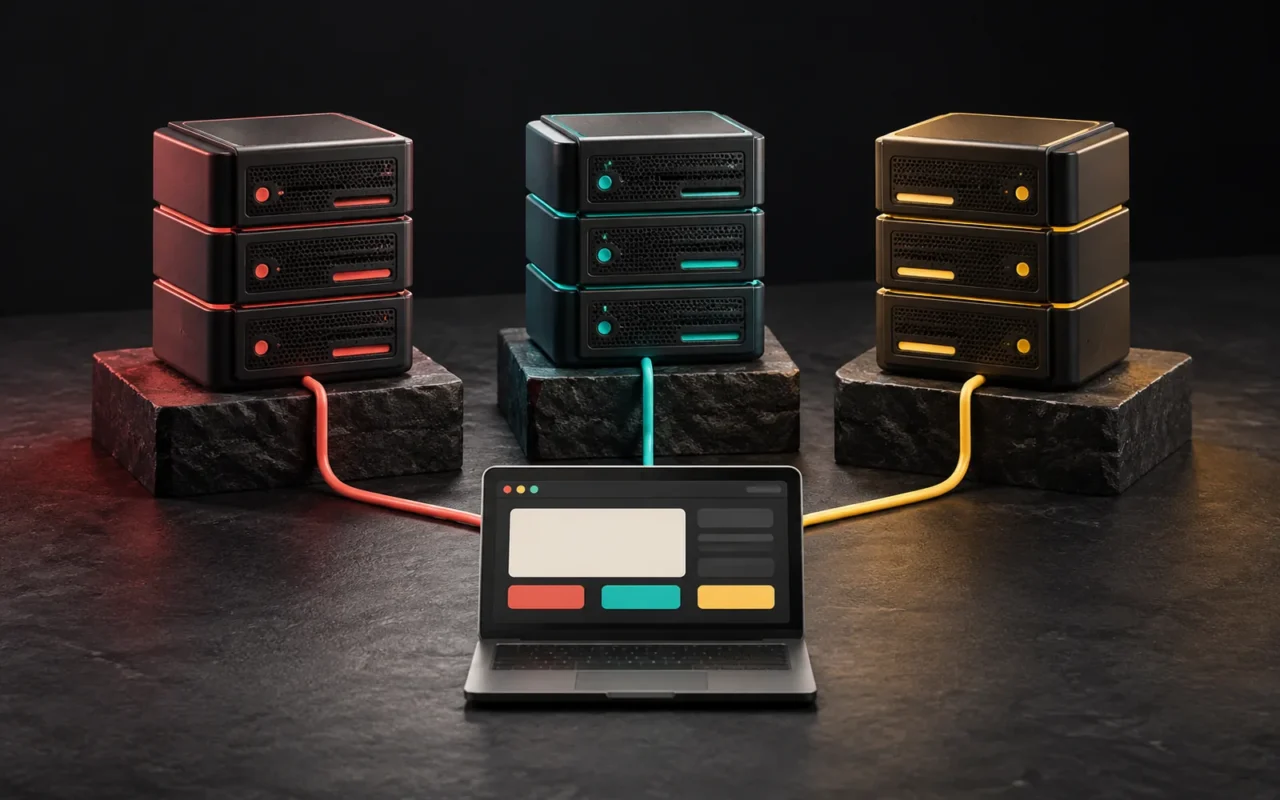
Memcached is a simple, high-performance key-value caching system that temporarily keeps frequently used data in the server's memory (RAM). Its goal is to do one job well: speed up dynamic web applications by briefly storing the results of database queries or heavy computations. It offers fewer features than Redis, but that simplicity still makes it a valid choice for pure caching work.
In short
- Memcached is a distributed, in-memory key-value cache. It was developed in 2003 for LiveJournal.
- It stores values as byte strings that are opaque to the server. There are no data types such as lists or sets.
- When memory fills up, it evicts the least recently used data (LRU).
- Servers don't talk to each other. The client decides which data lives on which server.
- Memcached suits pure caching; Redis is a better fit if you need data types, persistence or queues.
What is Memcached?
Memcached was developed by Brad Fitzpatrick in 2003 for the LiveJournal website. Its official site describes it as a "high-performance, distributed memory object caching system." Its purpose is to speed up dynamic web applications by reducing database load. It is open-source software distributed under the BSD 3-Clause license.
The world of Memcached is very simple. An item consists of:
- a key (e.g.
product_list_category_12), - an expiration time (TTL),
- optional flags,
- and the raw data.
The server doesn't care what the data it stores actually is. Your application has to convert (serialize) the data into text or a byte string beforehand. The operations you can perform on the data are limited too: set, get, delete, replace, and increment or decrement numeric values.
How does Memcached work?
The flow is the same as the caching flow we described in our post on Redis:
- The application needs some data and asks Memcached first.
- If the data is there, it uses it directly.
- If not, it reads from the main database and writes the result to Memcached for a while.
- On the next request, the data comes from memory.
What sets Memcached apart is how it works with multiple servers. According to the official documentation, Memcached servers are independent of one another. They don't communicate, synchronize data or replicate. A client-side library decides which key is stored on which server using a hashing algorithm. As a result, adding a new server directly increases cache capacity.

What happens when memory fills up?
By default, Memcached is an LRU (Least Recently Used) cache. When memory is full, the items that haven't been accessed for the longest time are evicted to make room for new data. Items also become invalid when their own expiration time runs out.
This means there is no guarantee that anything you write to Memcached will stay there. Laravel's documentation says so explicitly: when using the Memcached driver, even items stored "forever" may be removed once the cache reaches its size limit. That's why only data that can be regenerated should go into Memcached.
Another limit is item size. According to Memcached's documentation, the default maximum item size is 1 MB. It can be changed with the -I option, but large values increase memory usage.
Is Memcached persistent?
Not in the classic sense. Memcached is a cache, and its contents are lost when the server restarts. This is part of the design.
Newer versions have two features that partially soften this:
- Warm restart: In Memcached 1.5.18 and later, cache contents can be preserved through a memory file during a planned restart. However, writes and deletes that arrive while the server is down are missed, and if certain settings change, the cache starts empty.
- Extstore: Compiled in by default from 1.6.0 onward, this extension keeps keys in memory while moving values to external storage (usually flash disks), making larger caches possible.
None of this turns Memcached into a database. For data where persistence matters, Redis's RDB and AOF options, or simply the main database, are the right place.
Differences between Memcached and Redis
| Feature | Memcached | Redis |
|---|---|---|
| Core model | Simple key-value cache | Data structure server (key-value and more) |
| Data types | Raw values only (string) | String, hash, list, set, sorted set, stream and more |
| Operations on data | Set, get, delete, increment/decrement | Rich type-specific commands, atomic operations, scripts |
| Persistence | None (limited protection with warm restart) | RDB, AOF, both or none |
| Replication | None; servers are independent | Yes (primary and replica servers) |
| Distribution | Client-side hashing | Redis Cluster or client-side |
| Threading model | Multithreaded (4 worker threads by default) | Commands run mostly on the main thread; multiple instances are recommended for multiple cores |
| Default maximum value | 1 MB (configurable) | 512 MB (single string) |
| When memory is full | Evicts old items via LRU | Depends on maxmemory and the chosen eviction policy |
| License (August 2025) | BSD 3-Clause | Redis 8 and later: RSALv2, SSPLv1 or AGPLv3 |
| Best use | Pure, temporary caching | Caching, sessions, queues, counters, leaderboards, messaging |

Which one should you choose?
Memcached may make sense if:
- All you need is to briefly store database query results or computed page fragments,
- You want a simple solution that needs little configuration,
- Losing the cached data causes no problems at all,
- You want to make efficient use of a single multi-core server with a single process.
Redis may make more sense if:
- You also want to keep sessions, job queues, counters or leaderboards in the same place,
- Data needs to survive a restart,
- You want redundancy through replica servers (replication),
- You need to work with data structures such as lists and sets.
In practice, many frameworks and plugins support both. For example, Laravel's cache layer offers Memcached and Redis as built-in drivers. On the WordPress side, the LiteSpeed Cache plugin supports Memcached, LiteSpeed's LSMCD and Redis for object caching. So the choice often comes down to what's installed on your server and what other jobs you need the system for.
Common mistakes
- Using Memcached as a persistent data store: Keeping data that must not be lost, such as sessions or shopping carts, only in Memcached can log users out when memory fills up or the server restarts.
- Leaving the port open to the internet: Memcached servers should be placed so that they run on a trusted internal network. Close the port with a firewall and allow access only from the application servers.
- Not thinking about cache invalidation: When a record changes in the database, the old copy in the cache has to be deleted or updated. Otherwise, users see stale data.
- Trying to store large objects in one piece: The default item limit is 1 MB. For large data, it's healthier to split the structure into smaller pieces.
Our experience
When choosing a caching layer, we start from the need, not the tool. Is it only about storing query results for a short time, or are there also jobs like sessions and queues? Memcached or Redis is evaluated based on that question. In custom software projects, we decide at the architecture stage which data goes into the cache, for how long and how it's cleared when the data changes. On corporate WordPress sites, we first set up page caching properly with tools such as LiteSpeed Cache, which we also use on this site, and add object caching only when it's truly needed.
Frequently asked questions
Is Memcached an old technology? Is it still used?
Memcached has been developed since 2003 and is still actively maintained today. Newer versions have added features such as warm restart and extstore. Popular frameworks and hosting services continue to support Memcached.
Should I use Memcached or Redis on my WordPress site?
Both can be used to make WordPress's object cache persistent. It makes sense to start with whichever is installed on your server and supported by your caching plugin. If you also need a system on the same server for other jobs such as queues or sessions, Redis is the more flexible option.
Do I need a VPS to use Memcached?
In most cases, yes. Memcached is server software and usually can't be installed on shared hosting plans. Some hosting companies offer it ready to use. For your own installation, you need a VPS or a larger server.
What happens if the data in Memcached is lost?
In a properly designed system, nothing is lost; a few requests just get slower. When the application doesn't find the data in the cache, it reads it from the main database and refills the cache. That's why only data that can be regenerated should go into Memcached.
Conclusion
Memcached is a cache that does one job simply and quickly. It doesn't offer data types, persistence or replication; in return, it provides minimal configuration and predictable behavior. It's still a valid choice for pure caching needs. If you need sessions, queues or persistence, Redis is the better tool.
If you'd like to plan the caching setup of your application or site together, take a look at our software and digital solutions and WordPress development services or write to us.
Sources12
- Memcached — About. memcached.org
- Memcached Documentation — Overview (design principles, LRU, client-side hashing). docs.memcached.org
- Memcached Documentation — Warm Restart. docs.memcached.org
- Memcached — Extstore. memcached.org
- Debian Manpages — memcached(1) (`-I` maximum item size, `-t` number of threads). manpages.debian.org
- Memcached — LICENSE (BSD 3-Clause). github.com
- Redis — Redis FAQ. redis.io
- Redis — Redis Strings (512 MB limit). redis.io
- Redis — Redis persistence. redis.io
- Redis — Licenses. redis.io
- Laravel — Cache (11.x). laravel.com
- LiteSpeed Docs — LSCache for WordPress, Cache settings (Object Cache). docs.litespeedtech.com