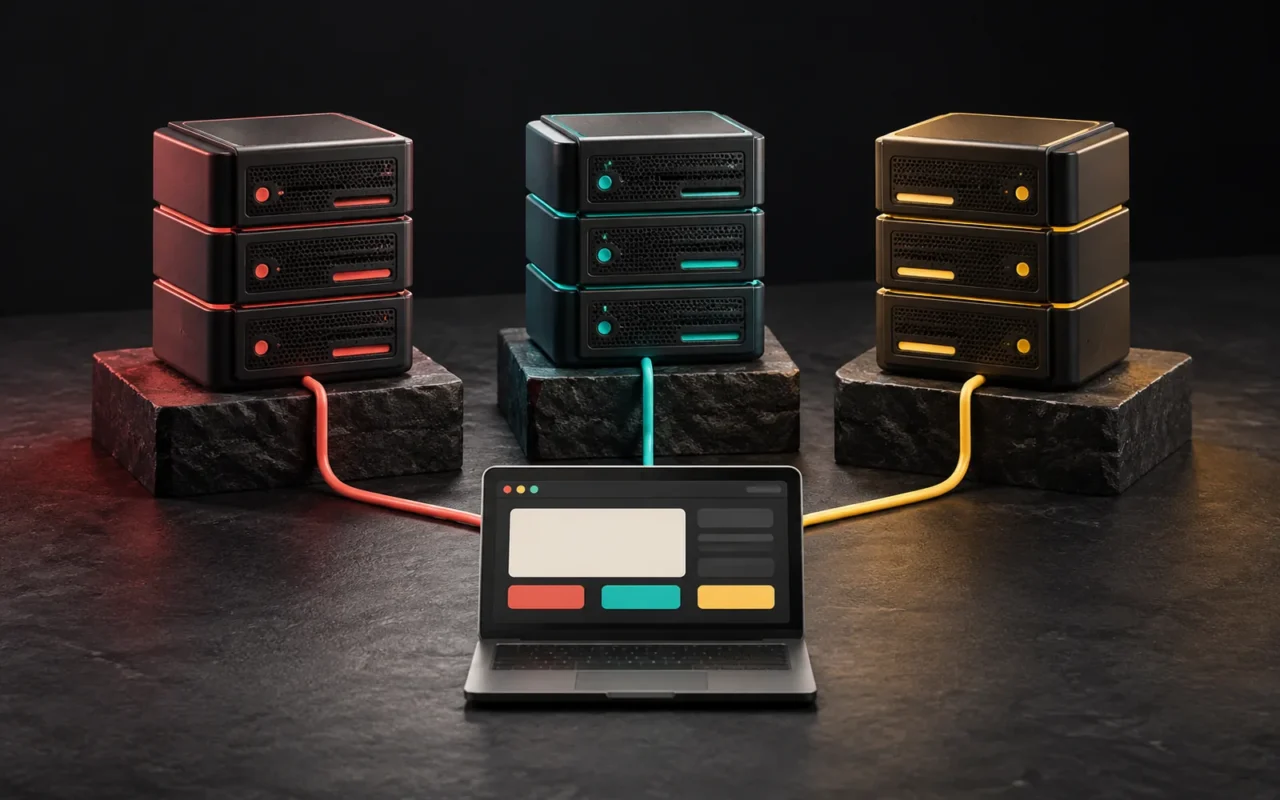
A VPS (Virtual Private Server) is a server created by using virtualization software to split a single physical server into several independent virtual machines. Each VPS has its own operating system, its own allocated share of processor, memory and disk, and full administrative (root) access. When shared hosting starts to feel too tight for your website, but it is still too early to rent your own physical server, a VPS is often the sensible middle step.
In short
- A VPS is a virtual server running on a physical server, with resources allocated to you.
- Compared with shared hosting, it offers more control and more predictable performance.
- With an unmanaged VPS, updates, security and backups are your responsibility.
- Traffic, the need for custom software or the limits of shared hosting are the typical reasons to move to a VPS.
- If you don't have a technical team, a managed VPS or good shared hosting may be the safer choice.
What is a VPS and how does it work?
Picture a powerful physical server in a data center. A virtualization software called a hypervisor is installed on this server. The hypervisor pools the machine's processor, memory and storage resources and distributes them among virtual machines. Each of these virtual machines is a VPS.
According to Red Hat, there are two types of hypervisors. Type 1 hypervisors run directly on the hardware and are common in server environments; KVM, Microsoft Hyper-V and VMware vSphere belong to this group. Type 2 hypervisors run as an application on top of a regular operating system and are used mostly on personal computers. Hosting companies' VPS products generally use Type 1 hypervisors. KVM is an open-source hypervisor built into the Linux kernel.
Some providers use container-based virtualization (for example OpenVZ) instead of full virtualization. With this method, the virtual servers share the host machine's kernel. It is more efficient in terms of resources but generally offers less isolation and less room for customization. That is why it makes sense to ask about the virtualization type when you look at a VPS plan.

The difference between a VPS and shared hosting
With shared hosting, hundreds of websites share the same server, the same operating system and the same software settings. The provider manages the server; you only manage your own account and files. This is convenient, but flexibility is limited.
With a VPS, you have your own operating system. You decide which PHP version, which database and which web server software to use. A specific share of processor, memory and disk is assigned to you.
A word of caution: a VPS still shares physical hardware with other virtual servers. It has resource limits, and depending on the virtualization type and the provider's resource allocation policy, heavy load on other virtual servers on the same machine can affect performance. Saying "a VPS is always fast" isn't accurate. The accurate statement is this: a VPS offers more control and usually more predictable resources than shared hosting.
| Feature | Shared hosting | VPS | Physical (dedicated) server |
|---|---|---|---|
| Resources | Shared with other websites | A virtual share allocated to you | The whole machine is yours |
| Administrative access | Limited to the control panel | Full (root) access | Full access |
| Software choice | Whatever the provider offers | Your choice | Your choice |
| Technical knowledge needed | Low | Medium to high (if unmanaged) | High |
| Scaling | By changing plans | Usually by adding resources from the panel | Requires hardware changes |
| Best suited for | Small business website, blog | Growing website, custom application | High and sustained load |
For the big picture of server types, see our article What Is a Server? Physical, Virtual and Cloud Servers Compared.
Managed vs. unmanaged VPS
The most important question when choosing a VPS isn't technical; it is about responsibility: Who will manage the server?
Unmanaged VPS: The provider gives you the hardware, the virtual machine and the network connection. Everything else is up to you. Operating system updates, the firewall, installing the web server, the SSL certificate, backups, monitoring and fixing things when a problem comes up are your team's job. It is usually cheaper, but that difference can easily be eaten up by the time spent on administration.
Managed VPS: The provider or a technical team takes on tasks such as operating system maintenance, security patches, backups and monitoring. The scope varies a lot from provider to provider. Don't decide until you have found out in writing what is included in a plan labeled "managed."
Questions to ask:
- Who installs operating system and security updates?
- Are backups taken, where are they stored and how does a restore work?
- When the server goes down, who do you contact and through which channel?
- Is a control panel (for example cPanel, Plesk or DirectAdmin) included, or is its license charged separately?
When should you move to a VPS?
Moving to a VPS isn't "leveling up"; it is a decision based on need. The following situations are typical signs:
- You keep hitting the resource limits of shared hosting. Your provider sends warnings about processor or memory usage, and the website slows down or throws errors at busy times.
- You need to run custom software. If you need a specific PHP or Node.js version, background tasks, queue workers or a service that shared hosting doesn't allow, a VPS is a realistic option.
- You want to set the server configuration yourself. If you need access to cache, web server or database settings, a shared environment holds you back.
- You are bringing several websites or applications together in one place. A single VPS can be easier to manage than separate hosting accounts. However, it also means putting all your eggs in one basket.
- Your security and isolation needs are growing. If you don't want to share an operating system with other websites, a VPS draws a clearer boundary.
There are also situations where you shouldn't move to a VPS:
- If your website is a small business brochure site and runs without problems on shared hosting, a VPS is often an unnecessary cost and an unnecessary responsibility.
- If no one on your team knows server administration and you won't buy a managed service either, a VPS that isn't kept up to date carries a bigger security risk than shared hosting.
- If the real cause of slowness is a heavy theme, unoptimized images or a large number of plugins, a bigger server won't fix the problem; it will only increase its cost.
What to look for when choosing a VPS
- Processor (vCPU) and memory: Ask whether the "vCPU" in the plan is a core dedicated to you or a share of a shared processor. This difference also relates to the VDS concept, which we will cover in our next article.
- Disk type and size: SSD or NVMe disks make a difference for database-heavy websites.
- Virtualization type: Full virtualization such as KVM, or container-based?
- Data center location: If most of your visitors are in Turkey, a nearby location can reduce latency.
- Backups and snapshots: Are they included in the price, how often are they taken and where are they stored?
- Scaling: Can you add resources later, and does that require downtime?
- Support: During which hours, through which channel and in which language is support provided?
We don't list prices, because they change frequently depending on the provider, location, resources and exchange rates. When comparing, make sure you compare the same amount of resources and the same scope of service (backups, panel license, support).
Common mistakes
- Setting it up and forgetting it: If operating system and software updates aren't installed after the VPS is set up, over time it turns into a server with security holes.
- Keeping backups on the same server: When something goes wrong with the server, the backup can be lost too. A copy of the backup should be somewhere else.
- Buying a bigger plan than you need: Measure real usage first, then scale up. Most VPS plans let you add resources.
- Forgetting domain and DNS settings: During a migration, the DNS records of your domain name need to be updated correctly. Wrong or missing records can make your email and website unreachable.
Our experience
At Artsution, we build most business websites on WordPress. When we decide on infrastructure, we first look at what the website actually needs: is it a content-focused brochure site, or a setup with heavy forms and integrations? Tools such as the LiteSpeed server and LiteSpeed Cache, which we also use on this website, can help most business websites reach good speeds before they ever need a VPS. That is why we recommend optimization to our clients first, and a bigger server only if it is still needed. When we move websites from one environment to another, we work with All-in-One WP Migration. This makes it easier for us to plan and control a move from shared hosting to a VPS when one is needed.
Frequently asked questions
Is a VPS the same as a virtual server?
In everyday use, yes. "Virtual server" is commonly used as another name for a VPS. Technically, every VPS is a virtual machine. Some providers may also sell the same product under the name "VDS" or "cloud server." It is better to look at what the plan includes than at the product name.
Do I need a VPS for my WordPress website?
No. Most small and medium-sized business WordPress websites run comfortably on well-configured shared hosting with the right cache settings. A VPS is worth considering for high traffic, database-heavy setups such as WooCommerce, or when custom server settings are needed.
Can I manage an unmanaged VPS myself?
Yes, if you have experience with Linux server administration, firewalls, web server configuration and backups. If not, a managed plan or a technical team that takes on the job is safer. A server that isn't maintained becomes a security risk over time.
Are the resources on a VPS really allocated to me?
It depends on the plan. In some VPS products, the processor share is shared with other virtual servers on the same machine; in others, specific cores are allocated to you. Before you buy, ask the provider: "Is the processor shared or dedicated?"
Conclusion
A VPS is a balanced way to control your own server environment and get past the limits of shared hosting. But that control also brings the responsibility for maintenance. Before asking "Do we need a more powerful server?", ask "What do we actually need, and who will manage the server?"
If you would like to find out whether your website's infrastructure fits your needs, take a look at our web design and WordPress development services or get in touch with us.
Sources3
- Wikipedia — Virtual private server. en.wikipedia.org
- Red Hat — What is a hypervisor? redhat.com
- Hetzner Docs — Cloud servers overview (shared and dedicated vCPU). docs.hetzner.com