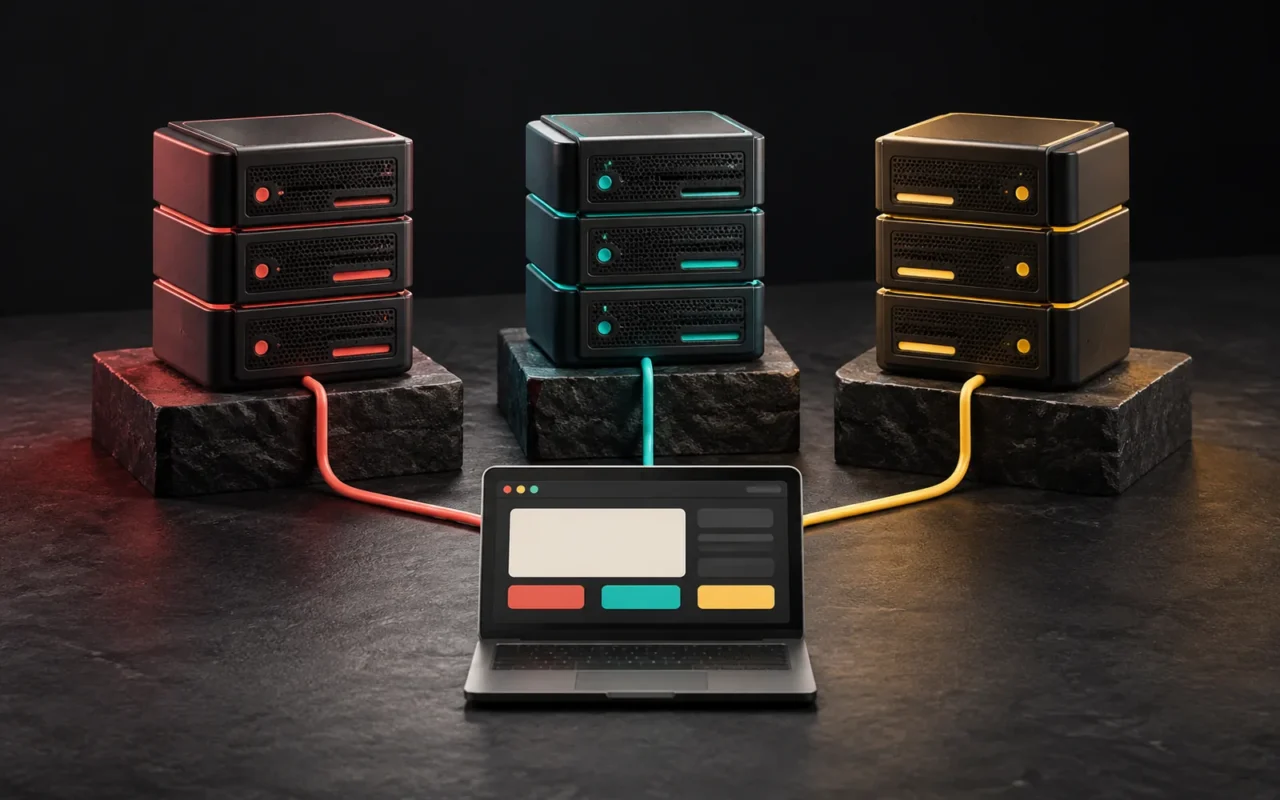
So, what is a server? A server is a computer that provides services to other devices over a network, and it runs around the clock for that purpose. The machines that send your website to visitors, store your email or hold your application's data are all servers. Today, servers come in three main forms: a physical server that is entirely yours, a virtual server that is a slice of a physical machine, and a cloud server that scales up and down as needed.
In short
- A server is a computer that answers requests and runs 24/7. "Server" can mean both the machine and the software running on it.
- With a physical (dedicated) server, all of the machine's resources are yours.
- A virtual server (VPS) is your allocated share of a physical machine that virtualization has divided up.
- A cloud server comes from a large resource pool. You can start or shut it down in minutes, and you pay for what you use.
- The right choice depends on your traffic, software needs, budget and who will manage the machine.
What is a server?
The internet is built on the relationship between clients and servers. The client is the side that asks for something: the browser on your phone or a mobile app. The server, on the other hand, is the side that answers the request: it sends back the page, the image or the data.
Technically, this machine isn't very different from an ordinary computer. It has a processor, memory, storage and a network connection. The difference is that engineers design it to run continuously. As a result, servers usually sit in data centers with redundant power, cooling and fast internet connections. Administrators also manage them remotely rather than through a screen and keyboard.
People use the word "server" in two senses:
- Hardware: The machine in the data center.
- Software: The program running on that machine that provides a specific service. For example, web server software (such as Apache, Nginx or LiteSpeed) handles page requests, and database software (such as MySQL) manages data.
Web, database and email services can all run together on a single machine. In large systems, however, each task is spread across separate machines.
The difference between a server and hosting
Hosting means that a provider offers you computing resources as a service. With shared hosting, for example, you share one machine with many customers, and the provider handles all of the management. We covered this in our article What is web hosting? When people talk about "renting a server," they usually mean a virtual or physical machine allocated to you. In that case, control and responsibility largely shift to you.
Physical server (dedicated server)
With a physical server, all the hardware of a machine in the data center is for your use alone.
Pros:
- You don't share resources with anyone, so performance is predictable.
- You have the widest control over hardware choices and configuration.
- It can be the preferred option for specific security or compliance requirements.
Cons:
- Adding capacity often means changing hardware or adding a new machine.
- If the hardware fails and nobody set up redundancy, the service can go down.
- Tasks such as the operating system, security updates and monitoring require technical knowledge.
Virtual server (VPS)
A virtual server (Virtual Private Server, VPS) comes from dividing a powerful physical machine into several independent virtual machines with virtualization software. Each VPS has its own operating system, its own administrator access, and its own allocated share of processor, memory and storage.
The difference from shared hosting is this: with shared hosting, you use the same operating system and software as other customers. With a VPS, by contrast, the operating system is yours. Therefore, you can install whatever software you want and change the settings.
Pros:
- Dedicated resources and full control at a lower cost than a physical machine.
- Adding resources by upgrading your plan is usually easy.
Cons:
- Because other virtual machines share the same hardware, performance can vary depending on how the provider allocates resources.
- With an unmanaged VPS, updates, security and backups are your responsibility.
Cloud server
In 2011, the US National Institute of Standards and Technology (NIST) published a definition of cloud computing. It describes a model that enables on-demand network access to a shared pool of resources, which providers can rapidly provision and release with minimal management effort. According to NIST, the cloud has five essential characteristics: on-demand self-service, broad network access, resource pooling, rapid elasticity and measured (pay-as-you-go) service.
In practice, a cloud server is technically often a virtual machine. The difference lies in the size and flexibility of the infrastructure behind it:
- You can spin up a new instance in minutes and shut it down when you're done.
- Billing is often hourly or usage-based.
- You can set up systems that automatically add new machines when load increases.
- Providers offer services such as storage, databases and load balancing as ready-made components.
That flexibility also makes cost tracking important. With usage-based billing, resources you leave running by mistake or unexpected traffic can drive up the bill.

Comparison table
| Criterion | Shared hosting | Virtual server (VPS) | Physical server | Cloud server |
|---|---|---|---|---|
| Resources | Shared with other customers | An allocated share for you | Entirely yours | An adjustable share drawn from a pool |
| Control | Control-panel level | Operating-system level | Full, including hardware | Operating-system level, with a wide range of services |
| Scaling | Plan upgrade | Plan upgrade | Hardware change | Fast, can be automated |
| Management responsibility | Provider | Depends on managed/unmanaged option | Largely yours | Shared, depending on the service |
| Cost model | Fixed, low | Fixed, medium | Fixed, high | Usage-based, variable |
| Typical use | Corporate brochure website | Growing site, custom software | High, sustained load | Variable load, scaling applications |
Questions to ask when choosing a server
- What will you run? A WordPress site, or a custom application that needs specific software versions?
- What does your traffic look like? Steady and predictable, or with sudden spikes during campaigns?
- Who will manage the machine? If it's unclear who will handle security updates, monitoring and backups, a managed service is the safer choice.
- How much downtime can you tolerate? An application that sells or that your customers use needs a redundant setup.
- Where should the data live? For applications that process personal data, it matters which country stores the data and who can access it. That's why we recommend getting legal advice on this.
Common mistakes
- Starting oversized: A machine far more powerful than you need means paying for unused capacity.
- Not accounting for management: Renting an unmanaged VPS and then having no one apply security updates is a serious risk.
- Keeping backups on the same machine: When the hardware fails, the backup goes with it. For this reason, store backups somewhere else.
- Forgetting the domain and DNS connection: When you move to new infrastructure, you must update the DNS records too. For details, see our article What is DNS?
Our experience
When we recommend infrastructure, we first look at what the project needs to do, and only then at server types. Most of the corporate websites we build run on WordPress. For brochure-style sites like these, well-configured hosting is often enough. For custom software, dashboards or APIs, however, we plan a virtual or cloud server based on the application's requirements, who will manage it and the expected growth. In every case, we make it a rule to keep backups somewhere separate from the production machine. Likewise, access credentials always stay with our client.
Frequently asked questions
Do I need to rent a server for my corporate website?
For most corporate websites that serve a promotional purpose, shared or managed hosting is enough. A separate machine comes into play for custom software, high traffic or situations that require special configuration.
Are a VPS and a cloud server the same thing?
Technically, both are virtual machines. "Cloud" usually implies a larger resource pool, the ability to scale within minutes and usage-based billing. However, providers can use these terms to mean different things, so you need to check the technical details of the plan.
Can I keep a server in my own office?
It's technically possible, but it requires uninterrupted power, cooling, a fast internet connection with a static IP, and physical security. For most businesses, renting a machine in a data center is more reliable and more economical.
What does "managed server" mean?
It's a service in which the provider takes on tasks such as operating system updates, security, monitoring and often backups. For businesses without a technical team, it's therefore less risky than an unmanaged option.
Conclusion
Choosing a server should not start with "which one is the most powerful?" Instead, start with "what does my business need, and who will manage it?" For brochure websites, hosting is often enough; for custom software and growing projects, a virtual or cloud server may be the better fit. In our web design and software and digital solutions projects, we plan the infrastructure together with you based on what the project needs. If you're curious about the domain side, take a look at our article What is a domain name?
Sources3
- NIST SP 800-145 — The NIST Definition of Cloud Computing (September 2011; five essential characteristics, service and deployment models) csrc.nist.gov
- CloudLinux Documentation — Limits (per-account resource limits on shared hosting) docs.cloudlinux.com
- IETF RFC 9110 — HTTP Semantics (the client-server model) rfc-editor.org