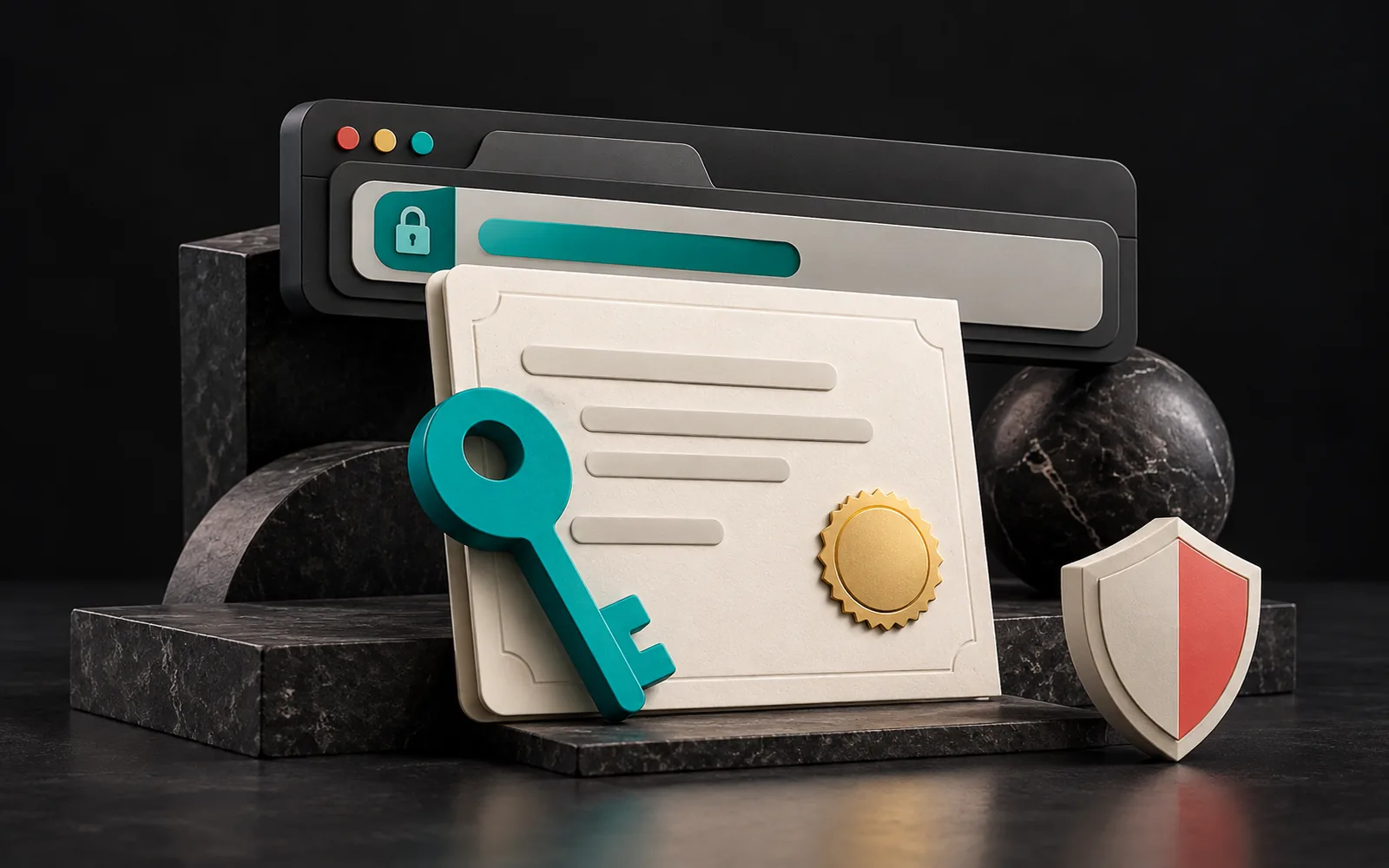
An SSL certificate is a digital document that verifies a website really belongs to its domain name and lets the browser and the server encrypt the connection between them. A site with a certificate opens with https://; a site without one shows a "Not secure" warning in the browser. As of 2024, an SSL certificate is not an option for a corporate site but a basic requirement, and in most cases you can get one for free.
In short
- An SSL certificate is a document that binds your domain name to your encryption key; a trusted organization (a certificate authority) signs it.
- There are three types by validation level: DV (domain), OV (organization) and EV (extended validation).
- Let's Encrypt issues free DV certificates, valid for 90 days, automatically.
- Since September 2020, certificates trusted by browsers can be valid for at most 398 days (about 13 months).
- An expired certificate effectively shuts your site down for visitors. Automatic renewal is essential.
What is an SSL certificate?
Although the name "SSL" has stuck, the encryption protocol in use today is TLS (Transport Layer Security). SSL is TLS's older predecessor, and experts no longer consider it secure. The industry still says "SSL certificate" out of habit, and we use that term in this post too. Its technical name is a TLS server certificate.
You can think of the certificate as an ID card. An ID card shows your name, your photo and the seal of the authority that issued it. A certificate contains similar information:
- Domain name: The address or addresses the certificate is valid for (e.g.
example.com.trandwww.example.com.tr). - Public key: The public part of the key used to set up the encrypted connection. The secret part (the private key) stays only on your server.
- Validity dates: When the certificate starts and when it expires.
- Issuer: The certificate authority (CA) that signed the certificate.
Browsers and operating systems carry a list of the certificate authorities they trust. If your site's certificate chains back to one of these authorities, the browser treats the connection as secure. If the chain is broken, the certificate has expired, or the domain in the certificate doesn't match the address in the browser, the visitor sees a full-page warning.

SSL certificate types: DV, OV and EV
Certificates fall into three types depending on how thoroughly the authority verifies the applicant. The encryption strength is the same for all three; the difference lies in the scope of the information verified.
| Type | What is verified? | Process | For whom? |
|---|---|---|---|
| DV (Domain Validation) | Only whether you control the domain | Automatic, within minutes | Corporate sites, blogs, most businesses |
| OV (Organization Validation) | The domain + that the organization actually exists | Document checks, can take a few days | Those who want organization details in the certificate |
| EV (Extended Validation) | The domain + detailed, strict verification of the organization | The longest and strictest process | Those with specific corporate or contractual requirements |
A note: EV-certified sites used to show the company name in the browser's address bar. With version 77, released in September 2019, Chrome removed this from the address bar and moved the company name to the info panel that opens when you click the padlock icon. Other major browsers took similar steps. As a result, an EV certificate now has only a limited visible effect on visitors.

Certificates by coverage
Regardless of validation level, certificates also differ in how many addresses they cover:
- Single domain: Usually for
example.com.trandwww.example.com.tr. - Wildcard: In the form
*.example.com.tr, it covers all first-level subdomains of a domain (such asblog.orshop.). - Multi-domain (SAN): Brings different domain names together in a single certificate (e.g.
example.com.trandexample.com).
Let's Encrypt: free, automated certificates
Let's Encrypt is a nonprofit certificate authority that issues its certificates for free. Today, many hosting companies install a Let's Encrypt certificate with one click in their control panel, or fully automatically.
What you need to know (as of September 2024):
- It issues only DV certificates. It does not issue OV or EV certificates and states clearly that it has no plans to.
- Certificates are valid for 90 days. The short lifetime is a deliberate choice: it makes automatic renewal necessary and shortens the time a compromised key could be misused.
- Renewal is automatic. A standard protocol called ACME handles getting and renewing certificates. Hosting panels or a client program on the server handle this in the background.
- Wildcard certificates are possible, but they require validation through the domain's DNS records (DNS-01).
- Your hosting company may charge a separate management fee for this service; the certificate itself is free.
When does a paid certificate make sense?
For a corporate brochure site, a blog or most e-commerce sites, a free DV certificate technically provides sufficient protection. A paid certificate may come into play when organization details need to appear in the certificate (OV/EV), on legacy systems where automatic renewal can't be set up, when a contract or corporate policy requires a specific certificate type, or when you need the certificate provider's support and warranty services.
SSL certificate validity periods
For certificates issued from 1 September 2020 onward, Apple and Google (Chrome) accept a validity of at most 398 days, and certificate authorities follow this limit. Browsers do not trust certificates with a longer validity. So even if you buy a "two-year SSL," the authority has to reissue the certificate at least every 13 months. For free certificates, the period is already 90 days.
Shorter lifetimes make automation more important. People most often forget the certificates they install by hand and renew with a calendar reminder.
Why is HTTPS a must?
- Browser warnings: Since version 68, released in July 2018, Chrome has marked all HTTP pages as "Not secure." On a page with a form, this warning can make visitors give up on leaving their details.
- Data security: Without HTTPS, information sent through a contact form, such as name, phone number and email, travels across the network as plain text.
- Search engines: In 2014, Google announced that it had started using HTTPS as a lightweight ranking signal. It doesn't determine your rankings on its own, but its absence is a negative sign.
- Modern web features: Many newer browser features work only over a secure connection.
We cover the protocol difference between HTTP and HTTPS, and the technical details to watch when moving your site to HTTPS, in the next post in this series.
Common mistakes
- Letting the certificate expire. If automatic renewal isn't set up, or it breaks after a DNS or server change, the certificate quietly expires and the site opens with a warning screen.
- Not covering both the
wwwand non-wwwaddresses. If the certificate covers only one, visitors arriving at the other see an error. - Installing the intermediate certificate incompletely. A site that opens fine in some browsers may throw errors in others or on mobile devices.
- Leaving the HTTP version of the site open. After you install the certificate, redirect all HTTP requests permanently (301) to HTTPS.
- Taking the padlock icon to mean "trustworthy site." A certificate shows that the connection is encrypted and the domain has been validated; it doesn't show that the site's owner is honest. Fraudulent sites can get free certificates too.
Our experience
On the sites we build, before going live we check that the certificate covers both the main domain and the www version, that automatic renewal works, and that all HTTP requests are redirected to HTTPS. After operations such as a server or DNS change, we also check that certificate renewal still works. We described the environment that hosts your site in our posts What is web hosting? and What is a server?.
Frequently asked questions
Is a free SSL certificate secure?
Yes. Free DV certificates such as those from Let's Encrypt provide the same encryption strength as paid DV certificates. The difference lies in the scope of the verified information and the extra services the provider offers.
What happens if an SSL certificate expires?
When visitors try to reach your site, the browser shows a full-page security warning. Most visitors leave at that point. Once you renew the certificate, the site opens normally again.
Which certificate should I get?
For corporate brochure sites and most small businesses, an automatically renewed DV certificate is enough. If you use several subdomains, consider a wildcard certificate; if you have different domain names, consider a multi-domain certificate.
Who installs the certificate?
Most hosting panels install the certificate automatically or in a few clicks. If you manage your own server, you need to install an ACME client and automate renewal.
Conclusion
An SSL certificate is a prerequisite for your site to look trustworthy to both visitors and browsers. For most businesses, a free, automatically renewed DV certificate is enough; what matters is that the coverage is right and renewal never lapses. In our web design and WordPress development projects, we handle certificate installation and renewal checks as part of the launch process. For the basics of domain names, see our post What is a domain name?.
Changes to SSL certificate lifetimes since 2024
Update (October 2026): Since this post was published, there have been important changes to certificate lifetimes. With Ballot SC-081, adopted in April 2025, the CA/Browser Forum reduced the maximum validity period in stages: 200 days from 15 March 2026, 100 days from 15 March 2027 and 47 days from 15 March 2029. Let's Encrypt ended its expiration reminder emails on 4 June 2025; it also began offering optional 6-day certificates and announced plans to gradually reduce its default 90-day lifetime to 45 days by 2028. These changes make fully automated certificate renewal even more essential.
Sources11
- Let's Encrypt — FAQ (free, DV only, 90 days, DNS-01 for wildcards, ACME) — accessed: 2026-10 letsencrypt.org
- Apple Support — About upcoming limits on trusted certificates (at most 398 days from 1 September 2020) — accessed: 2026-10 support.apple.com
- Chrome Security — Chrome Browser Update, CA/Browser Forum F2F 50 (10 June 2020; at most 398 days after 2020-09-01) — accessed: 2026-10 cabforum.org
- BleepingComputer — Chrome 77 released with removed EV certificate indicator (September 2019) — accessed: 2026-10 bleepingcomputer.com
- PKI Consortium — Chrome will show "Not secure" for all HTTP sites starting July 2018 (Chrome 68) — accessed: 2026-10 · Chrome Releases — Stable Channel Update for Desktop (24 July 2018) — accessed: 2026-10 pkic.org
- Google Search Central Blog — HTTPS as a ranking signal (August 2014) — accessed: 2026-10 developers.google.com
- IETF RFC 8996 — Deprecating TLS 1.0 and TLS 1.1 (and RFC 7568, deprecating SSL 3.0) — accessed: 2026-10 rfc-editor.org
- CA/Browser Forum — Ballot SC-081v3 (11 April 2025; phased reduction from 398 to 47 days) — accessed: 2026-10 cabforum.org
- Encryption Consulting — 47-day certificate validity (SC-081 milestones: 15 March 2026 → 200 days, 15 March 2027 → 100 days, 15 March 2029 → 47 days) — accessed: 2026-10 encryptionconsulting.com
- Let's Encrypt — Ending Expiration Emails (22 January 2025) and Expiration notification service has ended (26 June 2025) · — accessed: 2026-10 letsencrypt.org
- Let's Encrypt — From 90 to 45 (2 December 2025; 45-day certificate schedule) — accessed: 2026-10 letsencrypt.org