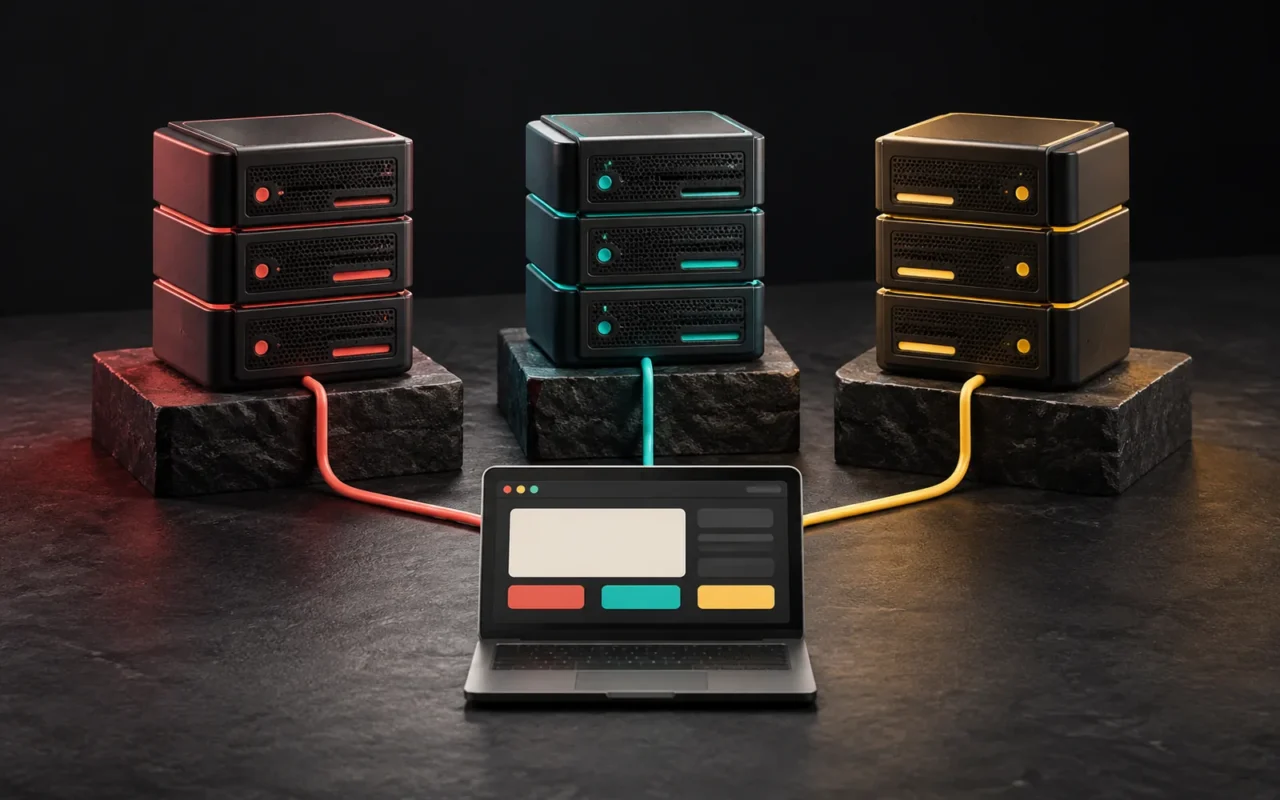
A VDS (Virtual Dedicated Server) is a virtual server that runs on a physical server, and providers market it as having resources dedicated to you. In short, nobody has drawn a universal technical line between a VDS and a VPS. Some providers use the two terms interchangeably, while others use VDS to mean "a VPS with CPU and memory reserved just for you." So when you decide, look at the details of the plan, not the product name.
In short
- A VDS and a VPS are both virtual servers running on a physical server.
- Providers don't use the terms consistently. Some treat them as synonyms.
- The name VDS usually emphasizes dedicated CPU and memory.
- What matters is whether the CPU cores belong to you alone or whether other virtual servers share them.
- Look at the plan's technical details and written commitments, not the label.
What is a VDS?
Let's start with the basic concept. A VPS is a virtual server that virtualization software (a hypervisor) creates by splitting one physical server. Each virtual server has its own operating system and administrative access.
Technically, a VDS has the same structure: a physical machine, a hypervisor on top of it, and virtual servers. The difference lies in how providers define the product. For example, even Wikipedia's "Virtual private server" article gives both terms in a single definition: a VPS or VDS is a virtual machine that a hosting company sells as a service. In other words, general sources treat VDS as another name for VPS.
Some providers, however, use the VDS name for a different product. Contabo, for example, describes a VPS on its site as a product that usually shares the same physical server with other VPSs. By contrast, it describes a VDS as a product offering dedicated CPU and RAM in a virtualized environment, with resources allocated to minimize the impact of other servers on the same machine. The same page states that a VDS also runs on a shared physical server.
Other providers make the same distinction without using the name "VDS" at all. Hetzner splits its cloud servers into "shared vCPU" and "dedicated vCPU." On shared plans, the hypervisor distributes CPU usage rights among several virtual servers. On dedicated plans, each server has its own CPU resources.
In short, the same need may appear at different companies as "VDS," "dedicated vCPU," "performance VPS" or under another name. Hosting providers in Turkey are no different.
Why does shared vs. dedicated CPU matter?
At its core, the VPS vs. VDS debate is really about how virtual servers share the CPU.
- Shared vCPU: The virtual CPU assigned to you takes turns using the same physical cores with other virtual servers. When neighboring servers are busy, the CPU power available to you can drop. The industry calls this the "noisy neighbor" effect. On the other hand, this model costs less. Since most websites use the CPU heavily only in bursts rather than continuously, this model is enough in many cases.
- Dedicated vCPU: The provider reserves specific CPU resources for your virtual server alone. As a result, performance is more consistent. It suits workloads that use the CPU continuously (heavy database queries, image or video processing, compiling, heavy API traffic). It usually costs more.
A similar question applies to memory (RAM): does the provider guarantee all the memory listed in the plan? Some virtualization methods let the host allocate more memory than physically exists (overcommit). That is why it helps to look for the phrase "guaranteed memory."

VPS vs. VDS compared
The table below is based on the most common meanings of the terms. Check the provider's plan description to see which column the product you are buying actually fits.
| Feature | VPS (common usage) | VDS (common usage) |
|---|---|---|
| Infrastructure | Virtual machine on a physical server | Virtual machine on a physical server |
| CPU | Mostly shared vCPU | Mostly dedicated vCPU |
| Memory | Depends on the plan; sometimes not guaranteed | Usually emphasizes guaranteed memory |
| Performance consistency | Can be affected by neighbors' load | More consistent |
| Administrative access | Full (root) access | Full (root) access |
| Cost | Usually lower | Usually higher |
| Good fit for | Corporate site, medium-traffic WordPress, test environment | Apps with constant CPU use, heavy databases, SaaS |
| Consistency of the term | Common and well established | Varies by provider |
What to ask the provider when choosing a plan
Whatever the provider calls it, ask these questions in writing when you evaluate a virtual server plan:
- Are the CPU cores dedicated to me or shared? If shared, is there a limit (CPU throttling) under heavy use?
- Is the memory guaranteed? Is all the memory listed in the plan always available?
- Which virtualization technology does the plan use? Full virtualization such as KVM, or container-based?
- What is the disk type and performance limit? SSD or NVMe? Is disk read/write speed capped?
- What are the network traffic and bandwidth terms?
- Are backups, snapshots and support included in the plan?
- Is the server managed or unmanaged? Who is responsible for updates and security?
Ultimately, the answers to these questions tell you far more than whether the label says "VPS" or "VDS."
Which one should you choose?
- Corporate brochure site or blog: In most cases, shared hosting or a VPS with shared vCPU is enough. Instead, it is more effective to look at site optimization first (caching, image sizes, number of plugins).
- A WordPress or WooCommerce site with growing traffic: Decide by measuring real usage. If you see a CPU bottleneck at peak hours, a plan with dedicated CPU may make sense.
- Custom software, dashboard or SaaS application: If there are continuously running background tasks, queues and heavy database work, dedicated resources make performance more predictable.
- If you need the whole machine to yourself: In that case, consider a physical (dedicated) server or a cloud provider's dedicated hardware options instead of a virtual server. You can find the general framework in our post on server types.
Common mistakes
- Looking only at the product name: Assuming the resources are yours alone because the plan says "VDS." If the plan description doesn't say so explicitly, ask.
- Comparing only the number of cores: 4 shared vCPUs and 4 dedicated vCPUs are not the same thing.
- Buying a large plan without measuring real needs: Look at the resource usage of your current site or application first.
- Forgetting who manages the server: A VDS is still a virtual server. On an unmanaged plan, updates, security and backups are still your job.
Our experience
In our projects, we choose infrastructure based on the real workload, not the product name. On most corporate WordPress sites, we get the real performance gains from caching and page optimization rather than from upgrading the server. This site also runs on a LiteSpeed server with LiteSpeed Cache; we improved mobile speed with optimizations such as CSS combining, locally hosted fonts and small font subsets. In custom software projects, however, continuously running jobs and database load come to the fore. Therefore, we clarify from the start whether the resources are shared or dedicated.
Frequently asked questions
Is a VDS a physical server?
No. A VDS is also a virtual server running on a physical server. The word "dedicated" in its name usually means that the provider reserves CPU and memory for you. It does not mean that the whole machine belongs to you.
Is a VDS always faster than a VPS?
Not always. Dedicated CPU gives more consistent performance, especially under heavy, sustained use. However, disk type, network connection, data center location and software configuration also determine speed. A well-configured VPS can be faster than a poorly configured VDS.
Is one provider's VDS the same as another's?
Not necessarily. There is no standard definition of the term. One company's VDS product may offer dedicated CPU, while another company's VDS may technically be an ordinary VPS. Compare the plan details.
Does my website need a VDS?
For most corporate sites, no. It is worth considering if you have an application with constantly high CPU use, a busy e-commerce site or a system where consistent performance is critical.
Conclusion
The difference between a VDS and a VPS often comes more from marketing language than from technology. Ask the right question and the decision gets easier: are the resources dedicated to me or shared, and what difference does that make for my workload?
If you'd like to work out together what infrastructure your site or application needs, take a look at our web design and software and digital solutions services, or write to us.
Sources4
- Wikipedia — Virtual private server. en.wikipedia.org
- Contabo — VDS product page (definitions of VPS and VDS). contabo.com
- Hetzner Docs — Cloud servers overview (shared and dedicated vCPU). docs.hetzner.com
- Red Hat — What is a hypervisor? redhat.com