In packaging design, prepress discipline matters as much as creative appeal. If die lines, bleed, color profiles, barcodes, product information and print techniques aren't prepared correctly, a design that looks good can cause problems in production. In this article, we walk through packaging prepress in order: the steps to follow as you take a packaging file from the screen to the printer.
In short
- Before you start designing, get the die line (cut and crease lines) and the technical specification from the box maker or printer.
- Leave the bleed your printer asks for, and keep text well inside the cut line.
- Prepare colors in CMYK, plus spot colors where needed, using the color profile your printer specifies.
- Place the barcode with dark bars on a light background and keep its quiet zones clear.
- Always check with a proof and a physical mock-up before the production run.
What is packaging prepress?
Prepress is the full set of technical checks and adjustments that let a design file print without problems. In packaging, this process is more sensitive than in a brochure, because the printer cuts, folds and glues the package, and the package often wraps around a product. In other words, even a one-millimeter shift can make a lid open in the wrong place or put the logo on a fold line.
A well-planned visual foundation makes a brand look more professional. Since packaging creates the first impression on the shelf, prepress is also part of how the brand is perceived.
1. Start with the die line
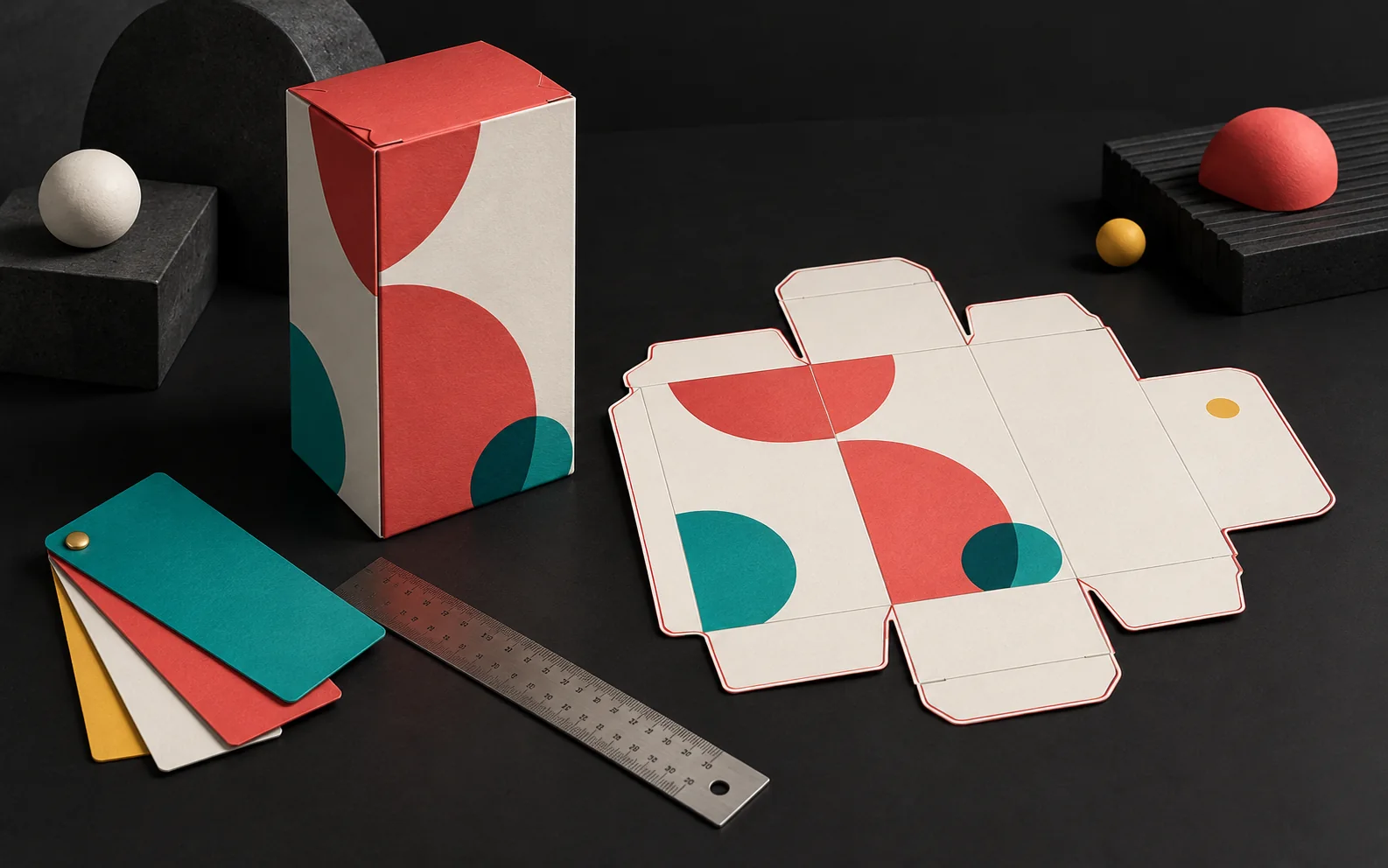
The die line is the technical drawing of the package laid flat. It shows the cutting edges, the crease lines, the glue flaps and the opening directions. The manufacturer often makes these cuts and creases with a single die, in one pass.
So don't start designing without a die line. Ask the box maker or printer for it, because board thickness and material type affect the dimensions. Then follow these rules:
- Put the die line on a separate layer and define it as a spot color that won't print.
- Distinguish cut lines and crease lines with different line styles (for example, solid and dashed).
- Don't place images or text on glue flaps; these areas usually need to stay unprinted.
2. Bleed and safe area
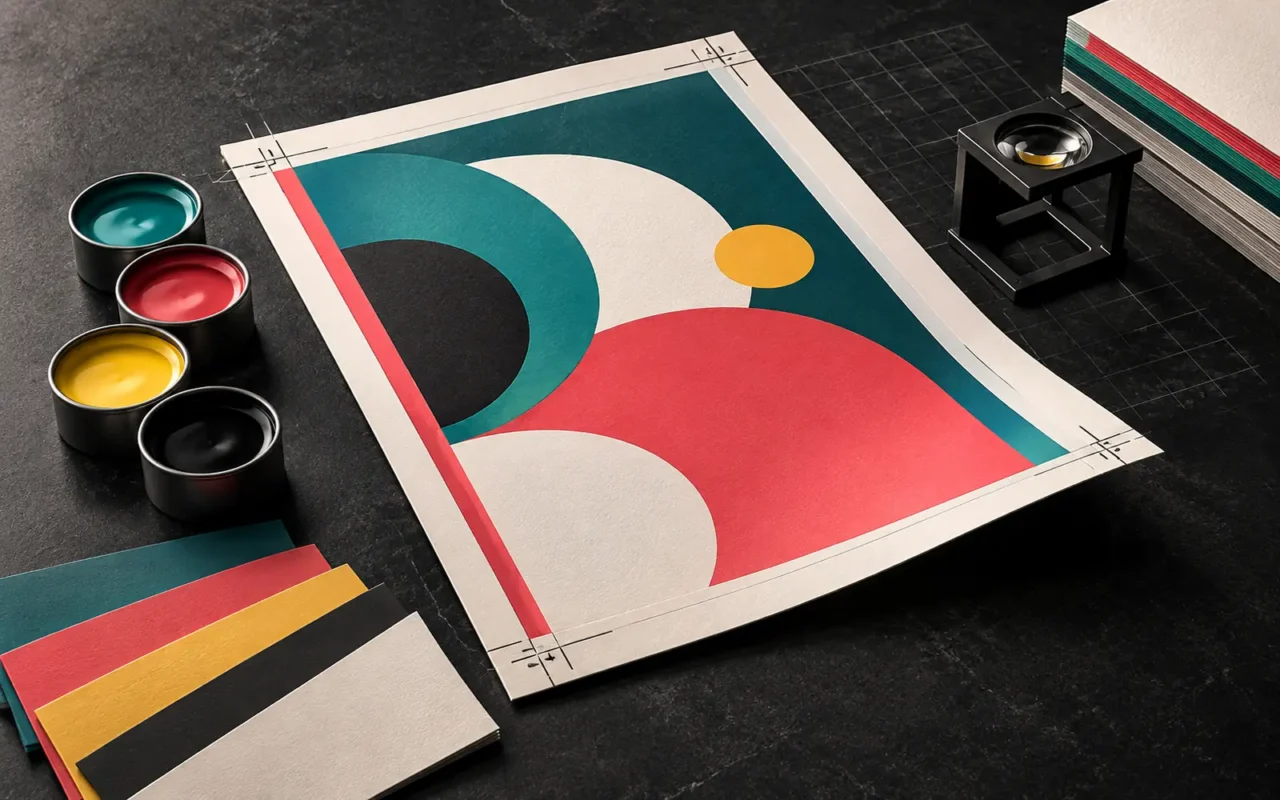
Bleed is the printed area that extends beyond the cut line. Paper or board can shift slightly during cutting. As a result, bleed prevents a white strip from appearing at the edge when that happens. A common value in print is about 3 mm; however, for die-cut jobs, the material can shift more, so some printers ask for a wider bleed. Therefore, always take the value from your printer's specification.
The safe area, by contrast, is the zone inside the cut line where you place important information. Keep the logo, product name and legal text a few millimeters inside the cut and crease lines. That way, no information breaks on a fold or gets lost in cutting.
3. Color profiles and color management
First, it helps to know that screens produce color with light (RGB), while printers use ink (CMYK). For this reason, you need to build the packaging file in CMYK from the start.
Use the right color profile
A color profile (ICC profile) defines how colors will look on a particular paper and printing condition. In Europe, the ECI (European Color Initiative) publishes widely used profiles for offset printing. For example, on coated paper, many printers use ISO Coated v2 (FOGRA39) or the newer PSO Coated v3 (FOGRA51). Your printer decides which profile to use, not you. So ask for this information before you begin.
Spot colors and rich black
If the brand color is critical on the package, consider a spot color (such as Pantone). Because a spot color is a separate ink, it gives more consistent results. However, every extra color means an extra plate, which affects cost and preparation.
Set small black text in black (K) ink only and usually set it to overprint. This is because a "rich black" made of four inks can misregister on small text and leave colored fringes around the letters. On large black areas, on the other hand, rich black can give a deeper result.
4. Barcode placement
The barcode is critical for scanning the package at the point of sale. GS1 guidance recommends these basic rules:
- Dark bars, light background: The most reliable combination is black bars on a white background. Scanners detect contrast, so don't use a reversed barcode (light bars on a dark background).
- Quiet zone: There must be clear space with no other elements to the left and right of the barcode. Leave slightly more than the minimum to allow for ink spread.
- Don't truncate the height: Shortening the barcode to save space can make it unreadable.
- Right position: Place the barcode on a flat area, away from fold lines, edges and curved surfaces.
Add the barcode as a vector, and if you change its scale, keep the standard proportions. Also run a scan test on a printed sample before the production run.
5. Product information and text
The product name, ingredients, quantity, manufacturer details, instructions and warnings on a package matter both to customers and to regulators. As the manufacturer, you need to follow the labeling rules for your sector. The designer's job is to place this text in a legible, orderly and accurate way.
For this reason, give the designer the final text and check it line by line after typesetting. In addition, avoid very small point sizes, thin typefaces and low-contrast color combinations. Finally, embed the fonts in the PDF or convert them to outlines, as your printer requires.
6. Print techniques and finishing
Finishes such as varnish, lamination, foil stamping, embossing and debossing are common on packaging. Define each of these on a separate layer, as a separate spot color. For example, if you apply gloss varnish only to the logo, you prepare a separate varnish plate in the shape of the logo.
On corrugated boxes, litho-lamination is also a common method. Here, the manufacturer glues the printed sheet onto the corrugated board. Because the sheet and the board can shift slightly at this stage, a slightly more generous bleed and safe area makes your work easier. Always discuss the details with the company that will do the production.
7. File delivery and proofing
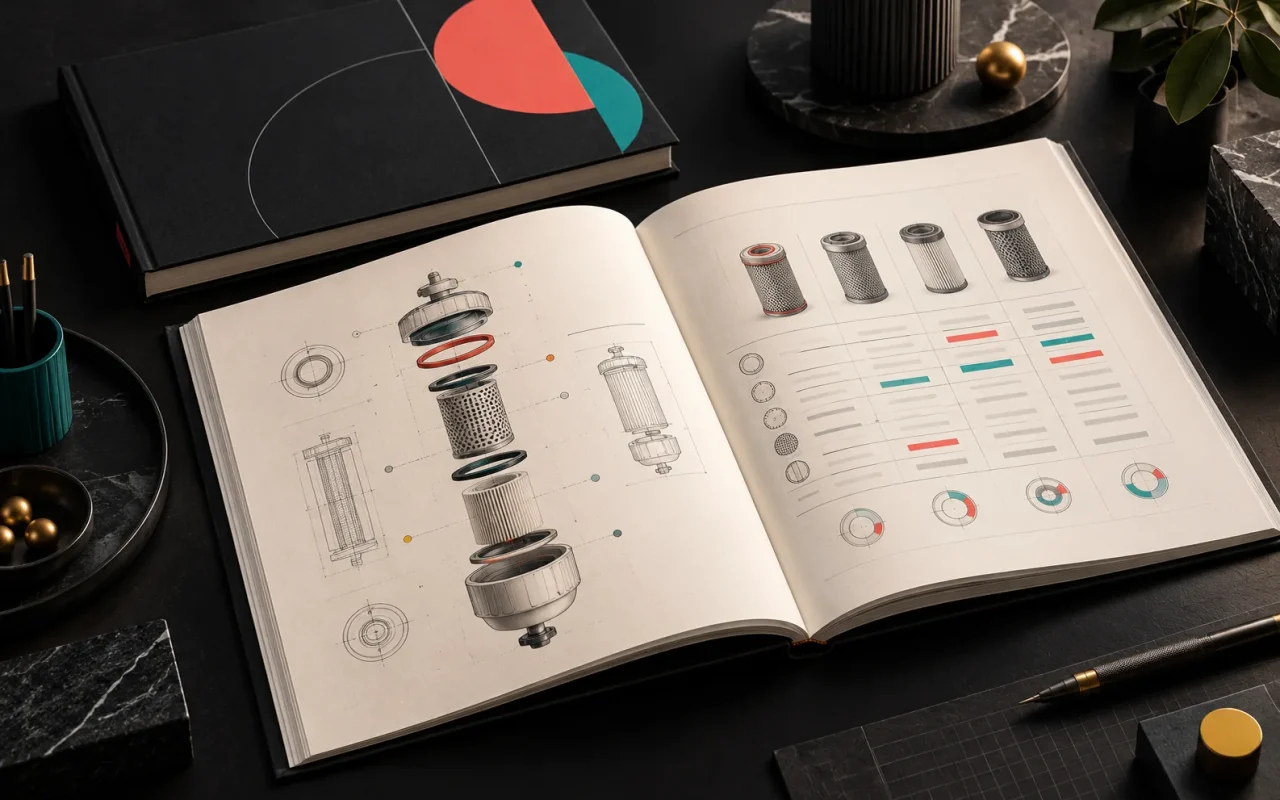
Deliver the file in the format your printer asks for. The most common format for print is the PDF/X family. This standard requires embedded fonts, a defined output condition and a bleed area in the file. Keep logos and drawings as vectors and photos at sufficient resolution for their printed size. We explain the difference between vector and pixel images in our article on vector vs. raster images.
Don't go to production without a proof
In short, a proof is the cheapest step in packaging prepress and the easiest way to catch mistakes before the expensive print run. For example, a soft proof on screen is enough to check the layout. For color, a contract proof agreed with the printer is a more reliable reference. In addition, a blank mock-up cut to the die line, or a digitally printed sample, lets you see the folding and closing directions in real life.
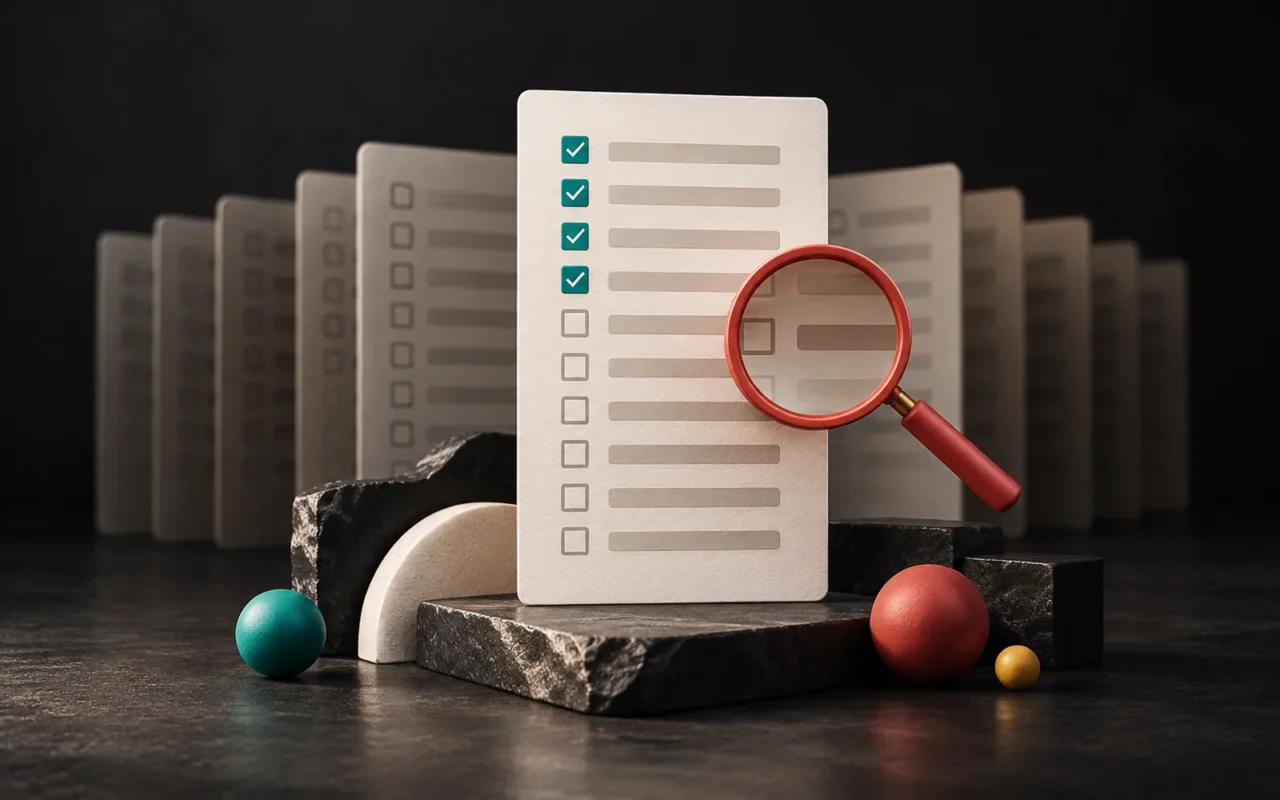
Packaging prepress checklist
| Check | What to do |
|---|---|
| Die line | Received from the manufacturer, on a separate layer, in a non-printing color |
| Bleed | As specified by the printer, on all cut edges |
| Safe area | Text and logos inside the cut and crease lines |
| Color | CMYK and spot colors, with the printer's color profile |
| Barcode | Dark bars, light background, quiet zones kept clear |
| Text | Final, checked, fonts embedded |
| Finishing | Varnish, foil and embossing on separate layers |
| Proof | Color proof and mock-up approved |
Our experience
In packaging and print work, we start packaging prepress at the beginning of the design, not at the end. In our projects, we follow this approach:
- We start with an analysis of your goals, sector and competitors, and look at which products the package will sit next to on the shelf.
- We plan the flow of information around the questions a customer will ask while looking at the package.
- We build the design language to strengthen brand perception.
- On the technical side, we ask the printer for a specification covering size, bleed, color profile and PDF format, and we set up the file with those settings.
- After production, we review the printed result and note improvements for the next run.
We keep logos and drawings as vectors, and before delivery we go through the checklist above item by item on the file. For important jobs, we also recommend asking for a proof.
Frequently asked questions
Should the designer draw the die line?
Usually not. The company that will produce the box prepares the die line according to its own die and material. The designer gets this drawing from the manufacturer and builds the design on top of it. However, if you are designing a custom box shape, you develop the drawing together with the manufacturer.
Why does the color I see on screen look different in print?
Because a screen creates color with light and print creates it with ink. The type of paper or board also affects color. To reduce the difference, use the right color profile, choose spot colors for critical colors and get a color proof.
Is a proof really necessary?
Yes, especially for a first print run and high-volume jobs. A proof and a mock-up let you catch folding, color and text errors before production. The cost of a faulty production run is far higher than the cost of a proof.
Can I print the barcode in my brand color?
Some color combinations can scan if there is enough contrast between dark and light. However, the most reliable result is black bars on a white background. On the other hand, many scanners use red light, so they may not read reddish bars; if you're unsure, ask your printer and your barcode organization.
Conclusion
Prepress is the technical bridge that takes a creative idea to the shelf. When you prepare the die line, bleed, color profile, barcode, product information and finishing correctly, your design looks on the shelf the way it looked on screen. Successful work comes from thinking about design and technical knowledge together. Artsution considers not only what a brand needs today, but also the foundation it will need as it grows.
If you'd like to design your packaging print-ready together, take a look at our packaging and print design service and our illustration and technical drawing page, or get in touch with us. For how packaging fits your identity, our article on corporate identity design essentials may also help.
Sources7
- Wikipedia — Die cutting (web) (cutting and creasing dies)) en.wikipedia.org
- Wikipedia — Bleed (printing) (bleed, wider bleed for die-cut jobs)) en.wikipedia.org
- European Color Initiative (ECI) — Downloads (ISO Coated v2, PSO Coated v3 / FOGRA51 profiles) eci.org
- Wikipedia — Overprinting (overprint, rich black) en.wikipedia.org
- GS1 Australia — Creating and printing barcodes (color, quiet zone, height, placement, verification) gs1au.org
- Wikipedia — PDF/X en.wikipedia.org
- Wikipedia — Prepress proofing (soft proof, contract proof, press proof) en.wikipedia.org