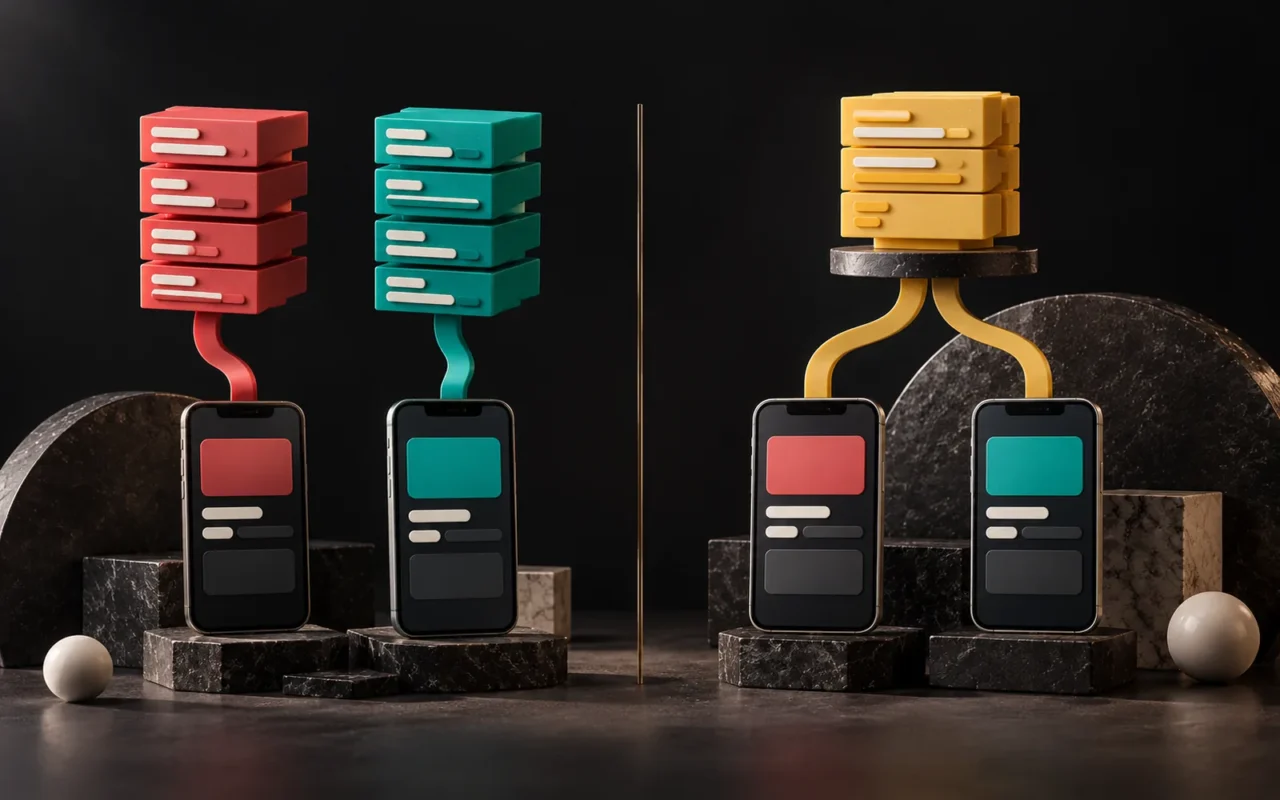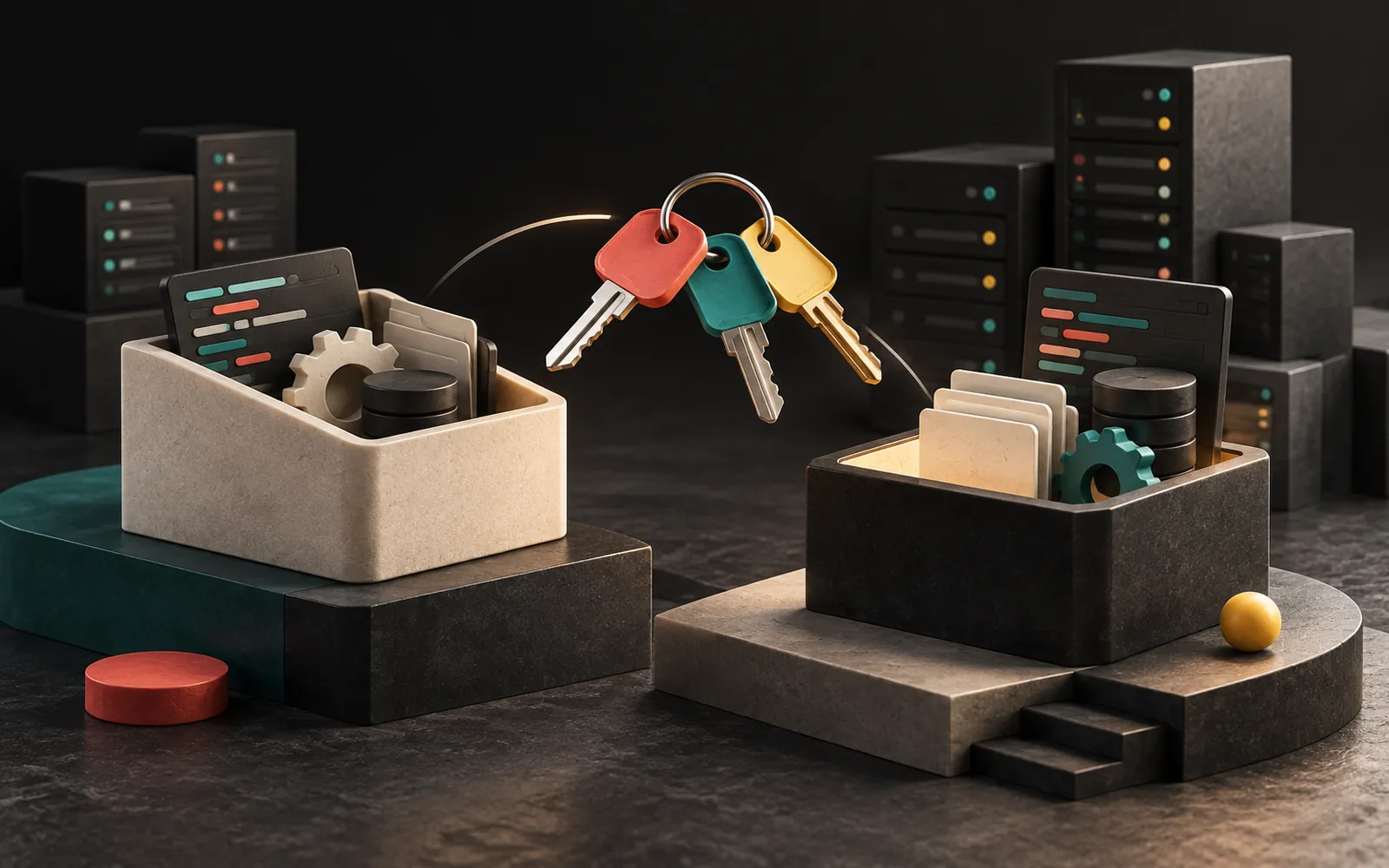
Software whose developer has left, built by an agency you've parted ways with, or that nobody dares to touch can be handed over to a new team. But the job isn't as quick as "Give us the code and we'll carry on." A healthy handover starts with collecting access, mapping the software's current state and prioritizing the risks. The first step in software maintenance and support is knowing what you are taking over.
In short
- The first task in a handover is collecting access: source code, server, domain name, database, third-party accounts.
- Next comes a current-state review: versions, security, backups, documentation, integrations.
- Technical debt is when problems in the software's internal quality slow down every new change; you don't have to pay it all off at once.
- Maintenance (updates, security, backups) and development (new features) should be planned separately.
- Rewriting is often the first idea but the riskiest option; making the software safe first and then improving it step by step is usually safer.
When is software taken over?
- The person or company that developed the software no longer provides support.
- Support is provided, but it is slow, expensive or unpredictable.
- The software works, but nobody dares to add new features.
- An outdated server, language or framework version has created a security risk.
- The business has grown, and the software needs to grow too.
In all of these cases, the goal is the same: to make the software controllable again.
Step 1: Collect access
This is the most critical and most neglected step in a handover. No matter how good the code is, if access is incomplete, the new team can't change the software safely. Make sure the following are in the business's name and under your control:
| Access | Why it matters |
|---|---|
| Source code repository (Git, etc.) | The current, complete version of the code; its change history |
| Server / hosting panel | The environment the software runs in |
| Domain name management | Routing for the website and email |
| Database | The data, your business's real asset |
| Backups | Being able to roll back when something goes wrong |
| Third-party accounts | SMS, WhatsApp, email, payment, maps and accounting APIs |
| Licenses | Licenses for paid plugins, themes or libraries |
| App store accounts (if there is a mobile app) | Being able to update the app |
A common problem is that these accounts were opened under the previous developer's personal account. Even if the parting is amicable, transferring accounts can take time. That is why the access handover should start before the technical review. We explained how source code and rights should be handled in the contract in our post What Is Custom Software?
Step 2: Map the current state
Once access has been collected, a "health report" on the software is prepared. This review looks for answers to the following questions:
- Is the version in the code repository the same as the one running live? Sometimes the live server has changes that aren't in the repository.
- Which language, framework and library versions are used? Do they still receive security updates?
- Are backups being taken, and can they be restored? A backup that has never been tested doesn't count as a backup.
- Is there documentation? Setup steps, the database structure and how the integrations work.
- Are there tests? Automated tests that show whether something breaks when a change is made.
- Which external systems does it depend on? The credentials, limits and error behavior of each integration. We covered how integrations work in our post What Is API Integration?
- What are the known bugs and user complaints? The places where the team says "Don't touch that" are usually the most important findings.

Why does version support matter so much?
The languages and frameworks that software runs on also have a lifespan. For example, under PHP's official support policy, each major version gets two years of active support followed by two years of security-only support. As of December 2025, PHP 7.4 and 8.0 no longer receive security updates, and security support for PHP 8.1 ends on 31 December 2025. In software running on one of these versions, newly discovered vulnerabilities will no longer be officially fixed.
Upgrading the version may require changes to the code. That is why a handover review must answer the question: "Which version are we on, where do we need to move, and how much work is that?"
What is technical debt, and what should you do about it?
Technical debt is a metaphor coined by Ward Cunningham. As Martin Fowler explains it, problems in the software's internal quality (a tangled structure, duplicated code, missing tests) make it harder to add a new feature. That extra effort is like the interest on a debt. Fixing the code is paying off the principal.
Fowler makes an important point: you pay this interest only when you touch that code. So there is no need to pay off all the technical debt at once. Starting with the parts that change often, and leaving parts that are never touched and work fine as they are, is usually the most sensible approach.
In practice, technical debt can be prioritized like this:
- Right away: Security vulnerabilities, versions that have reached end of support, backups that don't work.
- In the short term: Parts that change often and produce bugs with every change.
- When the opportunity arises: Improving the parts you touch while adding new features.
- Leave alone: Parts that work fine and don't need to change.
Rewrite or improve?
The first reaction of teams that take over old software is often "Let's rewrite this from scratch." Sometimes that really is the right decision: when the technology has lost all support, or the software no longer fits how the business works today. But rewriting carries big risks too:
- Undocumented rules the old software has accumulated over the years may be lost.
- Until the new software is finished, the old one still needs maintenance; you end up running two systems at once.
- Time and budget estimates are more uncertain than for a project starting from scratch.
In most cases, the safer path is this: first make the software secure and observable, then renew the most problematic parts step by step. This approach lets you move forward without stopping your business.
The difference between maintenance and development
| Maintenance | Development | |
|---|---|---|
| Goal | Keeping the software secure and working | Adding new capabilities to the software |
| Scope | Updates, security patches, backup checks, monitoring, bug fixes | New screens, reports, integrations, rules |
| Planning | Regular, ongoing | As needed, as a project or in phases |
| If postponed | Risk builds up, technical debt grows | Opportunities are missed, but the system keeps working |
Keeping the two in the same budget line means maintenance ends up in the shadow of constant new feature requests. Planning them separately is healthier. For the website equivalent, see our post Why Does a Website Need Maintenance?
A sample plan for the first 30 days
- Week 1: Access handover, matching the live environment with the code repository, a full backup.
- Week 2: Current-state review: versions, security, integrations, known bugs.
- Week 3: Prioritizing the findings and a written report for you; urgent security work.
- Week 4: Starting the maintenance plan and scoping the first development phase.
This is a template; timeframes vary with the size of the software. What matters is the order: access and backups first, then changes.
Our experience
Our software services include support for existing software. When we take over an existing system, our first task is to secure access and backups, and we try changes on a copy first rather than directly on the live environment. For WordPress-based sites, we bring this copy into a local environment with All-in-One WP Migration, work on it there and then move it to the live site.
An example from our own site's infrastructure: the "guest optimization" feature in LiteSpeed Cache can delay JavaScript until the first interaction and break menus and forms, so we keep it turned off. In the same way, in systems we take over, the source of a problem may be a setting rather than the code. That is why our review covers configuration as well as code.
Frequently asked questions
Can software be taken over if we don't have the source code?
It gets harder. With web-based software, the code usually lives on the server, so it can be retrieved with server access. With compiled applications (for example, mobile apps), however, meaningful development is often impossible without the source code. The first step is to discuss handing over the code and accounts with the previous developer.
How long does a handover review take?
It depends on the size of the software, the state of the documentation and how quickly access is handed over. A small dashboard and a system with many integrations can't be reviewed in the same amount of time. We recommend getting a written report at the end of the review.
The old team wrote bad code. Should everything be rewritten?
Not always. Code that "looks bad" sometimes carries undocumented business rules accumulated over the years. Understanding what the software does and why first, and then improving it piece by piece, is usually safer and more predictable.
What happens if we skip maintenance?
The software keeps working for a while. But vulnerabilities in versions that have reached end of support won't be fixed, integrations may break as the external services they depend on change, and technical debt grows. The problem usually surfaces at the moment you need the software most.
Conclusion
Taking over existing software succeeds when you collect access, lay out its state honestly and deal with the risks in order. You don't have to pay off all the technical debt at once; what matters is starting with the parts that are touched often and carry risk. If you have software you can no longer get support for from its developer, take a look at our Software and Digital Solutions page or get in touch with us.