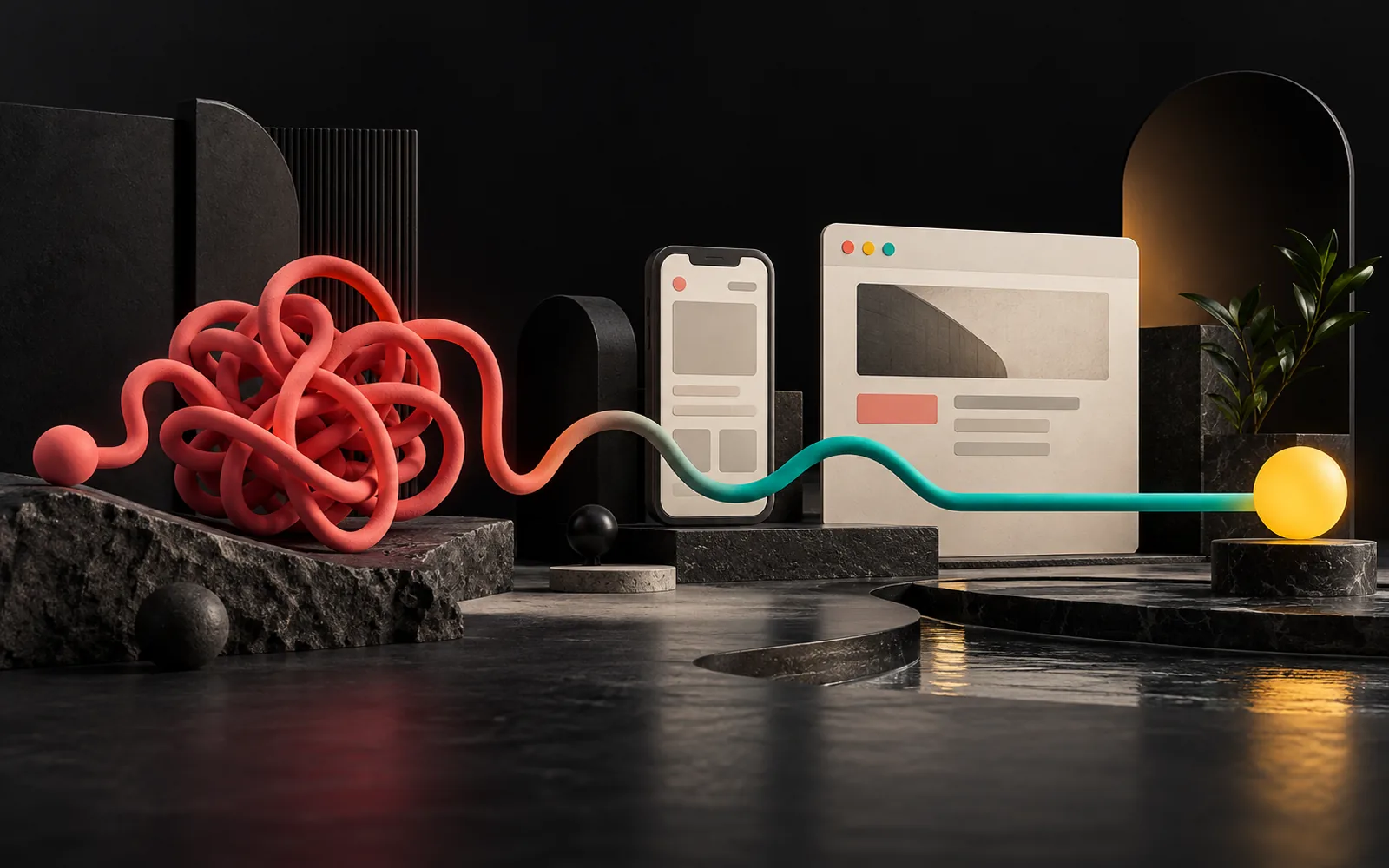
User experience (UX) is the sum of everything a visitor experiences at every point of contact with your website, your app or your brand: how quickly they find what they are looking for, how effortlessly they complete a task, and how they feel at the end. A pretty site is pleasing to the eye; a good site gets the visitor to their goal and gets you the customer. UX is about the second part.
In short
- UX covers every aspect of a user's interaction with a product or service; it is not just screen design.
- Good UX is measured by whether visitors reach their goal (a call, a quote, a purchase) without struggling.
- The UX process consists of research, wireframes, prototypes and usability testing.
- Mobile use, speed and accessibility are integral parts of UX.
- Even simple tests with a handful of real users can reveal major problems.
What is user experience?
According to the definition by Don Norman and Jakob Nielsen (Nielsen Norman Group), two well-known names in the field of usability, UX encompasses all aspects of the end user's interaction with a company, its services and its products.
This definition has an important consequence: UX is not only the design on the screen. To use Nielsen Norman Group's example, even if a movie search site has a flawless interface, your experience is poor if the movie you want is not in the database. Applied to a business website: your site may look very stylish, but if visitors can't find pricing information, delivery times or a phone number, the user experience is poor.
How does it work? A store analogy
Think of your website as a store:
- The window display and decor are pleasing to the eye. That is the visual side of the job (the interface, UI).
- The layout of the aisles, the signs, where the checkout is, how long the line is and whether a salesperson answers your question determine whether you leave the store satisfied. That is the experience (UX).
You walk out empty-handed from a beautifully decorated store where you can't find the product you came for. The web works the same way, with one difference: the visitor's "exit door" is only a tap away.
The UX process: what are the steps?
UX work relies on observation and testing, not intuition. The typical steps are:
- Research: Who are the users, why do they come to the site, and what questions do they ask most often? Your sales and customer service team is the most valuable source here.
- Information architecture: How should the pages and the menu be organized? In how many steps at most should a user reach a piece of information?
- Wireframe: A draft stripped of color and imagery that shows only where the content and buttons go. It moves the discussion from "Is this color nice?" to "Is the information in the right place?"
- Prototype: A clickable, realistic model. It lets you try out the flow before any code is written.
- Usability testing: Giving real users a task ("Request a quote from this site") and watching where they struggle.
- Measurement and improvement: After launch, looking at data such as form completions and phone-call clicks, and making fixes.
The business impact: why UX is an investment, not a cost
A business website's contribution is usually measured by a few concrete actions: a phone call, a WhatsApp message, a quote form, directions to the store. UX removes the obstacles in front of these actions. For example:
- Can visitors call the phone number with a single tap on mobile, or do they have to copy it?
- Does the quote form ask only for the necessary fields, or does it greet visitors with fifteen fields?
- Do the service pages answer, in order, the questions "What is this service, who is it for, how does it work, and how do I get in touch?"
- Do error messages say what went wrong and how to fix it?
Each of these questions looks small, but these are exactly the moments when visitors decide whether to leave the site.
Core principles of good UX
The 10 usability heuristics Jakob Nielsen published in 1994, still widely used today, are a good starting point for evaluating UX. A few we run into most often on business websites:
- Visibility of system status: When a form is submitted, show feedback such as "Your message has been received."
- Match between the system and the real world: Use the user's language; choose the words customers search for instead of internal jargon.
- Consistency and standards: The same function should appear in the same place and look the same on every page.
- Error prevention: Preventing letters from being typed into a phone field is better than reporting the error afterward.
- Aesthetic and minimalist design: Every extra element reduces the visibility of important information.
Two current topics need to be added to these:
- Mobile first: Google uses the mobile version of sites for indexing and ranking. The mobile experience is no longer the "second version"; it is the main one.
- Accessibility: The W3C's WCAG guidelines require a contrast ratio of at least 4.5:1 between normal text and its background. Readable text is not only an accessibility matter; it is a better experience for everyone.
The difference between a pretty site and a good site
| Just a pretty site | A good (UX-focused) site | |
|---|---|---|
| Starting point | "How should it look?" | "What did the visitor come here to do?" |
| Home page | Big image, slogan | Who you are, what you do and the next step |
| Menu | Creative but vague labels | The words users are looking for |
| Mobile | A squeezed version of the desktop site | A flow designed specifically for mobile |
| Speed | Heavy images and effects | Optimized images, fast interaction |
| Measure of success | "Did people like it?" | "Did calls, forms and quote requests come in?" |
We are not dismissing aesthetics here: visual quality builds trust and is the face of your brand and corporate identity on the web. But beauty cannot replace usability; the two have to work together.
Common UX mistakes
- Huge auto-rotating sliders: The main message changes every few seconds, and the visitor can't read any of them.
- Hidden contact details: The phone number and address appear only at the very bottom of the page.
- Unnecessarily long forms: Such as asking for a tax number at first contact.
- Small tap targets on mobile: Links so close together that you can't hit them with a finger.
- Slow-loading pages: Large, uncompressed images and unnecessary scripts. Google's INP metric, which measures interaction responsiveness, became part of Core Web Vitals in March 2024.
- Launching without testing: The team that designed the site can't use it the way someone seeing it for the first time would.
Is usability testing expensive?
Not necessarily. According to a Nielsen Norman Group article from 2000 that is still frequently cited, small qualitative usability tests with about five users are enough to uncover most problems; the main recommendation is to repeat small tests rather than run one big test. The article also recommends testing with a few people from each group if you have distinct user groups.
At business scale, this means: ask a few customers or acquaintances who have never seen your site to "request a quote from us on this site," and watch without helping at all. Every moment they get stuck is a point that needs fixing.
Our experience
In our web projects, we start design at the wireframe stage: first we decide which question each page will answer and what the visitor's next step will be, and only then make decisions about color and imagery. Keeping direct contact actions such as phone and WhatsApp easy to reach on mobile and limiting forms to the necessary fields is our standard approach. Before launch, we test the site on different phone sizes and with people who are seeing the project for the first time.
Frequently asked questions
Are UX and UI the same thing?
No. UI (user interface) is the buttons, colors, typefaces and layout you see on the screen. UX is the entire experience a user has from start to finish, and it includes that interface. Good UI is part of good UX, but on its own it is not enough.
Does a small corporate website need UX work?
Yes, but on a small scale. Even on a site with a few pages, defining the target audience, setting up the page structure and testing with a few people determine whether the site will work. This work is usually done as a natural part of the design process.
How can I measure UX?
Look at actions tied to your site's purpose: the number of form submissions, phone calls, quote requests and time spent on specific pages. Alongside these, simple tests in which you give visitors a task and watch them reveal problems that the numbers don't show.
Can UX be improved without rebuilding the site?
In most cases, yes. Steps such as simplifying menu labels, making contact details visible, shortening forms and optimizing images can be done on the existing site. If the underlying platform is very old or the site isn't mobile-friendly, a redesign may make more sense.
Conclusion
User experience is less about how pretty your site is and more about how easily visitors can use it. A site with a clear goal, a simple flow, fast mobile performance and testing with real users contributes more to your business than a pretty but impractical one. If you are planning a new site, our guide on what to check before commissioning a corporate website may also help.
If you'd like to review your site's user experience together, take a look at our web design service; for broader needs such as dashboards or apps, see our software and digital solutions page, or get in touch with us.
Learn more on Grafik Sanat (in Turkish): Visual explanations and quizzes on this topic → grafiksanat.com.tr/terim/ux
Sources6
- Nielsen Norman Group — The Definition of User Experience (UX), Don Norman & Jakob Nielsen nngroup.com
- Nielsen Norman Group — 10 Usability Heuristics for User Interface Design nngroup.com
- Nielsen Norman Group — Why You Only Need to Test with 5 Users nngroup.com
- Google Search Central — Mobile-first indexing best practices developers.google.com
- web.dev — Interaction to Next Paint becomes a Core Web Vital on March 12 web.dev
- W3C WAI — Understanding SC 1.4.3 Contrast (Minimum) w3.org