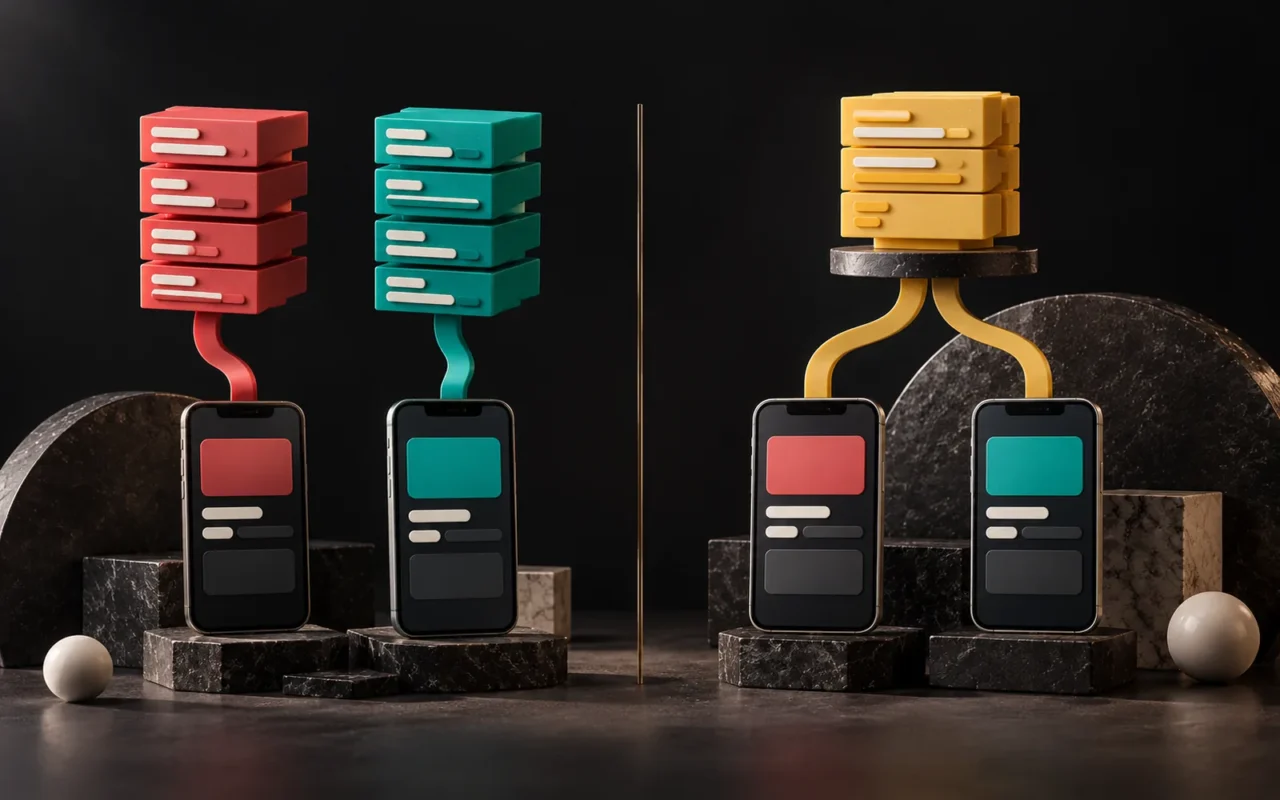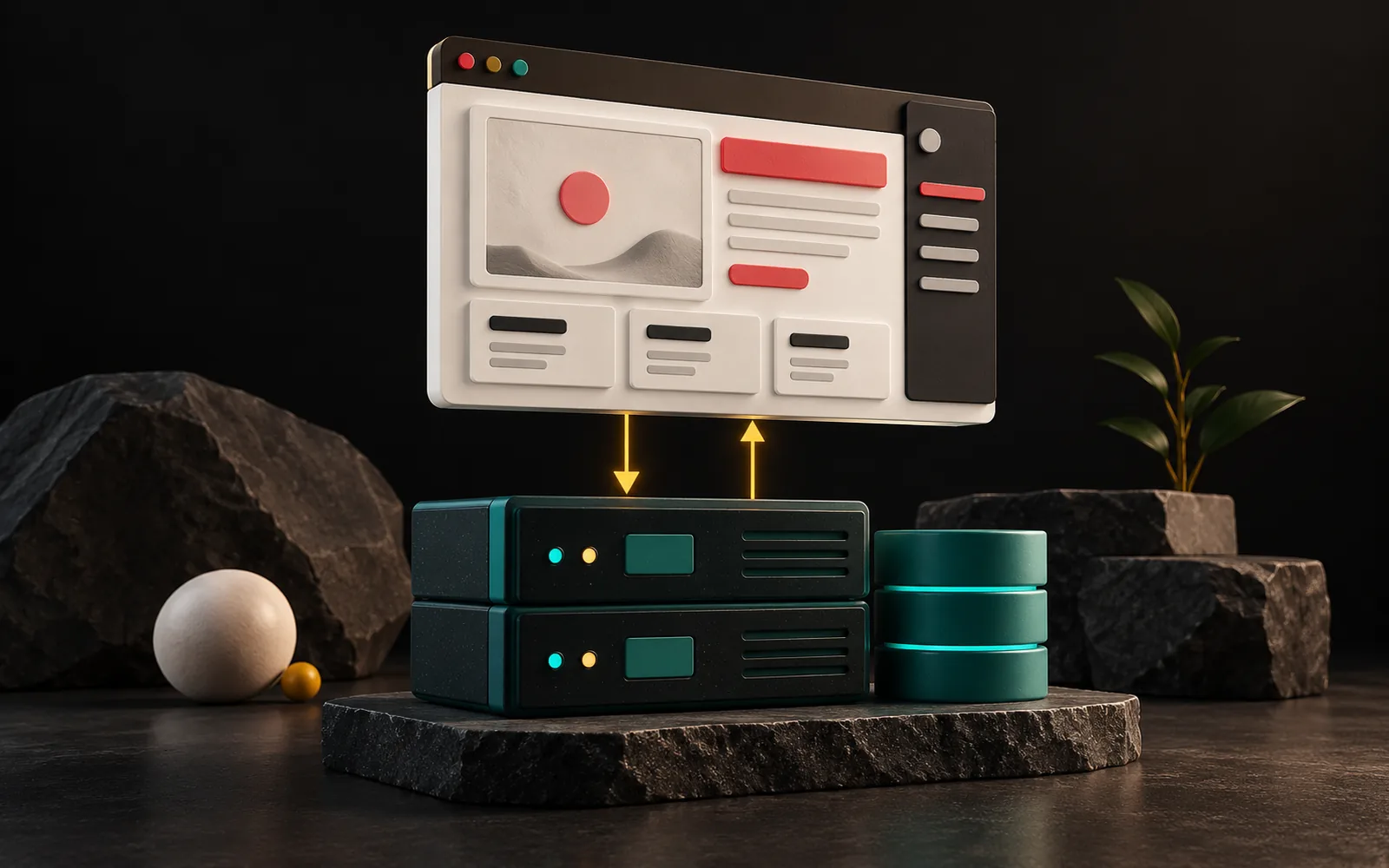
The frontend is the part of a website or app that the user sees and touches: the page layout, buttons, forms and menus. The backend is the part the user doesn't see: the database that stores data, the rules that run when someone submits a form, user logins and security checks. In a project, the answer to "what are frontend and backend?" is really the answer to "who is doing which part of the work, and where is the budget going?"
In short
- Frontend: The layer that runs in the browser or on the phone and that the user sees. Developers write it in HTML, CSS and JavaScript.
- Backend: The layer that runs on the server and processes and stores data. Developers write it in languages such as PHP, Python or Node.js.
- The two sides usually talk through an API: the frontend sends a request, the backend sends a response.
- A simple brochure site has little backend work; the backend's share grows as you add features like a dashboard, memberships, quotes or orders.
- When comparing quotes, asking "how much of this project is frontend work and how much is backend?" is the quickest way to understand the budget.
What is the frontend?
The frontend is everything the user sees on the screen. When a visitor comes to your site, the browser reads the files sent by the server and draws the page. Developers write these files in three core languages:
- HTML builds the page's skeleton: headings, paragraphs, images, forms. (For details: What Is HTML?)
- CSS sets the look: color, typeface, spacing, mobile layout. (See What Is CSS?)
- JavaScript adds interaction: drop-down menus, form checks, scroll effects. (See What Is JavaScript?)
As MDN Web Docs puts it, client-side code runs in the browser. Its job is to improve how the page looks and behaves: interface components, layout, navigation, form validation. Also, this code has almost no access to the operating system. In other words, the frontend cannot store your data permanently; it only displays it and collects it from the user.
Frontend work also ties closely to design. After all, however good a user interface (UI) design is, the frontend developer has to make it work correctly across different screen sizes and browsers. If you are curious about the interface side, see our post What Is User Interface (UI) Design?
What is the backend?
The backend is the part that runs on the server. According to MDN, the main job of server-side code is to decide which content to send to the browser based on the incoming request. That includes:
- Validating the submitted form and request,
- Writing records to the database and reading data from it,
- User login, permissions and session management,
- Sending email and talking to other systems (payments, shipping, accounting).
Developers can write backend code in many languages, such as PHP, Python, Ruby, C# or JavaScript (Node.js), and the developer chooses the language. Because this code has full access to the server's operating system, its security responsibility is also large. If you want to know more about the server itself, our post What Is a Server? covers it.
In short: the frontend decides how data will look, and the backend decides which data the browser receives.
How do frontend and backend talk?
Think of a restaurant. The dining room (frontend) is what the customer sees: the table layout, the menu, the service. The kitchen (backend) is out of sight, but that's where the cooks prepare the food. Meanwhile, the waiter carries orders between the two. In software, people usually call this waiter an API (Application Programming Interface).

An example flow:
- A visitor fills in the contact form and clicks "Send" (frontend).
- The browser sends the form data to the server as a request.
- Code on the server checks the fields, writes the record to the database and sends you a notification email (backend).
- The server returns a "success" response; the frontend shows "Your message has been received."
The user sees only steps 1 and 4. Much of the project's effort, however, is in steps 2 and 3.
How frontend and backend affect your project and budget
When you get a quote for a website or software project, the line items usually fall on one of these two sides. As a result, knowing which side carries more weight helps you compare quotes properly.
| Project type | Frontend share | Backend share | Example |
|---|---|---|---|
| Brochure (corporate) site | High | Low; an off-the-shelf content management system covers most of it | Service pages, contact form |
| E-commerce site | Medium | Medium to high; products, stock, payments, shipping | Cart, checkout steps |
| Customer portal, CRM, job tracking app | Medium | High; rules, roles, reports, integrations | Quotes, service records, reporting |
| Mobile app | High (two platforms) | Depends on the server side behind the app | Memberships, notifications |
This table shows a general tendency; in practice, we assess the scope of each project separately.
A few practical takeaways:
- Work described as "just one screen" can grow. A single button on the screen may have permission checks, records, emails and reporting behind it.
- Design changes mostly affect the frontend. Changes to colors, layout or text usually don't touch the backend.
- Rule changes, on the other hand, affect the backend. For example, a request like "when a quote is approved, send it to accounting too" is backend and integration work.
- Hosting needs grow with the backend. As a result, a database-heavy application needs different server resources than a simple brochure site.
What does full-stack mean?
People call a person or team that can develop both the frontend and the backend "full-stack." In small and mid-sized projects, a single full-stack team can take the work from start to finish. In large projects, however, separate specialists handle the two sides, because the depth of each requires its own expertise. What matters to you is not the job title but that it's clear who is responsible for each side.
Common mistakes
- Approving only the screen designs. A design approval doesn't answer "which data does this screen get, from where, and who edits it?" So you should also agree on the backend rules in writing.
- Leaving security to the frontend. Checks in a form (e.g., "the email field can't be empty") make things easier for the user, but they don't provide security. The real checks must happen on the server, because the user can change code in the browser.
- Not knowing who hosts the backend. Whose account are the server, database and backups in? Make sure you receive this information when the project ends.
- Thinking of maintenance only as design. Language and library versions on the backend also need updates. We cover this in our post Why Is Website Maintenance Necessary?
Our experience
We build most of our corporate web projects on WordPress. In this setup, the frontend is the theme and the pages built with Elementor. The backend is WordPress's PHP code running on the server and the MySQL database. Because content management comes ready-made, most of the effort in these projects goes into the frontend: design, mobile layout and speed. On the Tuğra Karot site, for example, the focus was a service-based, SEO-friendly page structure and phone and WhatsApp actions.
In custom software work such as dashboards, CRMs or job tracking apps, the picture is reversed: rules, roles, reports and integrations sit mostly in the backend. In our projects, we write out the two sides separately at the quote stage. That way, we answer the question "what runs behind this screen?" from the start.
Frequently asked questions
Is frontend or backend harder?
Each has its own challenges. For example, on the frontend, the challenge is the wide range of screen sizes, browsers and user behavior. On the backend, it is data consistency, security and performance. Whichever side of the project is heavier, the expertise and budget shift toward that side.
Can a website work without a backend?
A server can deliver a site made only of fixed (static) pages without backend code. But once you add a feature such as a form, content management, memberships or orders, you need a backend to process the data. On most corporate sites, a content management system such as WordPress meets this need.
Should a quote list frontend and backend separately?
It isn't required, but it helps. In fact, listing the two sides separately shows the scope more clearly and reduces "is this included too?" debates later.
Are frontend and UI design the same thing?
No. UI design designs how the screen will look; frontend development turns that design into working code. In some teams the same person may do both, but they are two separate skills.
Conclusion
Frontend and backend are the two halves of a software project: one deals with the user, the other with the data. Therefore, knowing which half of your project carries more weight helps you compare quotes, set priorities and avoid surprises later. If you are planning a website or a custom application, take a look at our Web Design and Software & Digital Solutions pages, or contact us.
Learn more on Grafik Sanat (in Turkish): Visual explanations and quizzes on this topic → grafiksanat.com.tr/terim/frontend-backend
Sources2
- MDN Web Docs — Introduction to the server side (comparison of client-side and server-side code). — accessed: 2026-10 developer.mozilla.org
- MDN Web Docs — API (glossary). — accessed: 2026-10 developer.mozilla.org