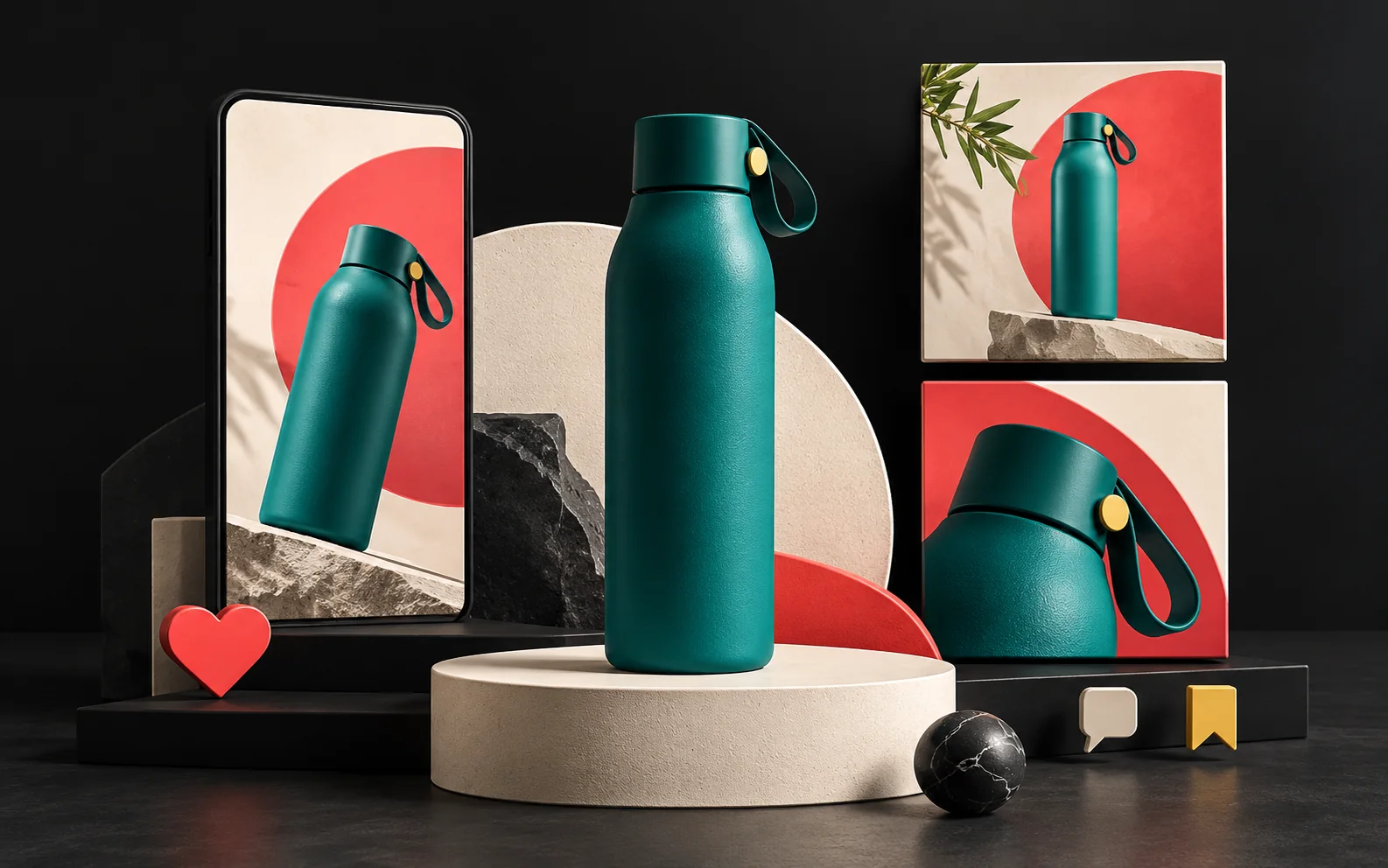
Product promotion on social media takes a consistent visual language, a clear message and the right content rhythm. Every post should strengthen how the brand is perceived, communicate the product's benefit quickly and lead the user to take action. In this article, we explain step by step how to build the message when you showcase a product on social media, which formats to choose and how to tie posts into a campaign flow.
In short
- First, write in one sentence who the product is for and what problem it solves; let every post draw on that sentence.
- Lead with the benefit, not the feature, and use a visual that makes sense in the first second.
- Templates tied to your identity guideline show that every post comes from the same brand.
- Choose the format by platform and purpose: single image, carousel, short video, story.
- Plan posts not one by one but as a flow of teaser, launch, details, proof and reminder.
Why does product promotion on social media need a plan?
In the feed, users often look at a post for only a second or two. In that short time, they need to understand what the product is, who it is for and why they should care. Random posts answer these questions in a scattered way. A planned promotion, by contrast, repeats the same message from different angles and sticks in the mind.
In addition, a well-planned digital and visual foundation makes a brand look more professional. Giving users quick access to the information they need and making sure posts look right on mobile also have a direct impact on conversions. After all, your posts are usually seen on a phone screen.
1. Pin down the message in one sentence
First, write the product's main message. This pattern makes it easier: "[Product] solves [problem] for [audience] by [how]." This sentence becomes the common ground of the visual, the copy and the call to action.
Benefit, not feature
Users care less about a product's technical feature than about what that feature does for them. For example, "a 1,000 mAh battery" is a feature; "no more worrying about charging all day" is a benefit. So state the benefit first and show the feature as proof of it.
2. Build a consistent visual language
Users should be able to recognize your brand in the feed without looking at the logo. What makes this possible is consistent color, typography, photo style and layout in every post. We cover this in detail in our article on why brand identity matters.
The practical solution is to prepare a few templates tied to your identity guideline: product announcement, feature card, customer review, campaign and reminder. That way, you don't design each post from scratch; at the same time, every post looks like part of the same family. You can read how to keep consistency from stationery to digital templates in our article on corporate identity design essentials.
What to watch for in product visuals
- Make the product clearly visible. A simple background and good lighting make the product stand out even on a small screen.
- Show the moment of use. Showing the product in a real setting, in use, explains the benefit without words.
- Keep text short. Limit text on the image to a few words and leave the details to the caption.
- Check the contrast. Make sure there is enough contrast between text on the image and its background. We cover legibility principles in interfaces in our article what is UI design.
3. Choose the format by purpose
Each format serves a different job. For this reason, instead of sticking to a single format, choose the one that fits the structure of the message:
| Format | Best use |
|---|---|
| Single image | Announcements, campaigns, highlighting a single benefit |
| Carousel | Step-by-step use, feature lists, before and after |
| Short vertical video | Showing the product in action, setup, unboxing |
| Story | Short-term campaigns, polls, reminders, links |
Choose the right dimensions from the start, too. The Instagram feed supports vertical (4:5) images alongside square (1:1) ones; a vertical image takes up more of the screen. Stories and short videos, meanwhile, use a full-screen vertical 9:16 ratio. In full-screen formats, the profile name, caption area and buttons sit along the top and bottom edges, so keep important text and the logo away from those zones.
Finally, add alternative text (alt text) to your images. Instagram lets you write your own description of an image when you upload a post. This description helps people who use screen readers understand your product.
4. Keep the copy and call to action short
The first line of the caption is the most important one, because most users don't expand the rest. So put the benefit in the first line. Then add a sentence or two of detail and end with a single clear call to action.
The call to action should be concrete: "See it via the link in our profile", "Message us and we'll check stock for you" or "Order via the link in our story". Using more than one call to action in a post, on the other hand, makes the decision harder.
5. Content rhythm: calendars and series
Content rhythm is how often and in what order you post. Instead of irregular bursts followed by long silences, choose a steady rhythm you can sustain. For example, two product posts and one story series a week is a realistic start for a small team.
Recurring series also make the work easier. For example, series such as "Product of the week", "How to use it" or "Our customers ask" make content production more predictable and also let followers know what to expect.
6. Campaign flow: tie your posts together
Instead of launching a new product with a single post, plan a flow of a few steps:
- Teaser: An early announcement showing a detail of the product or the problem it solves.
- Launch: The main post showing the whole product, its benefit and price or purchase information.
- Details: Carousels and videos explaining features, steps of use and options.
- Proof: Real customer reviews, examples of use and answers to frequently asked questions.
- Reminder: A final call to action with information such as the campaign end date, stock or new color options.
Also decide what you will measure at the end of each step. For example, saves and shares show interest better, while profile visits and messages show purchase intent.
7. Disclose advertising clearly in collaborations
If you promote your product with a social media influencer, pay attention to the rules in Turkey. According to the guide published in May 2021 by the Advertising Board (Reklam Kurulu) of Turkey's Ministry of Trade (Ticaret Bakanlığı), it must be clear at first glance that a post is an ad, and covert advertising is not allowed. The guide asks for "#reklam" (ad) or a phrase indicating the collaboration, together with the advertiser's name or brand. It also states that advertisers and agencies are responsible for compliance as well.
Our experience
In social media design projects, we follow this approach:
- We start with an analysis of your goals, sector and competitors, and look at which formats and messages competitors use.
- We plan post structure and content flow around user intent.
- We build the design language to strengthen brand perception, as templates aligned with the identity guideline.
- We deliver the templates as manageable files that the client's team can easily use too.
- We plan post-launch measurement and improvement steps from the start.
Thanks to our background in graphic design and illustration, we prepare the whole series, from product cards to campaign visuals, in the same visual language.
Frequently asked questions
Which platform is better for promoting products?
It depends on your product and audience. For visually appealing consumer products, visual platforms such as Instagram stand out. For corporate and technical products, professional networks such as LinkedIn may make more sense. Rather than being everywhere at once, it is more effective to be consistent on the one or two platforms where your audience is.
How often should I post?
There is no single right number for everyone. What matters is choosing a rhythm you can sustain and keeping the quality up. Frequent but careless posts can be less effective than infrequent but consistent ones.
Do I need professional product photography?
Not necessarily, but the product does need to look clear, well lit and on a consistent background. A simple shooting setup and consistent templates often do more than expensive photo shoots.
Is there a design difference between ads and organic posts?
The core principles are the same: a clear benefit, a strong visual and one call to action. However, in an ad, the user may not follow you yet. That is why you need to show the brand and the offer more clearly in the first second.
Conclusion
Product promotion on social media works when you combine a clear message, a consistent visual language, the right format and a planned content rhythm. When you treat each post as part of a campaign flow, the product's benefit stays in the user's mind more easily. Successful digital work comes from thinking about design and technology together. Artsution considers not only what a brand needs today, but also the foundation it will need as it grows.
If you'd like consistent social media templates and campaign visuals for your products, take a look at our social media design service or get in touch with us.
This article is for general information only and is not legal advice.
Sources5
- Meta Ads Guide — Instagram Feed image ads (recommended ratios) facebook.com
- Meta Ads Guide — Instagram Stories image ads (9:16 ratio, safe zones) facebook.com
- Instagram — Improved Accessibility Through Alternative Text Support (28 November 2018) about.instagram.com
- T.C. Ticaret Bakanlığı — Ticaret Bakanlığı sosyal medya etkileyicileri için kılavuz yayımladı [Ministry of Trade — The Ministry of Trade publishes a guide for social media influencers] (7 May 2021) ticaret.gov.tr
- W3C WAI — Understanding SC 1.4.3 Contrast (Minimum) w3.org