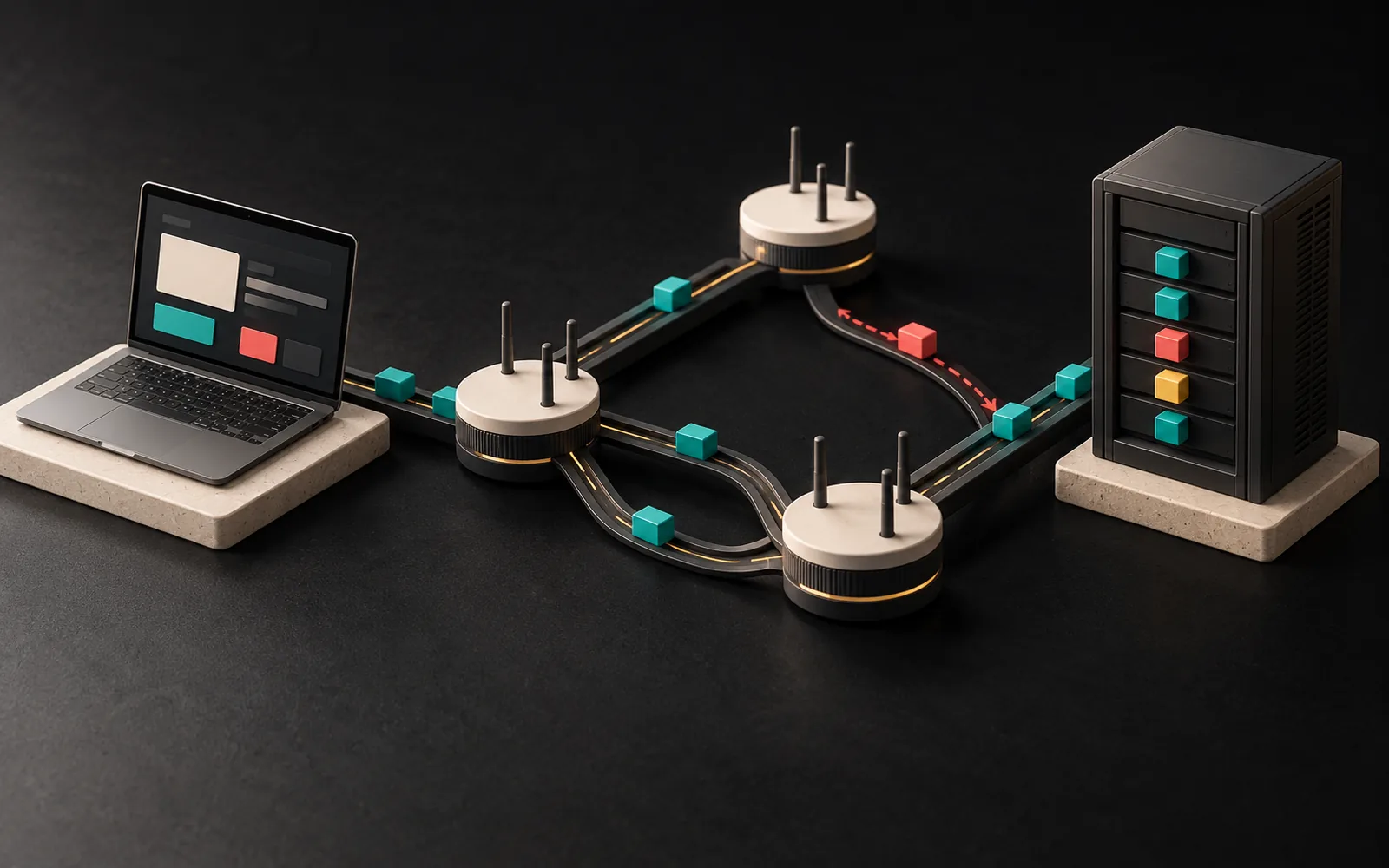
TCP/IP is the family of protocols (communication rules) that defines how internet-connected devices send data to each other. The short answer to "What is TCP/IP?" is this: IP makes sure data packets reach the right address, and TCP makes sure those packets are delivered completely and in the right order. Almost everything on the internet, from your website loading to your email arriving, runs on this common language.
In short
- TCP/IP isn't a single protocol but a family of protocols that works in layers: the application, transport, internet and link layers.
- IP addresses and routes packets; TCP sets up a connection, resends lost packets and keeps them in order.
- UDP is a lighter alternative to TCP; HTTP/3 also uses the QUIC protocol, which runs over UDP.
- When your website "won't load," the problem can sit at different layers: a DNS, connection (TCP/TLS) or application (HTTP) error.
- Knowing these concepts makes it easier to speak the same language as your hosting company and your software team.
What is TCP/IP?
The name TCP/IP comes from the two best-known protocols in the family:
- TCP (Transmission Control Protocol): Responsible for delivering data reliably. As stated in RFC 9293, the IETF's current TCP standard, TCP gives applications a reliable, ordered stream of data.
- IP (Internet Protocol): Carries data, split into packets, from the source to the destination. Every device has an IP address, and routers forward packets according to these addresses. We explained IP addresses and the difference between IPv4 and IPv6 in our article What is an IP address?
For example, think of it this way: IP is a shipping company's addressing and delivery system; TCP is the tracking system that checks "Did all the boxes arrive, and are they in the right order?"
The four layers of TCP/IP
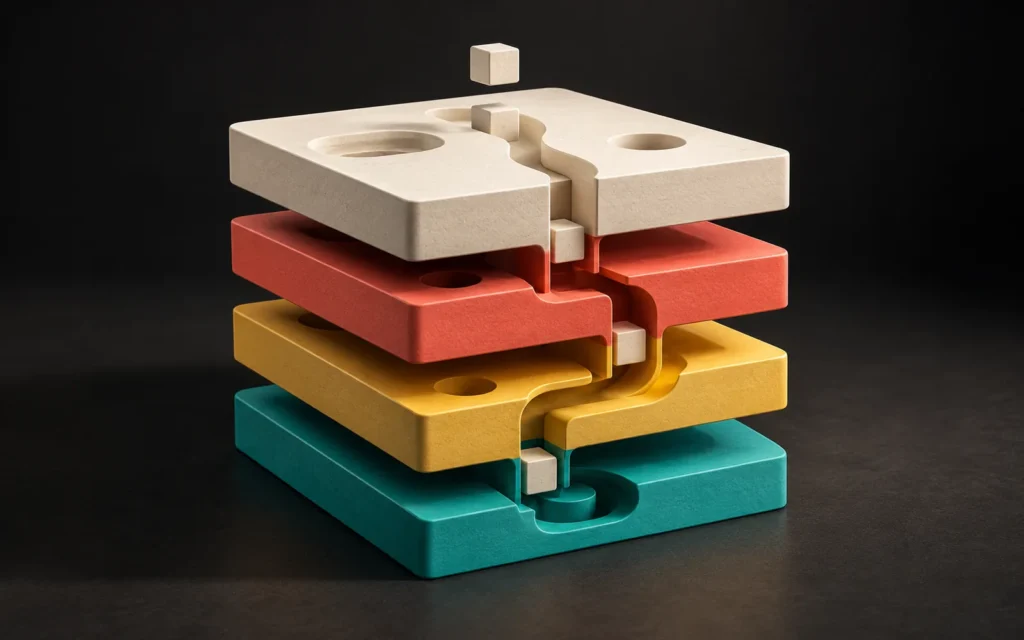
RFC 1122 (1989), which defines the basic requirements of internet protocols, describes the protocol family in four layers. In this model, each layer does only its own job and serves the layer above it.
| Layer | What it does | Example protocols |
|---|---|---|
| Application | The language of the service the user is using | HTTP/HTTPS, DNS, SMTP (email), FTP |
| Transport | End-to-end delivery between two devices | TCP, UDP |
| Internet | Addressing packets and routing them between networks | IP (IPv4, IPv6), ICMP |
| Link | Transmission over the physical network | Ethernet, Wi-Fi |
Thanks to this layered structure, your website's HTML travels the same way over Wi-Fi, a mobile network or a fiber line. In other words, HTTP at the application layer doesn't need to know what network lies underneath.
What happens when a web page loads?
When a visitor types your address into their browser, the following steps take place, in short:
- DNS lookup (application layer): First, DNS translates the domain name into the server's IP address. More detail: What is DNS?
- TCP connection (transport layer): The browser and the server perform a "three-way handshake." The browser asks for a connection, the server says it accepts, and then the browser confirms. RFC 9293 defines this procedure as the standard way to establish a connection.
- TLS handshake: If the site uses HTTPS, the two sides then set up an encrypted connection. More detail: HTTP vs HTTPS
- HTTP request and response (application layer): Next, the browser asks for the page, and the server sends the HTML.
- Transporting the packets (internet and link layers): The server splits the response into small packets, and routers forward each packet by IP address, passing through many devices along the way.
- Checking and reassembly (transport layer): TCP tracks every incoming piece of data by its sequence number and sends acknowledgments; the sender resends lost pieces. Finally, the browser receives the data in the right order.
However, each handshake adds a round trip. That is why a server that is far from the visitor can noticeably slow down the first connection. We covered this in our article What is latency?
The difference between TCP and UDP
There are two main protocols at the transport layer:
| TCP | UDP | |
|---|---|---|
| Connection | Sets up a connection first (handshake) | Sends without setting up a connection |
| Reliability | Resends lost packets and keeps them in order | No guarantee of delivery or order |
| Speed and overhead | More overhead because of its control mechanisms | Lighter |
| Typical use | Web pages (HTTP/1.1, HTTP/2), email, file transfer | DNS lookups, video calls, live streaming, games |
A note on recent developments: HTTP/3, the new version of the web's protocol, runs on a protocol called QUIC instead of TCP (RFC 9114, 2022). QUIC packets travel over UDP, but QUIC itself takes care of tasks such as reliability, ordering and encryption. As stated in RFC 9000, QUIC aims to shorten connection setup time by combining the transport and cryptographic handshakes. So the statement "the web always uses TCP" is no longer entirely accurate; but the core logic of the TCP/IP family stays the same.
How do these concepts affect your website and your business?
Of course, as a business owner, you don't need to know the technical details of TCP/IP. But a few basic concepts help you explain problems to the right person in the right way.
- "The website won't load" can happen at different layers. If the domain name can't be resolved, the problem is in DNS. Similarly, if the server can't be reached (timeout, connection refused), the problem is in the network, the server or the firewall. Finally, if the server responds but returns an error code such as "500," the problem is in the application. For this reason, writing down the error message the browser shows helps the support team find the problem quickly.
- Ports and the firewall. TCP and UDP separate different services on the same server by port number. For example, the web uses 80 (HTTP) and 443 (HTTPS), while email uses separate ports. Keeping unnecessary ports closed in the server's security settings reduces the attack surface.
- Integrations. When your website talks to a payment provider, accounting software or an API, that also happens over the same TCP/IP infrastructure. As a result, the other system's IP restrictions, port rules or timeout settings directly affect whether the integration works.
- IPv6 support. If your server and domain are also reachable over IPv6, it is easier for your visitors to reach your website regardless of the type of network they are connected to.
Common mistakes
- Calling every access problem "the site is down." DNS, connection and application errors require different fixes.
- Leaving all ports open on the server. Instead, turn off unused services and restrict administrative access.
- Testing only from your own network. A website that works on your office network may have problems on a different carrier or on a mobile network.
- Looking only at the code when an integration fails. Sometimes the problem is in the other side's IP allowlist or a firewall rule.
Our experience
In website and software projects, when someone reports an access problem, we work through it layer by layer: first we check whether the domain resolves to the correct IP address, then whether a connection to the server can be established, and finally what response the application returns. This approach lets us quickly tell whether the problem lies with the hosting company, in the domain settings or in the website itself.
Frequently asked questions
What is the difference between TCP/IP and HTTP?
HTTP is a protocol at the application layer of the TCP/IP family and defines how web pages are requested and sent. Meanwhile, TCP and IP carry that request and response across the network. In short, HTTP determines "what is said," and TCP/IP determines "how it gets delivered."
Which is better, TCP or UDP?
Which one is better depends on the job. TCP suits jobs where complete delivery matters (web pages, email, files). UDP, on the other hand, suits jobs where a small loss isn't a problem but speed matters (live video, voice, games). HTTP/3, meanwhile, provides reliability in its own layer through QUIC, which runs over UDP.
Do I need to configure TCP/IP settings for my website?
Usually not, because your hosting company or server administrator handles these settings. What matters for you is that the server supports current protocols (HTTPS, HTTP/2 or HTTP/3, IPv6) and that unnecessary ports are kept closed.
What does a "connection timed out" error mean?
The browser tried to reach the server but didn't get a response within a certain time. For example, the server may be down or overloaded, or a firewall may be blocking the connection. So this error indicates that the problem is at the connection stage, not in DNS.
Conclusion
TCP/IP is the common language of the internet: IP makes sure data goes to the right address, and TCP makes sure it arrives complete and in order. Understanding the layered structure helps you understand why your website won't load, talk more clearly with your hosting company and software team, and make better-informed infrastructure decisions.
If you would like to review your website's or software's infrastructure together, take a look at our web design and software and digital solutions services or contact us.
Learn more on Grafik Sanat (in Turkish): Visual explanations and quizzes on this topic → grafiksanat.com.tr/terim/tcp-ip
Sources5
- IETF, RFC 1122 — Requirements for Internet Hosts: Communication Layers rfc-editor.org
- IETF, RFC 9293 — Transmission Control Protocol (TCP) rfc-editor.org
- IETF, RFC 9000 — QUIC: A UDP-Based Multiplexed and Secure Transport rfc-editor.org
- IETF, RFC 9114 — HTTP/3 rfc-editor.org
- MDN Web Docs, "Understanding latency" developer.mozilla.org