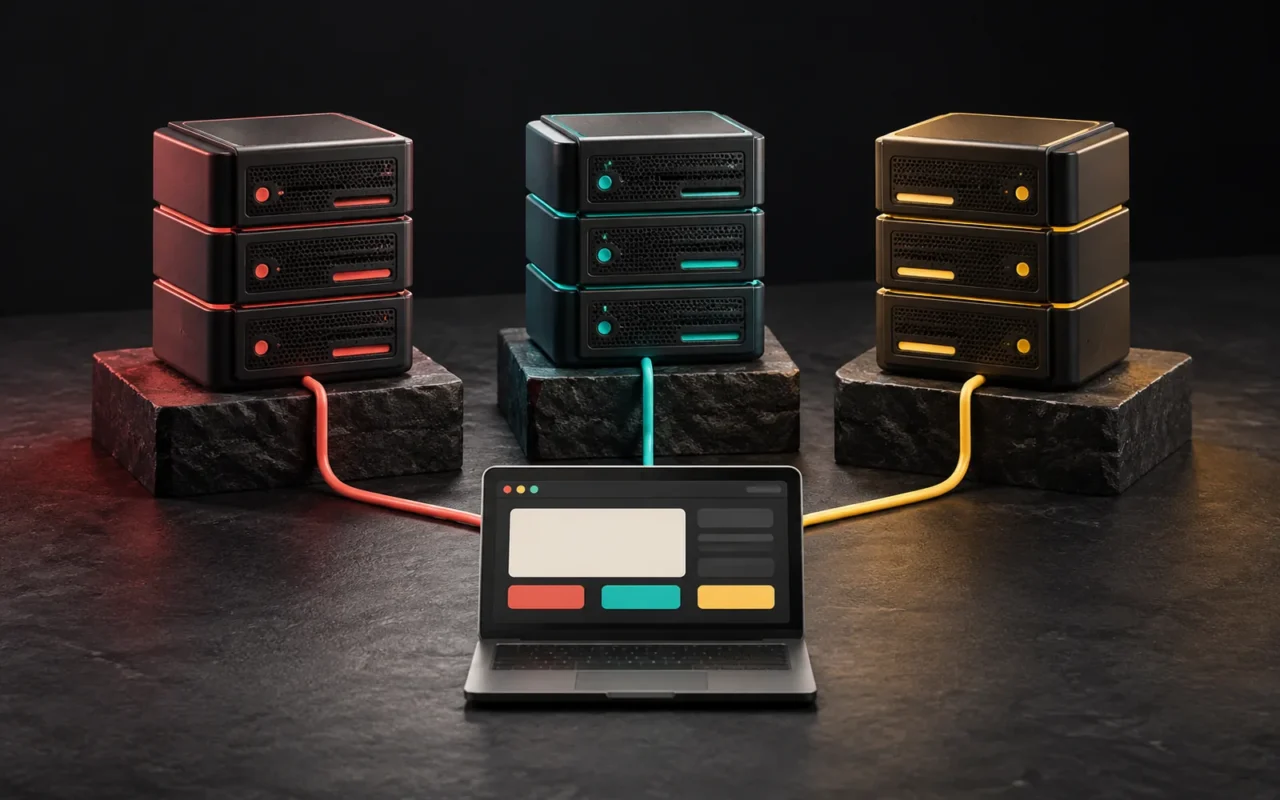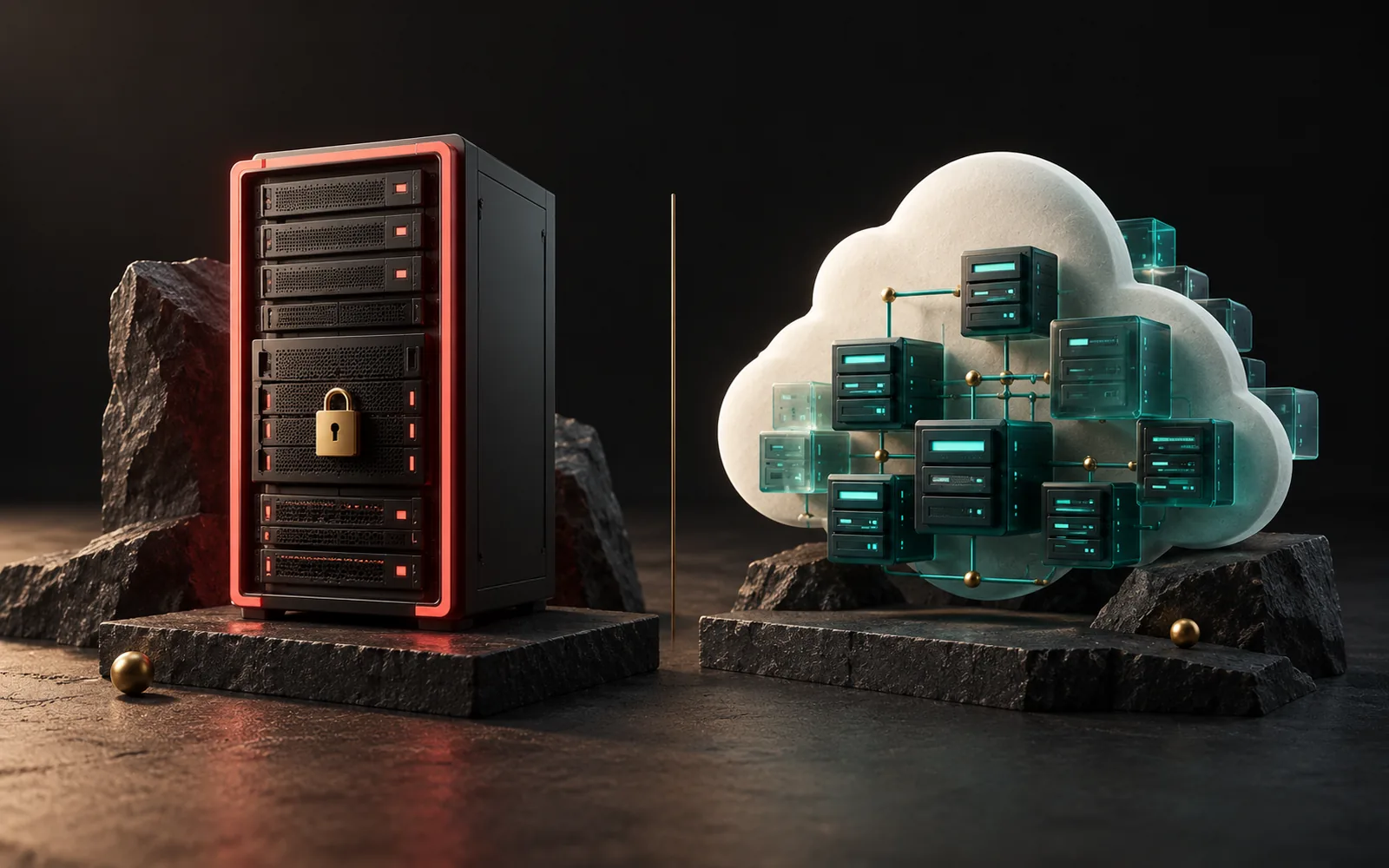
A dedicated server is a server where you rent an entire physical machine in a data center for your use alone. A cloud server is a virtual server drawn from a large pool of hardware, where you can spin up or shut down as many resources as you need within minutes and usually pay only for what you use. In the dedicated vs cloud server decision, the right choice depends on how steady your load is, your team's technical capacity and how you want to manage costs.
In short
- With a dedicated server, all the hardware is yours. You don't share resources with any other customer.
- With a cloud server, resources come from a pool. They can be scaled up and down quickly.
- Dedicated servers usually come with a fixed monthly cost; cloud servers usually use a pay-as-you-go cost model.
- Workloads that are steady and predictable lean toward dedicated servers; fluctuating or fast-growing ones lean toward the cloud.
- In both models, responsibility for the operating system, applications and security settings is mostly yours.
What is a dedicated server?
With a dedicated server, you rent a physical machine in a provider's data center. The processor, memory, disks and network card are reserved for your work alone. You decide which operating system, which virtualization software or which applications run on it. In fact, if you want, you can even split the machine into virtual servers yourself.
Typical characteristics:
- Resources aren't shared. The "noisy neighbor" problem we described in our VPS and VDS articles disappears, because there are no other customers on the same physical machine.
- The hardware is fixed. So when you need more memory or disk, the provider has to add hardware or you have to move to a bigger machine. Depending on the provider, this can take hours or days.
- The cost is usually fixed monthly or yearly. You pay the same fee regardless of how heavily you use the server.
- Hardware failures are the provider's responsibility; the software side is yours. If a disk or power supply fails, the provider replaces the part. But backing up your data, operating system updates and security are mostly your job.
What is a cloud server?
The word "cloud" has a widely accepted definition: in SP 800-145, published in 2011, the US National Institute of Standards and Technology (NIST) defines cloud computing by five essential characteristics:
- On-demand self-service: You can provision resources yourself, without talking to the provider.
- Broad network access: The service is accessed over the network through standard methods.
- Resource pooling: The provider's hardware is distributed to many customers from a shared pool.
- Rapid elasticity: Resources can be scaled up and down quickly as needed.
- Measured service: Usage is measured, reported and billed accordingly.
Similarly, Amazon Web Services describes cloud computing as "the on-demand delivery of IT resources over the internet with pay-as-you-go pricing."
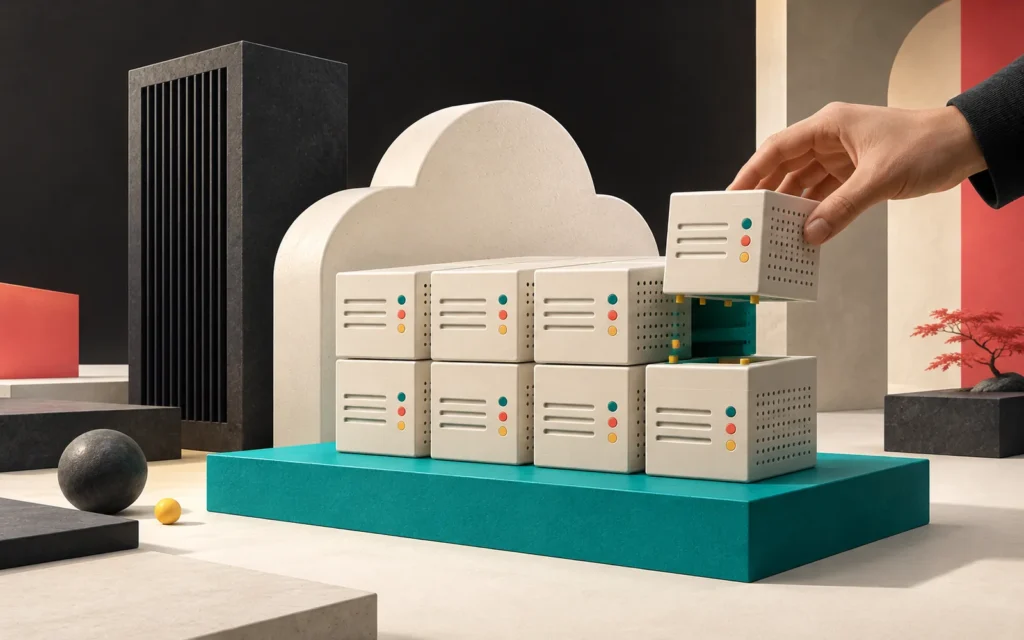
What we call a cloud server is usually a virtual machine taken from this pool. Technically, it is similar to a VPS. However, the difference lies in the infrastructure around it. For example, you can launch a new server in a few minutes, grow a disk, add a load balancer, or take a snapshot and copy it to another region from a panel or through an application programming interface (API).
Note: some cloud providers also offer "bare metal" or "dedicated host" options that reserve an entire physical machine for you. In other words, "cloud" and "dedicated" aren't always mutually exclusive. In this article, we compare the two in their most common meanings.
Dedicated vs cloud server compared
| Criterion | Dedicated (physical) server | Cloud server |
|---|---|---|
| Hardware | Entirely reserved for you | A virtual share of a shared pool (dedicated hardware options also exist) |
| Cost model | Usually fixed monthly or yearly | Usually usage-based (hourly, monthly or by consumption) |
| Cost predictability | High | Depends on usage; without monitoring, surprise bills can happen |
| Scaling | Slow; requires a hardware change or a new machine | Fast; from the panel or automatically |
| Performance consistency | High; no neighbor effect | Varies by plan type |
| Setup time | Hours or days | Usually minutes |
| Hardware failure | The provider repairs it; downtime is possible | The virtual machine can be moved to other hardware (depends on the provider and configuration) |
| Software and security responsibility | Mostly yours | Mostly yours (shared responsibility model) |
| Best suited for | Steady, high load; special hardware needs | Fluctuating load, fast growth, trial and test environments |
Cost model: fixed or pay as you go?
In practice, the biggest difference between the two models is often how the cost adds up.
With a dedicated server, you rent specific hardware for a specific period. Whether the server runs at 10 percent or 90 percent, you pay the same fee. Therefore, if your load is steady and high, this model makes your budget predictable. But if you are paying for a server that sits idle most of the time, it is inefficient.
With a cloud server, you usually pay for the time it is running and the resources you use. As a result, this is very convenient for temporarily scaling up during a campaign or shutting down a test environment once the work is done. On the other hand, your bill can include not only the server but also disks, backups, snapshots, data transfer and extra services. So if you don't keep an eye on these items, the total cost can turn out higher than expected.
We don't give prices, because they change frequently depending on the provider, region and exchange rates. Instead, when comparing, look at the total cost over a year rather than the monthly price of a single server: the server, storage, backups, bandwidth and the effort spent on administration.
Scaling: how will you grow?
You need to think from the start about how your infrastructure will grow when your business grows.
- Vertical scaling (a more powerful server): In the cloud, this usually takes only a short restart. With a dedicated server, you need to move to a bigger machine.
- Horizontal scaling (more servers): In the cloud, adding new servers behind a load balancer is relatively easy. With dedicated servers, you need to rent new machines and set up the connections between them.
Whether your application is ready for horizontal scaling, meaning it is designed to run on several servers at the same time, is a software question independent of the infrastructure choice. For this reason, make decisions such as keeping sessions and files in a shared location at the very beginning.
Maintenance and responsibility: who manages what?
Moving to a cloud server doesn't eliminate server administration. AWS's "shared responsibility model" spells this out clearly: the provider is responsible for the security of the cloud (hardware, network, facilities). Meanwhile, the customer is responsible for what it runs in the cloud. On a virtual server, for example, operating system updates and security patches, installed applications and firewall settings belong to the customer.
The picture is similar with a dedicated server; in fact, the responsibility on the software side is usually even broader. In both models, make clear in writing who is responsible for the following:
- Operating system and software updates
- Firewall and access management
- Backups and restore tests
- Monitoring and alerts
- Response when something fails
Which one should you choose?
A dedicated server may make more sense if:
- Your load is high and predictable all year round,
- Resources must not be shared with any other customer,
- You need a specific hardware configuration,
- You have an experienced team to manage the server.
A cloud server may make more sense if:
- Your traffic fluctuates seasonally,
- You need fast growth or trial and test environments,
- You want to launch servers in different regions or copy backups to another region,
- You don't want to make a large commitment at the start.
You may not need either: For most business brochure websites, well-configured shared hosting or a small VPS is enough. Also, to reach visitors faster, it is often more efficient to look at solutions such as a CDN and caching before making the server bigger.
Our experience
In our projects, we choose infrastructure based on the real load of the work and avoid the "biggest server" approach. Most of our live business web projects run on WordPress, and for websites like these, the deciding factor is usually not the size of the server but caching and page optimization. For example, on this website we use the LiteSpeed server and LiteSpeed Cache. In custom software projects, we plan from the start how the application will grow and where sessions and files will be kept. That way, even if the server model changes later, there is no need to rewrite the software from scratch.
Frequently asked questions
Is a dedicated server more secure than a cloud server?
Not by itself. With a dedicated server, you don't share the hardware with anyone, which is an isolation advantage. But most of security depends on administrative work such as operating system updates, access management, the firewall and backups. If you neglect this work, there is a risk no matter which model you choose.
Is a cloud server always cheaper?
No. With fluctuating or low load, the cloud can be advantageous because you pay for what you use. For a system that runs under constantly high load all year round, a dedicated server with a fixed fee may turn out cheaper. Don't decide without factoring in extra items such as disks, backups and data transfer.
Do I need to back up my cloud server?
Yes. After all, the provider's hardware redundancy doesn't mean your data is backed up. You should have your own backup plan for an accidentally deleted file or a corrupted database, and you should regularly restore and test your backups.
Is it hard to move a website from a dedicated server to the cloud?
It depends on how the website is built. For example, you can usually move a standard WordPress website to a new server in a short time with a planned migration. However, for applications that depend on special hardware or server-specific settings, you need to resolve those dependencies first.
Conclusion
A dedicated server offers predictability and full control; a cloud server offers flexibility and speed. The right choice depends on how steady your load is, your growth plan and who will manage the server. In any case, whichever model you choose, make maintenance and backup responsibilities clear from the start.
If you would like to plan your project's infrastructure together, take a look at our software and digital solutions and web design services or get in touch with us.
Sources4
- NIST — SP 800-145, The NIST Definition of Cloud Computing (September 2011). csrc.nist.gov
- AWS — What is Cloud Computing? aws.amazon.com
- AWS — Shared Responsibility Model. aws.amazon.com
- Hetzner Docs — Cloud servers overview (shared and dedicated vCPU). docs.hetzner.com