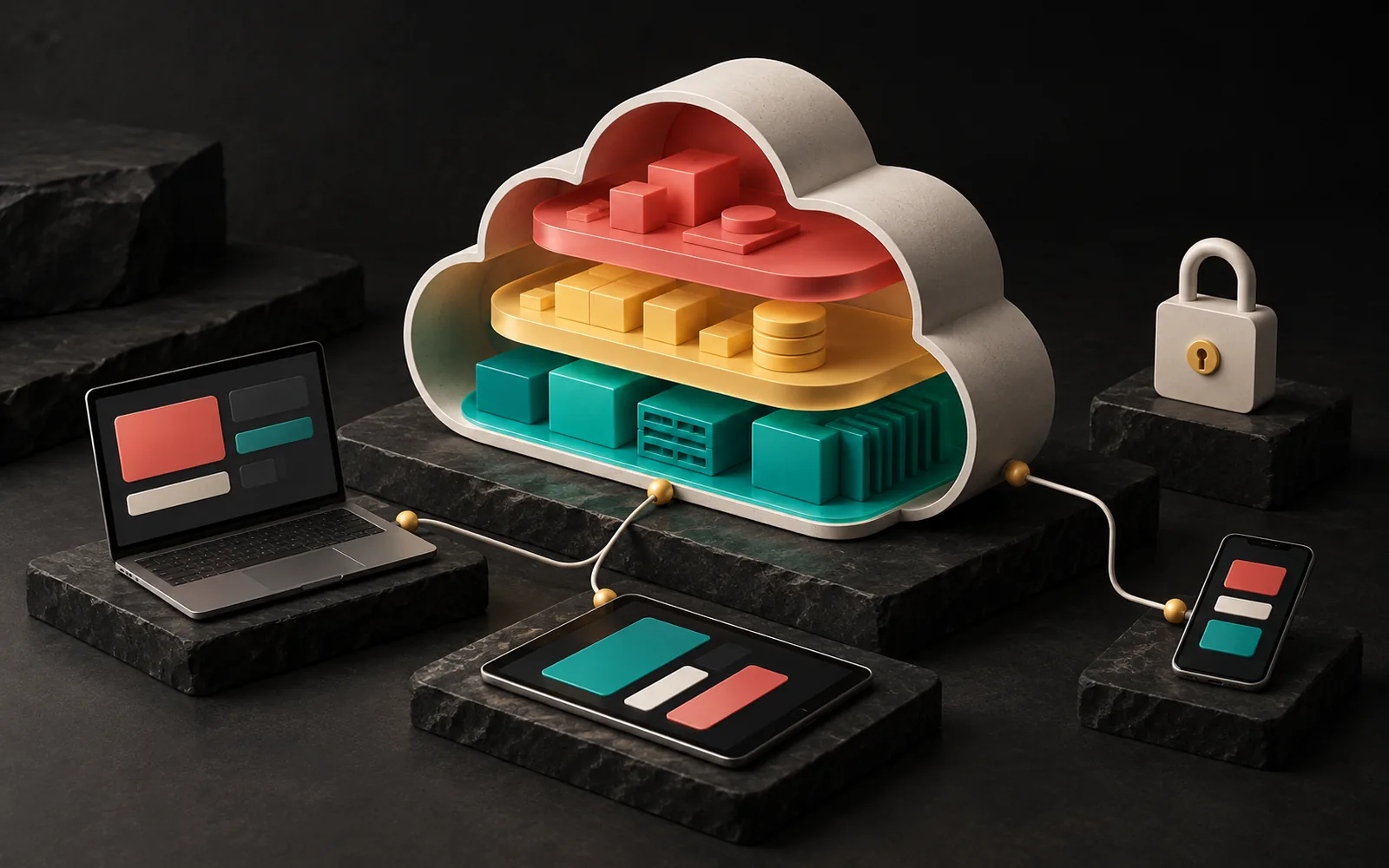
Cloud computing means using resources such as servers, storage, databases and software over the internet, as much as you need, without buying your own hardware. In short, you rent computing power instead of buying it. The real benefit for businesses isn't putting "everything in the cloud"; it's choosing correctly which job makes the most sense in which model.
In short
- Cloud computing is a model for using computing resources over the internet, on demand, and paying for what you use.
- There are three basic service models: IaaS (infrastructure), PaaS (platform) and SaaS (ready-made software).
- The cloud doesn't hand all security over to the provider; a "shared responsibility" model applies.
- Storing personal data in a cloud abroad brings the transfer-abroad rules of Turkey's Personal Data Protection Law (PDPL, Law No. 6698) into play.
- The cloud isn't immune to outages; backups and an exit plan are still your responsibility.
What is cloud computing?
The most widely cited definition is SP 800-145, published in 2011 by the US National Institute of Standards and Technology (NIST). According to this definition, cloud computing is a model that enables on-demand network access, from anywhere, to a shared pool of resources (networks, servers, storage, applications and services). These resources can be rapidly provisioned and released with minimal management effort.
NIST describes the cloud through five essential characteristics:
- On-demand self-service: You spin up a server or storage space yourself from a dashboard, without talking to the provider.
- Broad network access: Resources are reached from phones, tablets or computers through standard means.
- Resource pooling: The provider's hardware is shared among many customers.
- Rapid elasticity: Resources are added when demand grows and released when it shrinks.
- Measured service: Usage is measured, and you usually pay for what you use.
These last two are what really set the cloud apart from renting a traditional server. In our article What is a server?, we covered the basic differences between physical, virtual and cloud servers. Cloud computing, however, covers not just "cloud servers" but all the service layers built on top of them.
How does it work? A simple analogy
You can compare the cloud to the power grid. Instead of installing its own generator, each business draws electricity from the grid and pays whatever the meter shows. The generator's maintenance, fuel and spare parts aren't your concern.
In the cloud, too, the provider manages the data centers, hardware, cooling and network. You take as large a share of that infrastructure as you need. The difference is that, unlike electricity, in the cloud you choose how much you manage yourself. That choice determines the service model.
IaaS, PaaS and SaaS: what does each model cover?

| Model | What do you rent? | What do you manage? | Typical example |
|---|---|---|---|
| IaaS (Infrastructure as a Service) | Virtual servers, storage, networking | Operating system, updates, application, data | Installing your own software on a cloud server |
| PaaS (Platform as a Service) | A ready runtime environment, managed databases | Your application code and data | Managed application platforms you upload your code to |
| SaaS (Software as a Service) | Ready-to-use software | Your accounts, settings and data | Subscription software such as email, accounting or CRM |
The NIST definition also includes four deployment models: public cloud, private cloud, community cloud and hybrid cloud, which combines them. In practice, most small and medium-sized businesses use public cloud services and SaaS products.
What are the real benefits for businesses?
Setting the marketing language aside, the cloud's concrete contributions to a business are:
- Lower up-front investment. Instead of buying, installing and housing server hardware, you pay monthly or by usage.
- Easier scaling. Resources can be added to handle extra traffic during a campaign and released afterward. An environment for a new project can be up in minutes.
- Location-independent access. Your team can reach the same data from the office, the field or home.
- Less maintenance. Especially with PaaS and SaaS, tasks such as dealing with hardware failures and operating system updates largely shift to the provider.
- Geographic distribution. Serving content from locations close to the user, together with services such as a CDN, can improve speed.
The limits and risks of the cloud
The cloud isn't a cure-all. When deciding, you should also factor in these points:
- Cost control. If it isn't monitored, the "pay for what you use" model can lead to unexpected bills. Servers left running by mistake, oversized resources and data egress fees are common culprits. For steady, predictable loads, a VPS or a physical server may be more economical. We made this comparison in our article on dedicated vs. cloud servers.
- Shared responsibility. As AWS puts it, the provider is responsible for "security of the cloud" (hardware, network, facilities), while the customer is responsible for "security in the cloud." On a cloud server, for example, operating system updates, firewall rules and access permissions are your job.
- Outages. Large providers have outages too. For example, in the AWS outage in the us-east-1 region in the US in October 2025, which affected many services, the root cause, according to the post-event summary AWS published, was a fault in a DNS management system. For critical workloads, regional redundancy and a disaster scenario should be planned.
- Backups are still your job. The provider keeps its infrastructure redundant, but restoring data that was deleted by mistake isn't guaranteed in every plan. The 3-2-1 rule from our article on website backups applies in the cloud too.
- Vendor lock-in. Systems tied deeply to a provider's proprietary services are hard to move elsewhere. It's important to build, from the start, a setup from which you can export your data.
Where is the data? Turkey's PDPL and transfers abroad
The question most often overlooked when using the cloud is this: in which country are your customers' personal data physically stored? Uploading personal data to a cloud service whose servers are abroad can count as a transfer abroad under Turkey's Personal Data Protection Law (PDPL, Law No. 6698).
Article 9 of the PDPL, which governs transfers abroad, was amended by Law No. 7499, and the new rules took effect on 1 June 2024. The regulation setting out the implementation rules was published on 10 July 2024. The general framework is:
- Adequacy decision: The Personal Data Protection Board can decide that a country, sector or international organization provides adequate protection.
- Appropriate safeguards: Without an adequacy decision, data can be transferred with safeguards such as standard contracts set by the Board, Board-approved binding corporate rules, or a written undertaking with the Board's permission. Standard contracts must be notified to the Personal Data Protection Authority (KVKK) within five business days of signing. The Authority has also opened an online "Standard Contract Notification Module" for this.
- Incidental transfer: If neither route is available, data can be transferred only in the exceptional cases listed in the law, and only incidentally (not repeatedly).
What this means in practice: when choosing a SaaS or cloud service, look not only at price and features but also at which region the data is stored in, which contracts the provider offers, and its subcontractors. In some sectors (for example, finance and healthcare), there may also be sector-specific rules on where data is kept. We recommend making these decisions together with your legal counsel.
Common mistakes
- Thinking "it's in the cloud, so it's safe." Weak passwords, storage left open to the public and overly broad permissions are user errors, not the provider's.
- Not monitoring costs. Resources launched without budget alerts cause surprises at the end of the month.
- Relying on a single region and a single backup. For critical data, a separate backup should be kept in a different location.
- Not asking where the data is. The most basic PDPL question often comes to mind only after the contract is signed.
- Not making an exit plan. Find out from the start in what format and how quickly you can get your data back when you leave the service.
Our experience
We use different layers of the cloud models in our own products. AquaCRM is a SaaS product we offer on a subscription basis to water treatment service companies. Each subscribing company works in its own isolated data space; one company's data isn't visible to another. This structure is one of the basic requirements for implementing SaaS's "one piece of software, many customers" logic correctly.
For our free education platform Grafik Sanat, we use Supabase for the backend. This means getting infrastructure such as the database and authentication from a ready-made platform service instead of setting it up and managing it ourselves. When choosing a model in our projects, we always start with this question: does managing this layer ourselves really add value, or is it more sensible to hand the responsibility to a trusted provider?
Frequently asked questions
What is the difference between cloud computing and hosting?
Traditional hosting usually means renting a plan with fixed resources. With cloud computing, you can start and stop resources on demand and pay for what you use. The cloud also covers far more than website hosting, including databases, storage and ready-made software.
Does a small business need the cloud?
You're probably already using it: cloud-based email, file sharing and accounting software are all examples of SaaS. Whether to run your own software on cloud infrastructure depends on your traffic, your team's technical capacity and your budget.
Is my data safer in the cloud or on my own server?
Large providers' capabilities in physical security and infrastructure redundancy usually exceed what a business could build on its own. However, matters such as permissions, passwords, backups and configuration remain your responsibility. Security depends more on proper configuration than on where the data sits.
Is using a cloud service based abroad a violation of the PDPL?
Not in itself, but if personal data is transferred, one of the conditions in Article 9 of the PDPL must be met. In practice, the most commonly used route is standard contracts, which must be notified to the Authority within five business days of signing. We recommend getting legal support for your own situation.
Conclusion
Cloud computing is the name for renting computing resources as needed instead of buying them. Used correctly, it reduces the investment burden, makes scaling easier and lightens the maintenance load. But cost tracking, security configuration, backups and PDPL compliance remain on your desk.
If you'd like to assess together which infrastructure suits your software or website, take a look at our software and digital solutions and web design pages, or get in touch with us.
Learn more on Grafik Sanat (in Turkish): Visual explanations and quizzes on this topic → grafiksanat.com.tr/terim/bulut-bilisim
This article is for general information only and is not legal advice.
Sources6
- NIST, SP 800-145 "The NIST Definition of Cloud Computing" (September 2011), csrc.nist.gov
- AWS, "Shared Responsibility Model", aws.amazon.com
- AWS, "Summary of the Amazon DynamoDB Service Disruption in the Northern Virginia (US-EAST-1) Region", aws.amazon.com
- Personal Data Protection Authority (KVKK), "Standart Sözleşme Bildirim Modülü Hakkında Kamuoyu Duyurusu" [Public announcement on the Standard Contract Notification Module] (25 October 2024), kvkk.gov.tr
- Cottgroup Mevzuat, summary of the "Kişisel Verilerin Yurt Dışına Aktarılmasına İlişkin Usul ve Esaslar Hakkında Yönetmelik" [Regulation on the Procedures and Principles for Transferring Personal Data Abroad], cottgroup.com
- Personal Data Protection Authority (KVKK), "Yurt Dışı Aktarım" [Transfers abroad] page, kvkk.gov.tr