SaaS (Software as a Service) means using an application run by a provider over the internet, usually by subscription, instead of buying software and installing it on your own computer or server. That means servers, updates, backups and security are the provider's job; you just use the software. In this post we explain what SaaS is and its pros and risks for businesses, along with the issues that came up while we were building our own SaaS products, AquaCRM and the Label Job Tracking Assistant.
In short
- SaaS means using an application that a provider runs in the cloud, through a browser or an app. You don't manage the infrastructure.
- It usually works as multi-tenant: many companies use the same software, but each company's data is kept separate from the others.
- Pros: quick start, low upfront cost, continuous updates, access from anywhere.
- Things to watch: data ownership and export, vendor dependency, integration options, data protection law (PDPL in Turkey) and where your data is processed.
- Industry-specific SaaS can offer workflows a general package can't cover, with the convenience of a subscription.
What is SaaS?
According to the cloud computing definition of the US National Institute of Standards and Technology (NIST), SaaS is the service model that gives the user the ability to use the provider's applications running on a cloud infrastructure. Users access the applications from a client such as a web browser or through a program interface. The user doesn't manage the network, servers, operating system, storage or even the application itself, and can only change the limited settings made available to them.
For example, everyday SaaS products include web-based email, online accounting and bookkeeping software, project management tools, CRM software.
SaaS vs. PaaS vs. IaaS
The NIST definition lists three service models. The difference between them is how much of the responsibility sits with you and how much with the provider:
| Model | What do you manage? | What does the provider manage? | Who is it for? |
|---|---|---|---|
| IaaS (infrastructure) | Operating system, application, data | Physical servers, network, storage | Technical teams building their own systems |
| PaaS (platform) | Application and data | Infrastructure and runtime environment | Teams developing applications |
| SaaS (software) | Only your usage and your own data | Everything | Businesses that use the software |
We covered the general framework of cloud models in our post What Is Cloud Computing?
Multi-tenant architecture: same software, separate data
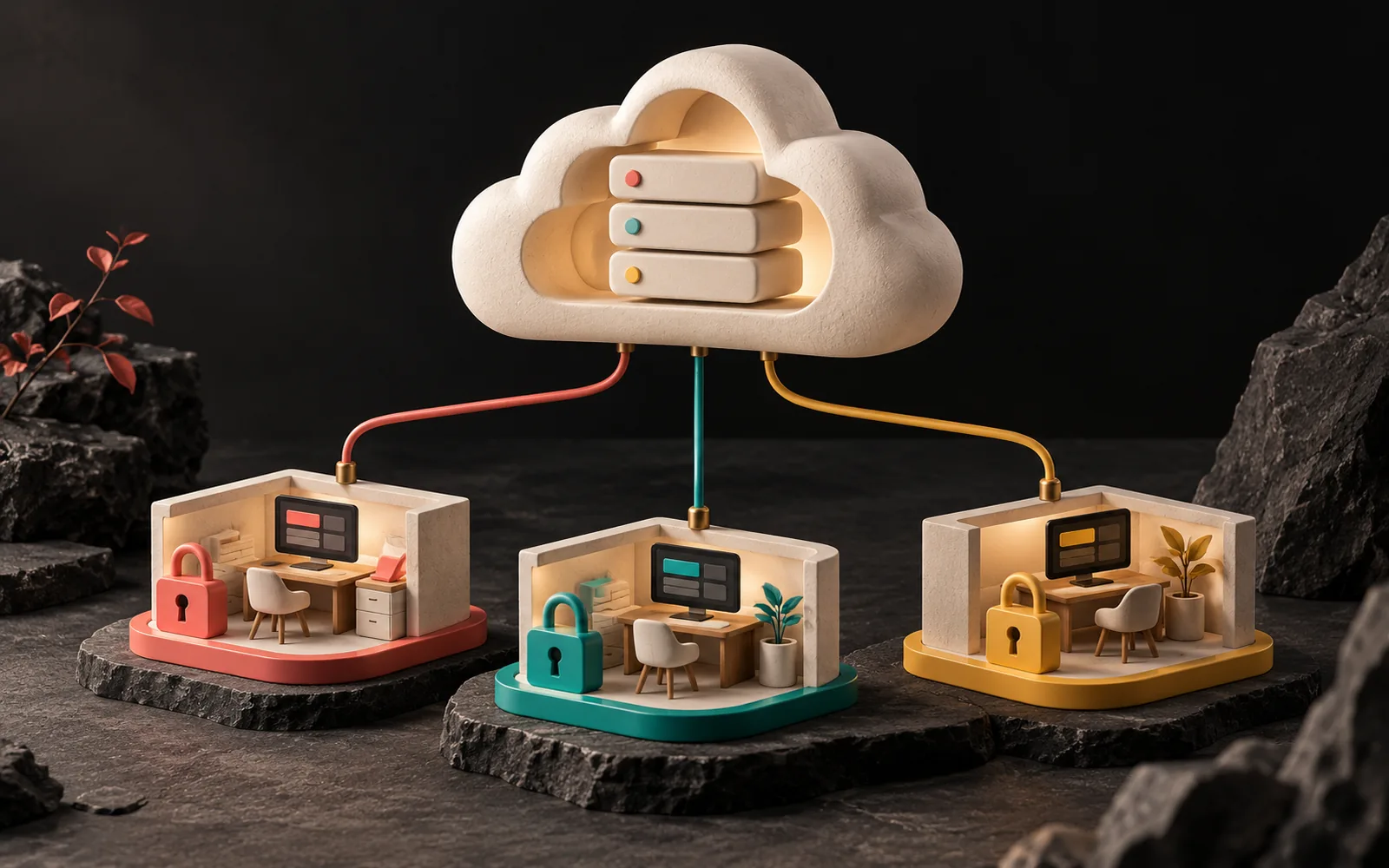
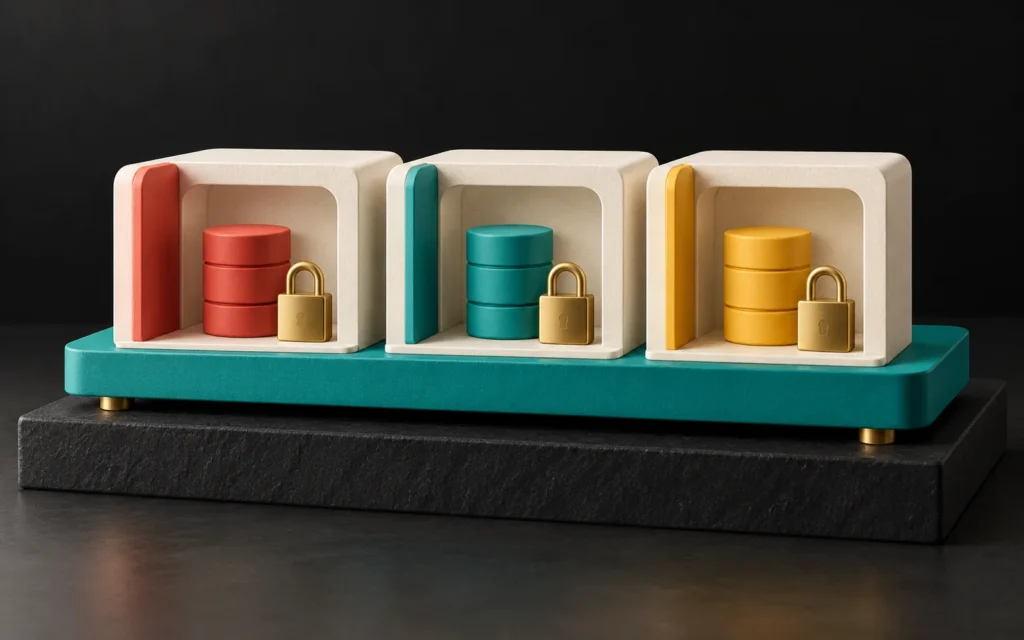
What makes SaaS economical is that the same software serves many customers at the same time. NIST describes this under the "resource pooling" characteristic: the provider's resources are pooled to serve multiple customers using a multi-tenant model.
For instance, think of an apartment building: the building, the elevator and the roof are shared, but each apartment has its own door and key. In SaaS, too, the software and infrastructure are shared, but each company's (tenant's) data must be kept separate from the others. A user from one company must never, under any circumstances, see another company's customer list. Therefore, how you build this separation is one of the most important technical decisions in a SaaS product.
The pros for your business
- Quick start: Instead of an installation project, you open an account and start using it.
- Low upfront cost: Instead of a large license or development fee, you pay a regular subscription.
- Continuous updates: New features and security fixes arrive without you having to install anything.
- Access from anywhere: In the office, in the field or at home, from any device with an internet connection.
- No infrastructure burden: Servers, backups and monitoring are the provider's responsibility.
What to watch out for
- Data ownership and export: Your data belongs to you, but ask from the start in what format you can get it back when you end your subscription.
- Vendor dependency: Pricing, features and the roadmap are the provider's decision. Have an exit plan in case the provider goes out of business.
- Limits on customization: A general SaaS product is designed not around your process but around an average customer. So if your process is very different, this is a limitation. We covered this comparison in our posts What Is Custom Software? and WordPress, Custom Software or Headless?
- Integration: Can it connect to the other systems you use, such as accounting, e-documents (e-invoices, e-waybills) and messaging? Does it have an API? (See What Is API Integration?)
- Data protection law and data location: In which country is your data processed, and which sub-services does the provider use? We explained the rules on transfers abroad under Turkey's Personal Data Protection Law (PDPL, Law No. 6698) in our post PDPL-Compliant Software Development.
- Access and permissions: Can you close an account immediately when an employee leaves, and limit who sees what?
General SaaS or industry-specific SaaS?
For needs that work the same way in every industry, such as accounting or email, general SaaS products usually work well. However, some industries have such distinctive workflows that a general CRM or job tracking tool only works with a lot of customization and manual work. Industry-specific (vertical) SaaS fills this gap: it knows the industry's language, concepts and work steps from the start.
Our own products, in fact, fall into this second group.
Our experience: AquaCRM and the Label Job Tracking Assistant
AquaCRM
AquaCRM is a subscription-based service management platform we developed for water treatment service companies. Subscriber companies manage customer and device tracking (with QR-coded device history), service records, field forms, periodic maintenance and filter replacement reminders, stock and quotes from one place. In addition, the platform can send automatic notifications with WhatsApp and SMS templates. Each subscriber company works in its own isolated data space. On the technical side, we use PHP 8.2, Laravel 12, MySQL and Tailwind.
Label Job Tracking Assistant
The Label Job Tracking Assistant is our product that provides job tracking from quote to invoice for roll label manufacturers. Online quotes and print approval, production queues, machine, die and cutter tracking, quality control, FSC traceability and shipping all come together in one place. It has dispatch note (irsaliye) integration with Paraşüt, a Turkish accounting platform. We developed it with Next.js 15, React 19, TypeScript and PostgreSQL 16, and it is currently in pilot use.
Key lessons
These were the issues we focused on most while building these two products:
- Speaking the industry's language. Concepts such as "filter replacement reminder," "die and cutter tracking" and "print approval" either don't exist in general software or have to be adapted by hand. The real value of industry-specific SaaS is putting these concepts at the center of the screens and the workflow.
- Data isolation from the start. In a multi-tenant architecture, keeping each company's data separate is not a feature to add later; it is the foundation of the architecture.
- Making integrations part of the flow. Connecting notifications to WhatsApp and SMS templates and dispatch notes to Paraşüt stops users from entering the same data twice.
- Starting with a pilot. We first took the Label Job Tracking Assistant into the field as a pilot; the product is maturing through use in real workflows.
We also bring the experience we gain from these products to the panel and SaaS projects we develop for our clients. For more on our products, see our Digital Products page.

6 questions to ask when choosing SaaS
- Can I export my data whenever I want, in a usable format?
- In which country and on what infrastructure is my data processed?
- Is there integration with the other systems I use (accounting, e-documents, messaging)?
- Do the user roles and permissions meet my needs?
- How is support provided; who do I contact, and how, when there's a problem?
- How are the subscription terms, price changes and contract termination handled?
Frequently asked questions
What is the difference between SaaS and custom software?
With SaaS, many companies use the same software by subscription; development and maintenance are the provider's job. Custom software, by contrast, is developed for you and shaped around your process. Industry-specific SaaS is an option in between: it knows your industry's workflow but comes with the convenience of a subscription.
Is my data safe with SaaS?
That depends on the measures the provider takes: data isolation, authorization, encryption, backups and access logs. Don't hesitate to ask the provider about these and about where your data is processed. On your side, review user accounts and permissions regularly too.
What happens to my data if I cancel my subscription?
The contract and terms of use set this. Before you subscribe, ask in what format and within what time frame your data can be exported, and when it will be deleted after the subscription ends.
I want to build my own SaaS product. Where should I start?
First, pick one concrete problem in one industry and define the smallest useful version that solves it. After that, keep in mind that multi-tenant architecture, data isolation, subscriptions and billing are architectural decisions, so plan them from the very start.
Conclusion
SaaS means using software as a service rather than buying it as a product. On the one hand, it offers a quick start and a low upfront cost; in return, it asks you to choose carefully on data ownership, dependency and integration. If your industry's workflow doesn't fit general packages, industry-specific SaaS or a panel built for you can be a good option. To explore our products, visit our Digital Products page; for your own SaaS idea, take a look at our Software and Digital Solutions page, or get in touch with us.
Sources3
- NIST SP 800-145, The NIST Definition of Cloud Computing (definitions of SaaS, PaaS, IaaS; resource pooling and the multi-tenant model). — accessed: 2026-10 nvlpubs.nist.gov
- NIST CSRC — SP 800-145 publication page (September 2011). — accessed: 2026-10 csrc.nist.gov
- Agile Alliance — Minimum Viable Product (MVP). — accessed: 2026-10 agilealliance.org