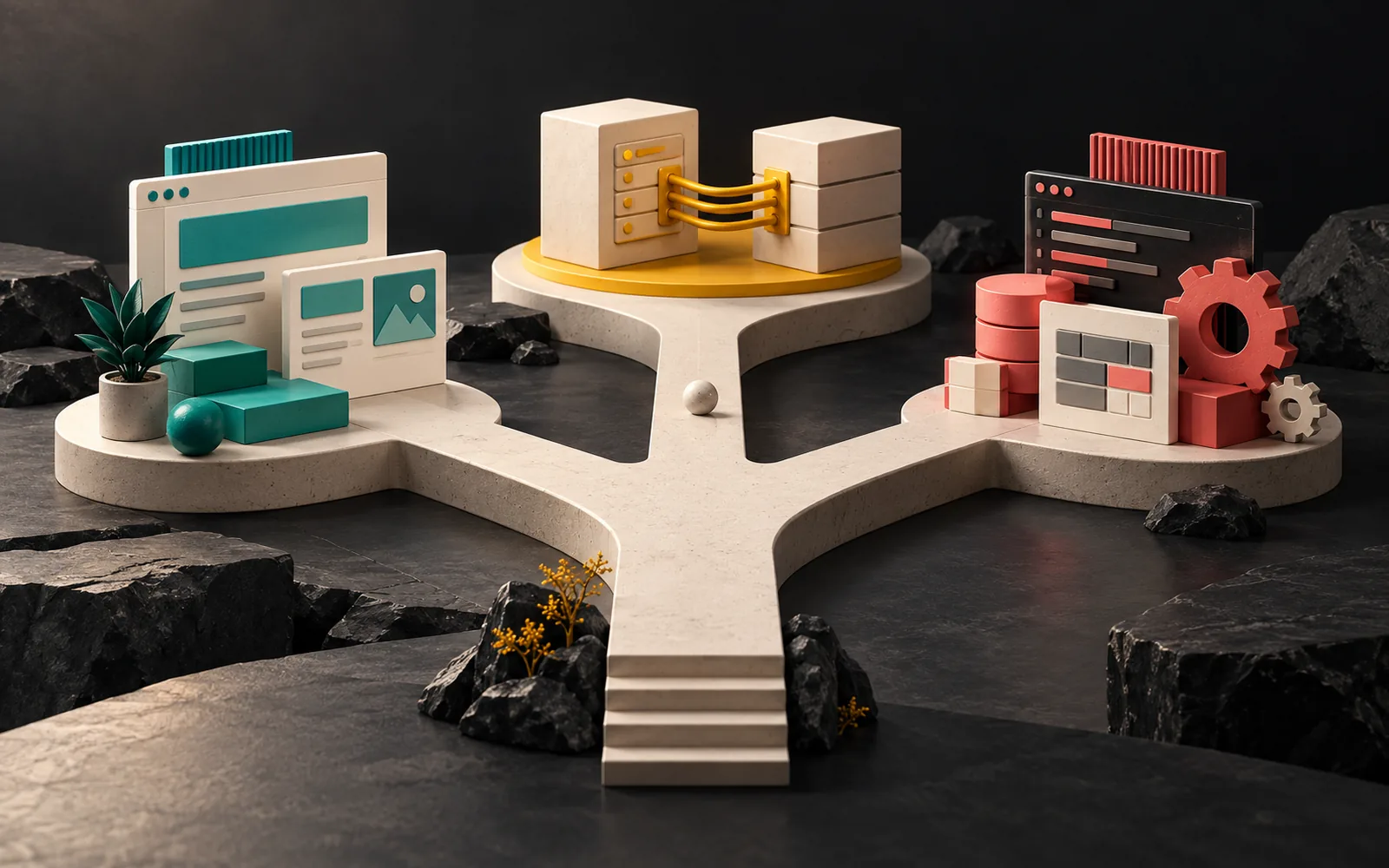
The short answer to "WordPress or custom software?" is this: if content is at the center of your project (a corporate site, a catalog, a blog, most e-commerce), WordPress is usually faster, more economical and easier to manage. If a business process is at the center (user accounts, workflows, reports, a multi-tenant platform), you need custom software. Headless sits between the two: it keeps the content in an admin panel such as WordPress and builds the front end as a separate application. The right choice depends as much on what you'll need in five years as on what you need today.
In short
- WordPress: fast, economical and easy to manage for content-heavy sites, with a large plugin ecosystem.
- Custom software: for applications with their own business processes, user roles and data model.
- Headless: separates the content panel from the front end; it adds flexibility but means maintaining two separate systems.
- Decision criteria: what the project centers on (content or process), integrations, number of users and their roles, budget and maintenance team.
- For many businesses, the right answer is "both": the marketing site on WordPress, the business application as custom software.
WordPress or custom software? A quick look at the three paths
WordPress
WordPress is an open-source content management system (licensed under GPLv2 or later). According to W3Techs data, as of 1 April 2026, 42.5% of all websites and 59.8% of websites whose content management system is known use WordPress. This reach means a large ecosystem of plugins and themes, developers who are easy to find and ready-made hosting support at most providers.
In particular, WordPress is strong on content: pages, posts, products, projects, multilingual setups. Page builders (for example, Elementor) add design flexibility, and WooCommerce turns it into an online store.
Custom software
Custom software is an application built from scratch around a business's processes, usually on top of a framework. The developers design the data model, user roles, workflows and screens for that specific business. We explained the concept and how it differs from off-the-shelf packages in our post What is custom software, and the factors that determine its cost in custom software cost.
Headless (decoupled) architecture
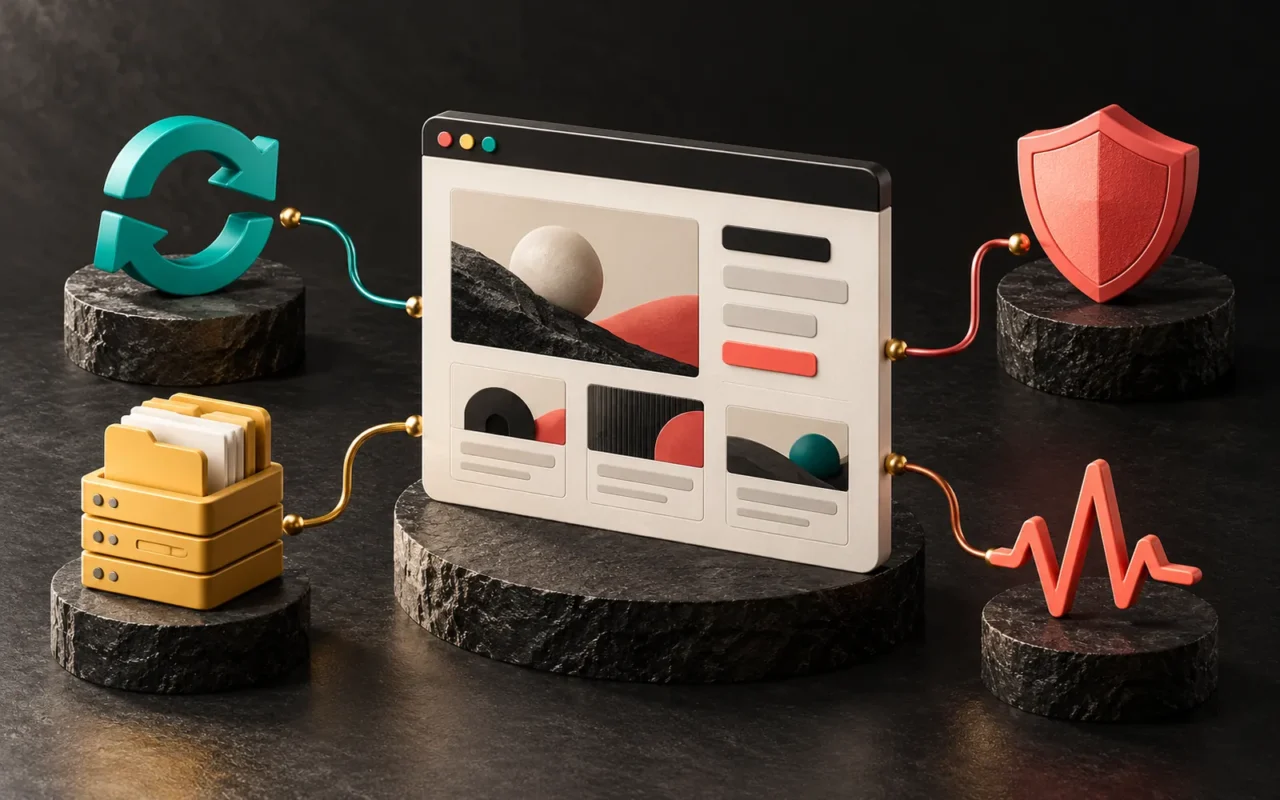
A headless setup separates content management (the back end) from the front end that visitors see. Editors enter content in an admin panel such as WordPress. The front end, meanwhile, is a separate application that pulls this content through an API. Since version 4.7 (December 2016), WordPress has offered REST API endpoints in its core for posts, pages, users and settings. Headless WordPress builds on this foundation. We explained the split between front end and back end in frontend vs. backend, and the API concept in API integration.

Decision table: which one, when?
| Criterion | WordPress | Headless | Custom software |
|---|---|---|---|
| Center of the project | Content (pages, posts, products) | Content + a custom front-end experience | Business process and data |
| Typical example | Corporate site, catalog, blog, WooCommerce store | Multichannel content (web + mobile app), a highly customized interface | CRM, job tracking system, subscription platform (SaaS), customer portal |
| Initial development time and cost | Lowest | Medium to high | Highest |
| Editor experience | Ready-made and familiar | Panel is ready; preview and page editing take extra work | Whatever was built |
| Plugin ecosystem | Fully usable | Most plugins that affect the front end don't work directly | None; the team develops every feature |
| User roles and workflows | Simple to moderate | Simple to moderate | Unlimited, tailored to the business |
| Maintenance burden | Core, theme and plugin updates | Maintaining two separate systems | A permanent development team |
| Who can manage it? | A large pool of agencies and developers | A team that knows both WordPress and modern front ends | The team that built or took over the software |
Choose WordPress if…
- Your site's main job is to present your brand, services and products.
- Your team will update the content regularly.
- A blog, SEO and a multilingual setup matter.
- Your budget and timeline are limited and you want to launch quickly.
- A standard cart and checkout flow is enough for your e-commerce. We compared the options in our post on e-commerce platforms.
Choose custom software if…
- You are building a system where users log in and work with their own data.
- You need to turn a process specific to your business (quotes, production, service, approvals) into screens.
- You are planning a platform (SaaS) where several companies use the same system, each with its own isolated data.
- You need deep integration with accounting, messaging or production systems.
- A WordPress site "patched together" with plugins has started breaking with every update.
Consider headless if…
- You will also use the same content in a mobile app or other channels alongside the website.
- You want an app-like experience on the front end that goes beyond the limits of a theme or page builder.
- You have permanent access to a team that knows both WordPress and modern front-end technologies.
For most corporate sites, headless is more complex than necessary. It adds flexibility, but you have to host, update and keep two separate systems compatible with each other. Moreover, you have to set up many things that come ready-made in classic WordPress separately, such as page previews, forms and SEO plugins.
Common misconceptions
"WordPress is only for blogs." WordPress started as a blog, but today it is a common platform for corporate sites, catalogs and online stores. Its limit is that it is a content system, not that it isn't a business application.
"Custom software is always more secure." Security depends less on the type of software than on how the team built it and how regularly they maintain it. For example, an up-to-date WordPress site can be more secure than custom software that nobody maintains. We discussed the risks in inherited software in our post on taking over existing software.
"Anything built with WordPress is cheap." WordPress itself is free, but custom design, integrations, paid plugins and regular maintenance require a budget. Even so, for content-focused projects, the total cost is usually clearly lower than custom software.
"If I move to custom software, I'll have to rebuild everything from scratch." You don't. For most businesses, a healthy setup is keeping the marketing site on WordPress and developing the business application separately as custom software.
Does AI change this decision?
AI-assisted coding tools are speeding up both WordPress development and custom software development. However, they don't change the basis of the decision: writing a content-focused project from scratch, even with AI help, brings more maintenance burden than using a mature content management system. After all, every line of code you write is a responsibility that you have to update and secure for years.
On the WordPress side, work on AI integration is also underway. WordPress 6.9, released in December 2025, introduced the Abilities API, which describes what a site can do in a standard, machine-readable format. WordPress presented it as the foundation that will let AI-powered automations work with WordPress sites in a more structured way in the future.
Our experience
We make this decision anew on every project, and the outcome usually depends on what the project centers on.
WordPress for corporate sites: We build the vast majority of our client websites on WordPress. Tuğra Karot, B2K Printing & Packaging, Bağçepark and Global Basım are some of them. We built a bilingual corporate site for B2K, a structure with a product catalog and on-site survey requests for Bağçepark, and a WooCommerce-based online store for Juliette Artisan Chocolatier. In these projects, content and communication with customers are at the center of the need. As a result, WordPress delivers that quickly and in a manageable way.
Custom software for business processes: AquaCRM is a subscription-based service management platform we developed for water treatment service companies. It includes customer and device tracking (device history via QR codes), service records, field forms, periodic maintenance and filter replacement reminders, inventory, quotes and WhatsApp/SMS notifications. Each subscribing company works in its own isolated data space. Clearly, none of these needs fits a content management system. We built AquaCRM with PHP 8.2, Laravel 12, MySQL and Tailwind.
The Label Job Tracking Assistant is a similar example: quote-to-invoice job tracking for roll label manufacturers, production queues, machine and die tracking, quality control and integration with Paraşüt for delivery notes. We built it with Next.js 15, React 19, TypeScript and PostgreSQL 16, and it is currently in pilot use.
In short, we use both paths in the same studio. For us, the right approach is to fit the technology to the project, not the project to the technology.
Frequently asked questions
Is WordPress enough for a large company?
The size of a corporate site is usually not the issue. WordPress can work with many pages, languages and editors. What decides it is whether the site is a content site or a business application. Large companies, too, can have their marketing site on WordPress and their internal systems in separate software.
Can I start with WordPress and move to custom software later?
Yes, and it is often a sensible path. While the content site stays on WordPress, you can develop parts such as a customer portal or a job tracking system as separate custom software when the need arises, and connect them through APIs. What matters is choosing the right time for this move, rather than trying to turn WordPress into a business application with plugins.
Is headless WordPress faster?
It can be, but it isn't fast by default. It depends on how the team builds the front end, where they host it and how they set up caching. A well-optimized classic WordPress site can also reach good performance scores. For most corporate sites, choosing headless just for speed isn't worth the extra complexity it brings.
Who owns the source code of custom software?
The contract determines this, so you should settle it before the project starts. Put it all in writing: whether the developer will deliver the source code, who will hold the server and domain name access and how maintenance will continue. On a ready-made subscription platform, by contrast, the software belongs to the platform owner; you only get the right to use it.
Conclusion
WordPress, custom software and headless are not rivals but answers to different needs. For a content-focused project, WordPress is often the most balanced choice. If you have processes, users and data specific to your business, you need custom software. Finally, headless creates value for specific, well-defined needs.
If you'd like to work out together which path is right for your project, take a look at our WordPress development and software and digital solutions pages, see our own products on the digital products page, or get in touch with us.
Sources6
- W3Techs — Historical trends in the usage statistics of content management systems (monthly, value for 1 April 2026) w3techs.com
- W3Techs — Market share trends for content management systems (monthly, value for 1 April 2026) w3techs.com
- WordPress.org — License (GPLv2 or later) wordpress.org
- WordPress.org News — WordPress 4.7 "Vaughan" (REST API content endpoints) wordpress.org
- WordPress Developer Resources — REST API Handbook developer.wordpress.org
- WordPress.org News — WordPress 6.9 "Gene" (2 December 2025, Abilities API) wordpress.org